14 Basic operation
Basic operation
Basic operation ............................ 14
Tone settings ............................... 17
Volume settings ........................... 17
System settings ........................... 18
Basic operation
The display of the Infotainment
system has a touch-sensitive surface
that allows direct interaction with the
displayed menu controls.
Caution
Do not use pointed or hard items
like ballpoint pens, pencils or
similar for touch screen operation.
Menu operation
Selecting or activating a screen
button or menu item
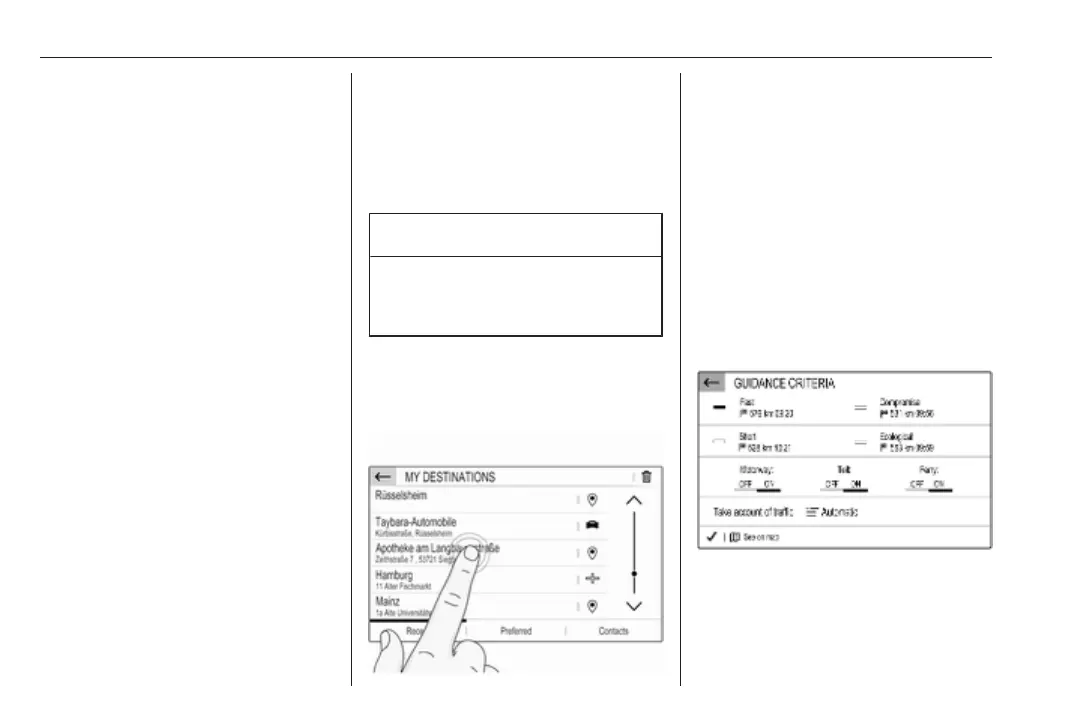
Touch a screen button or menu item.
Note
Most icons displayed in a menu, like
e or d in the illustrated example,
serve as screen buttons that initiate
certain actions if you touch them.
The corresponding system function is
activated, a message is shown, or a
submenu with further options is
displayed.
Ù and G screen buttons
When operating the menus, touch
Ù in the respective submenu to
return to the next higher menu level.



 To Next Page