110 Instruments and controls
Trip computer
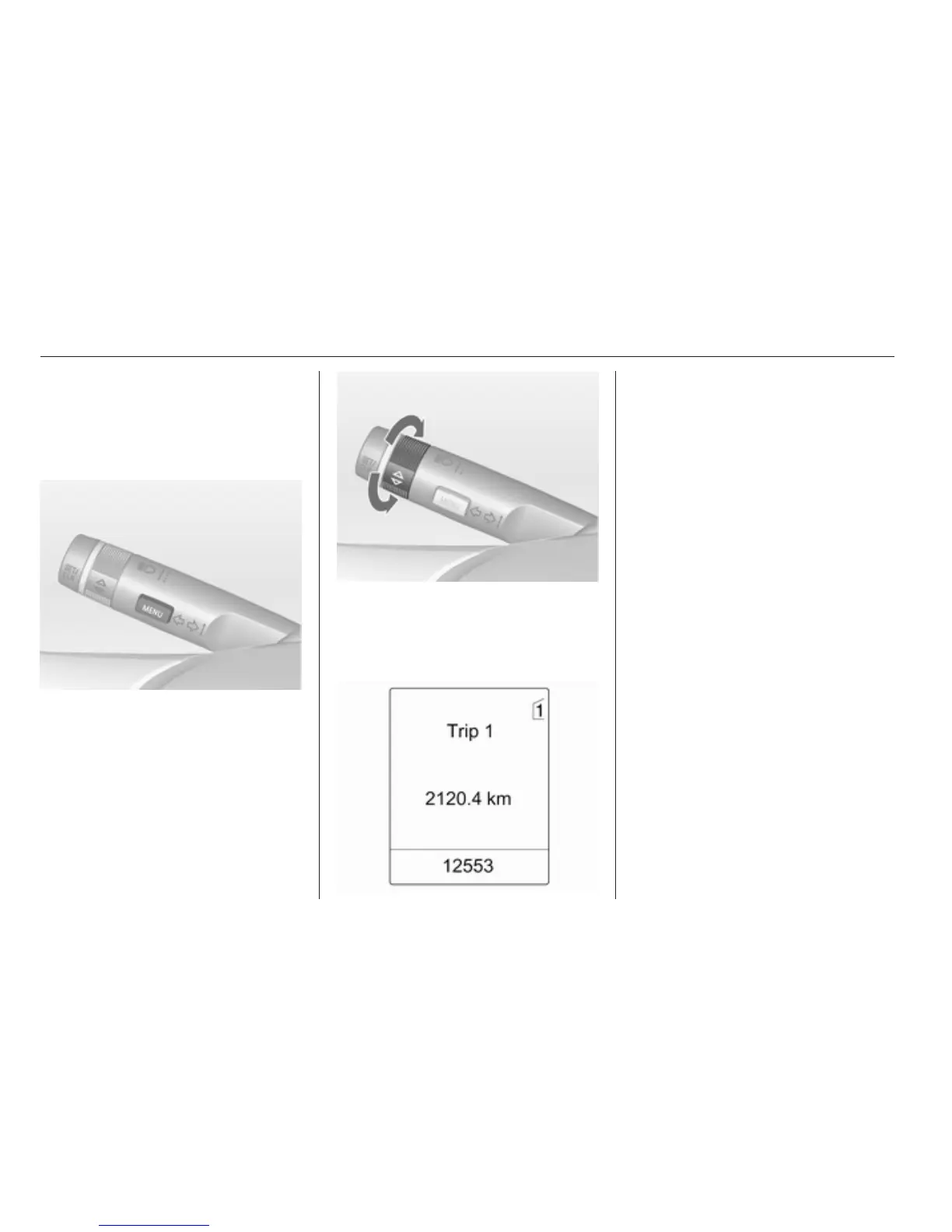
The menus and functions can be
selected via the buttons on the turn
signal lever 3 98.
Press the MENU button to select the
Trip/Fuel Information Menu, or select
W on the Uplevel-Combi-Display.
Trip/Fuel Information Menu on
Uplevel-Display
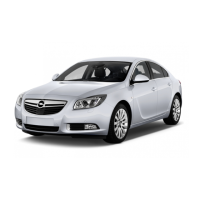
Turn the adjuster wheel to select one
of the submenus:
■ Trip odometer 1
■ Trip odometer 2
■ Range
■ Average consumption
■ Instantaneous consumption
■ Average speed
■ Digital speed
■ Traffic sign assistant
■ Route guidance
Trip/Fuel Information Menu on
Uplevel-Combi-Display
Turn the adjuster wheel to select the
submenus:





 To Next Page