OPENTRONS FLEX
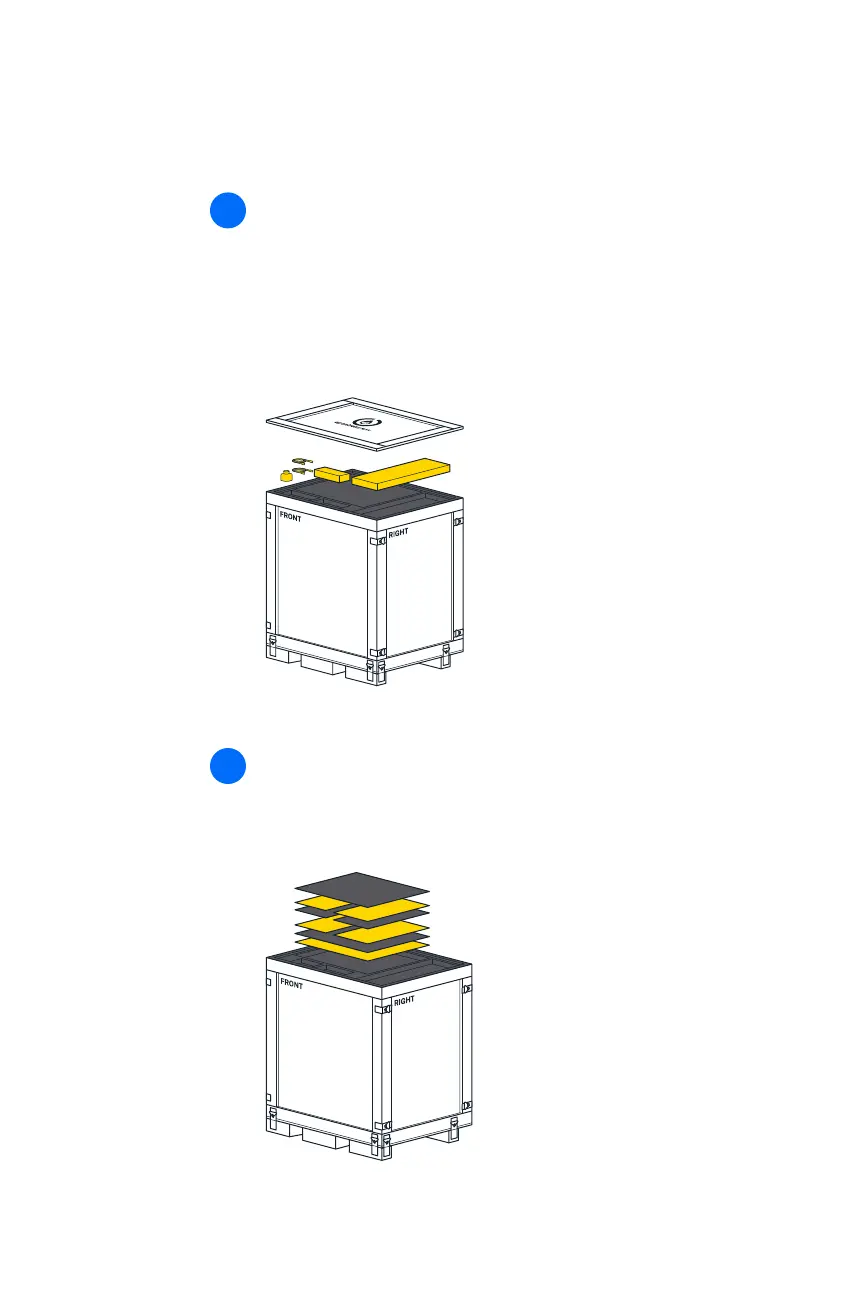
Cut open the blue shipping bag, remove these items from the
padding, and set them aside:
◾ User Kit
◾ Power, Ethernet, and USB cables
◾ Emergency Stop Pendant
2
Remove the top piece of foam padding to expose the window
panels. Remove the window panels and set them aside. You’ll
attach these later.
3


 To Next Page