OPENTRONS FLEX
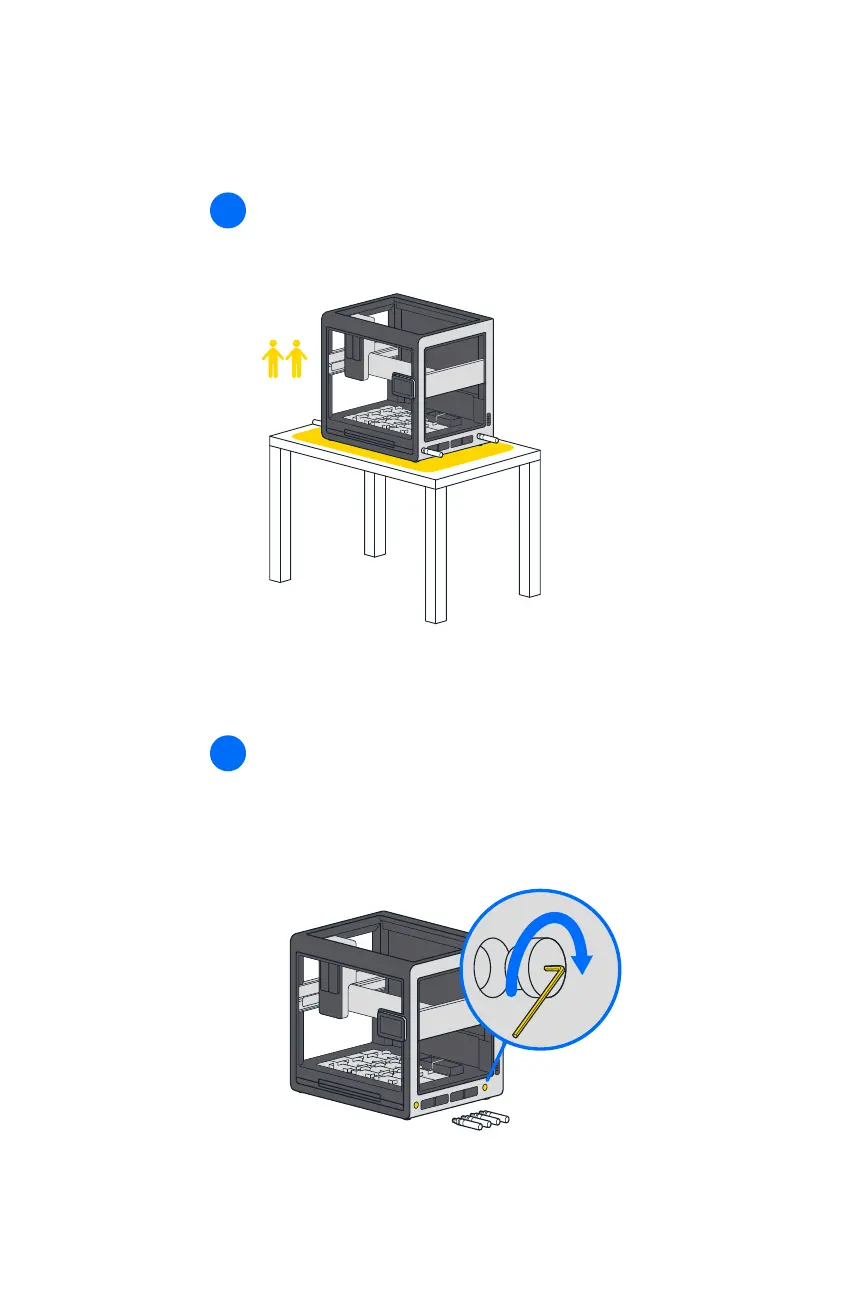
With help from your lab partner, lift the Flex by its carrying
handles and move it to a workbench for nal assembly.
10
FINAL ASSEMBLY AND POWER ON
After moving the robot, remove the carrying handles and replace
them with the nishing caps. The caps close the handle openings
in the frame and give the robot a clean appearance. Return the
handles to the User Kit for storage.
11


 To Next Page