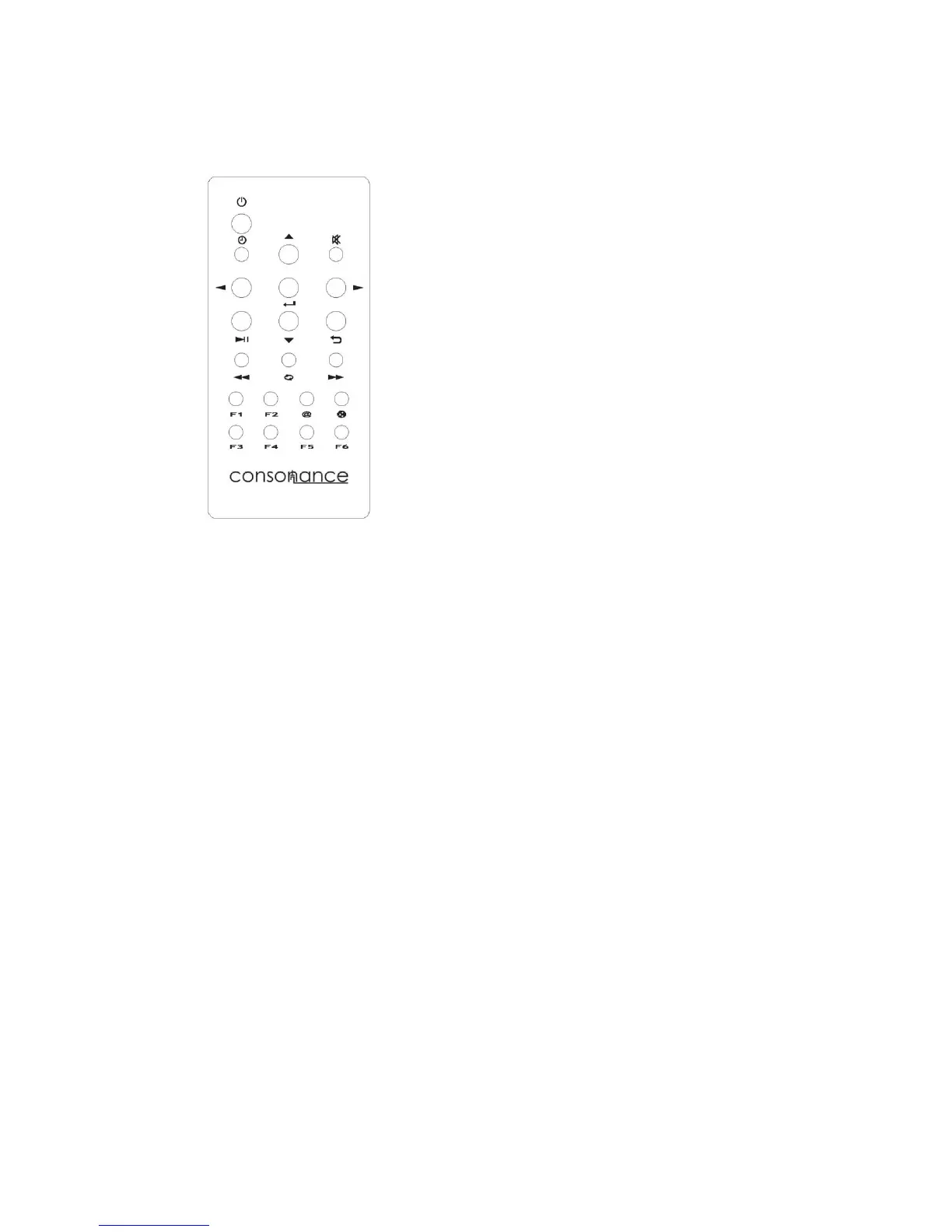
IR remote control shortcut function
F1: Screen Brightness adjustment;
F2: DirectDSD - Skip the DAC digital filter. The volume control will be blocked;
F3: Enter the DAC mode;
F4: Show the cover picture on the screen
F6: Enter the local USB mode
@:Enter the internet radio;
DLNA(Besides the @): Enter the DLNA mode



 To Next Page