Single file repeat
Folder files repeat
No repeat
Random play
Sequence
3. File name
4. Play time
Press the Time button on the remote control to switch to the current remaining
time.
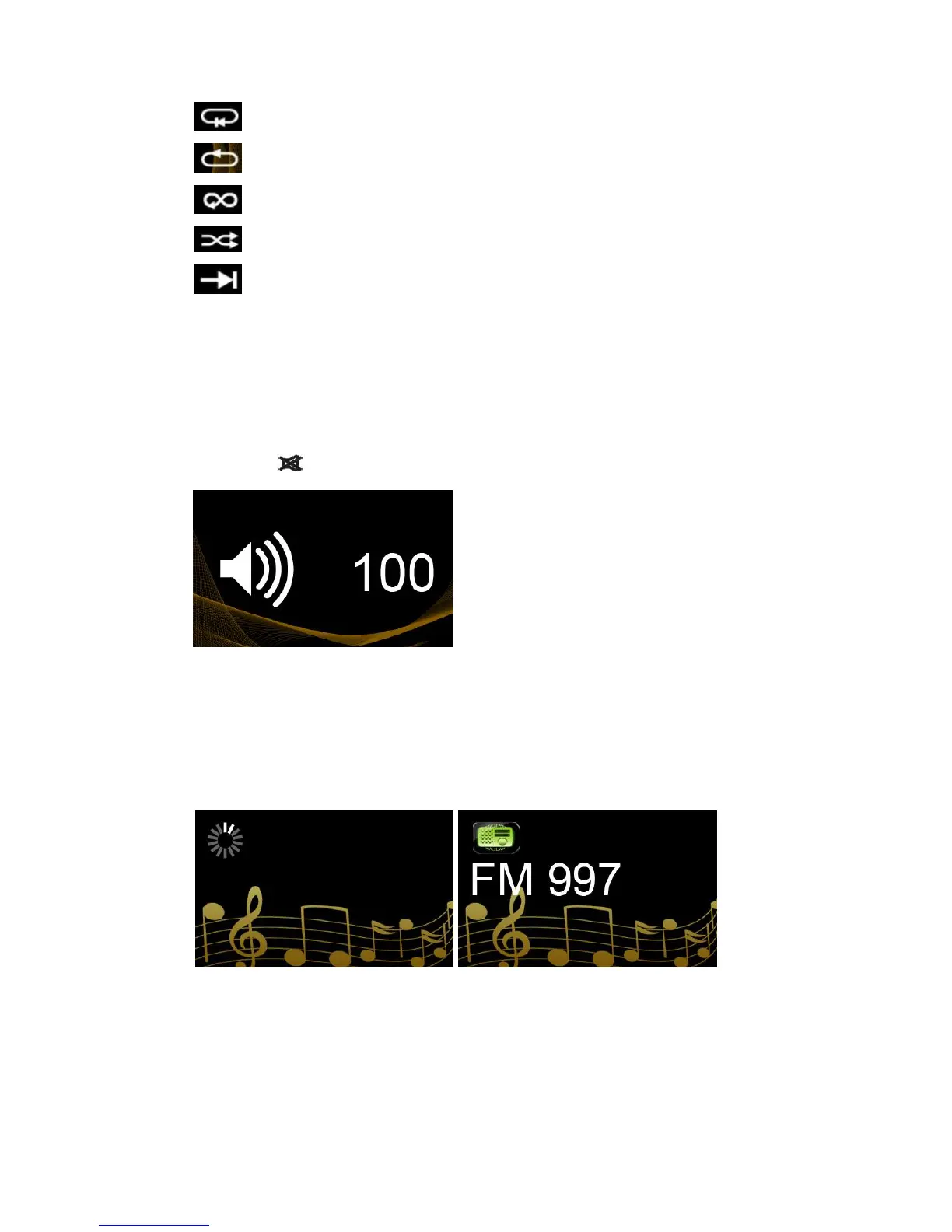
During operation, rotate the multifunction knob or V+/V- to control the volume.
Press the on the remote control for Mute
Internet Radio
There are some pre-programmed internet radio stations already in the FIGARO
Rotate the multifunction knob or press the buttons on the remote control to play.
After a few seconds of buffering time the internet radio selection will begin play.
The iRadio list can be updated through firmware upgrade.



 To Next Page