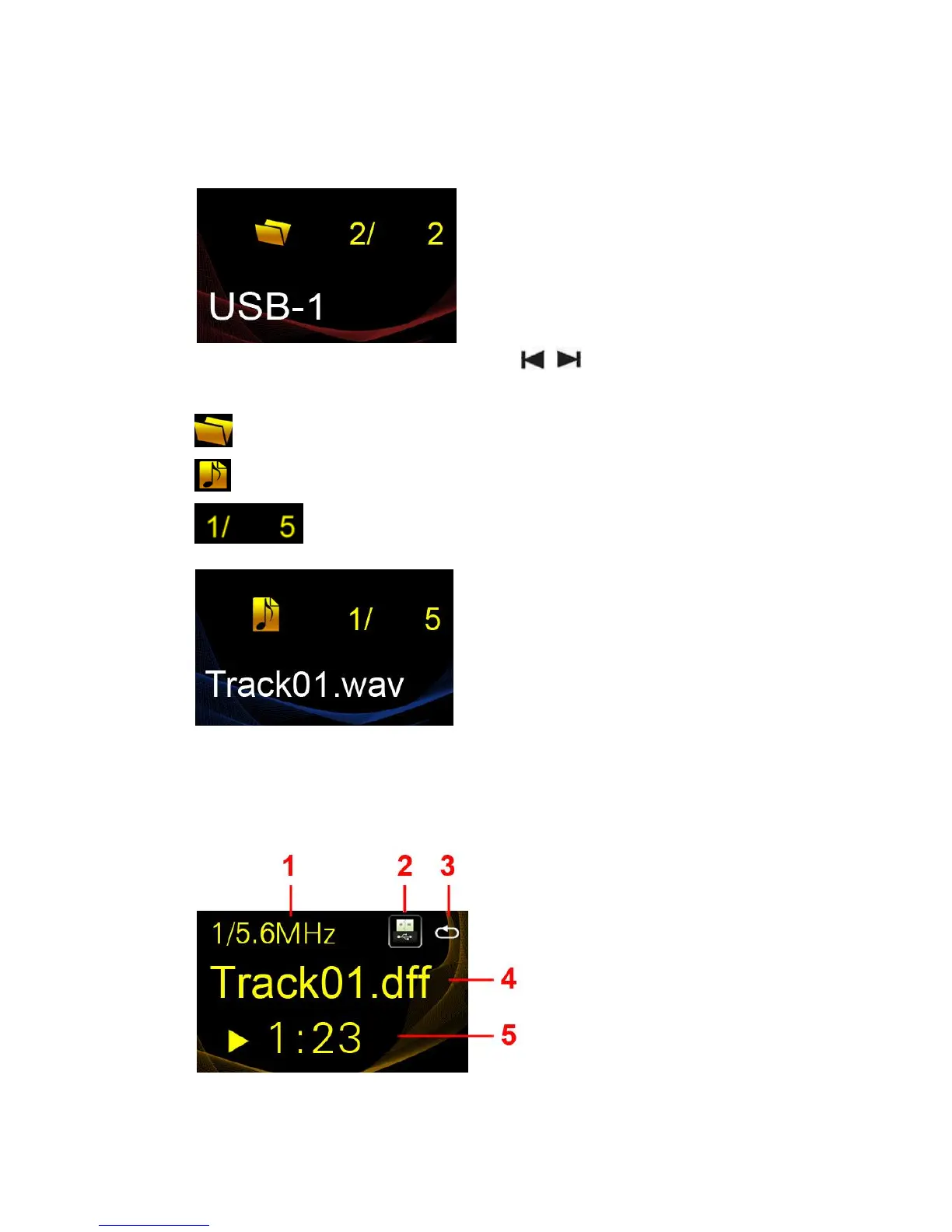
Note: If you switch out any USB storage device, please restart the player.
If it is a hard disk, there are USB-1 and USB-2.
Rotate the multifunction knob or press the buttons on the remote
control to choose the folders.
Means the current selection is a folder
Means the current selection is a music file.
Means the file or folder number is in its current selection.
Press the multifunction knob or OK button to play the music.
Descriptions for playing interface
1. Bit rate
2. Play mode



 To Next Page