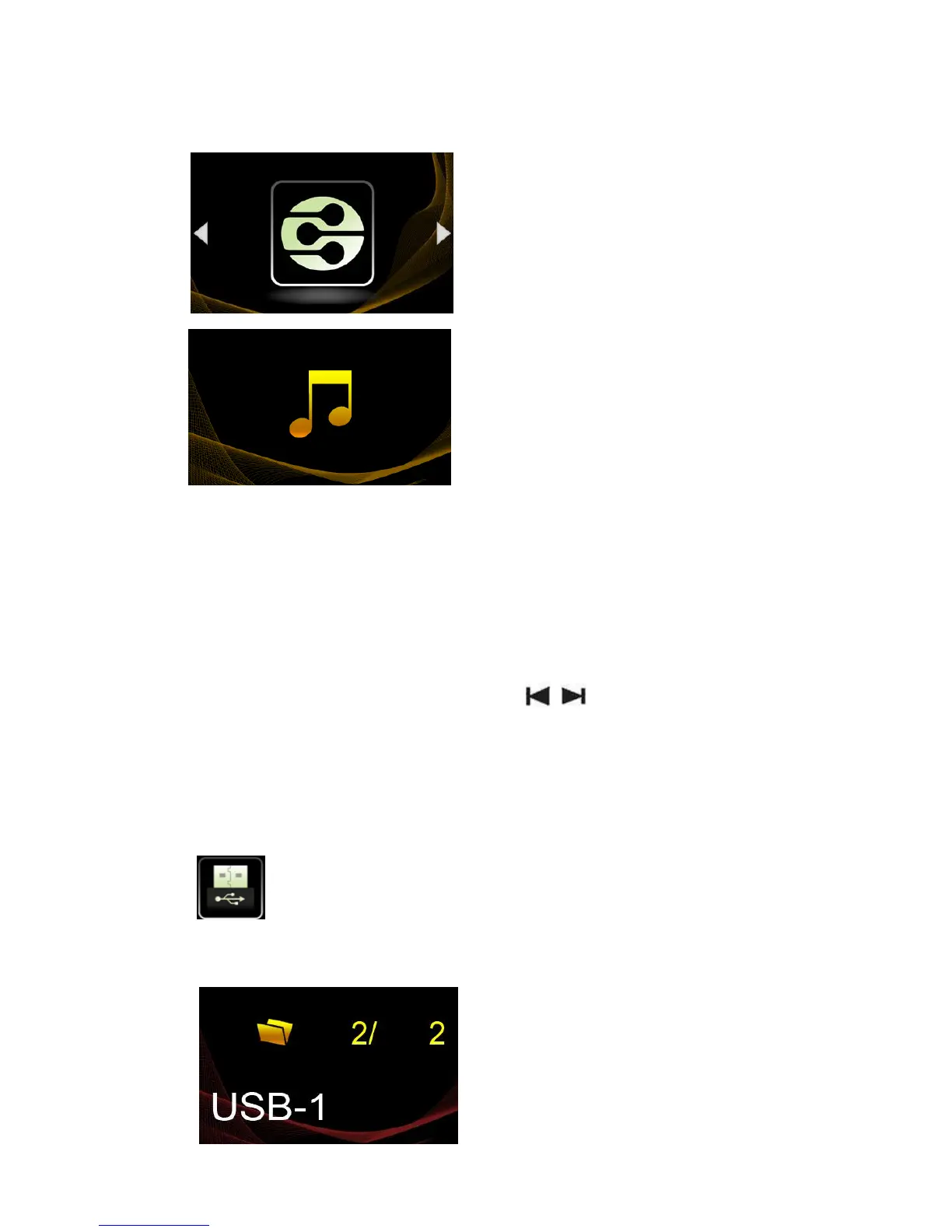
DLNA Play Mode
Press the multifunction knob or press OK on
the remote control. Enter the DLNA mode.
DLNA Playing interface.
We recommend that all songs are controlled by phone or Pad, this provides the
best sound quality.
Press EXIT on the remote control or press the multifunction knob to quit the
normal mode.
The remote control will be useful even without Apple/Android devices.
Control the FIGARO by rotating the multifunction knob or using the
remote control
Rotate the multifunction knob or press the
buttons on the remote control to scan for options.
Press the multifunction knob or press OK on the remote control to choose.
If you want to leave the current menu, press the multifunction knob for at least
2 seconds and release or press EXIT on the remote control.
Enter to the USB storage play function.
The screen will show:
USB device
USB storage device



 To Next Page