5
UsingYourHeadphones
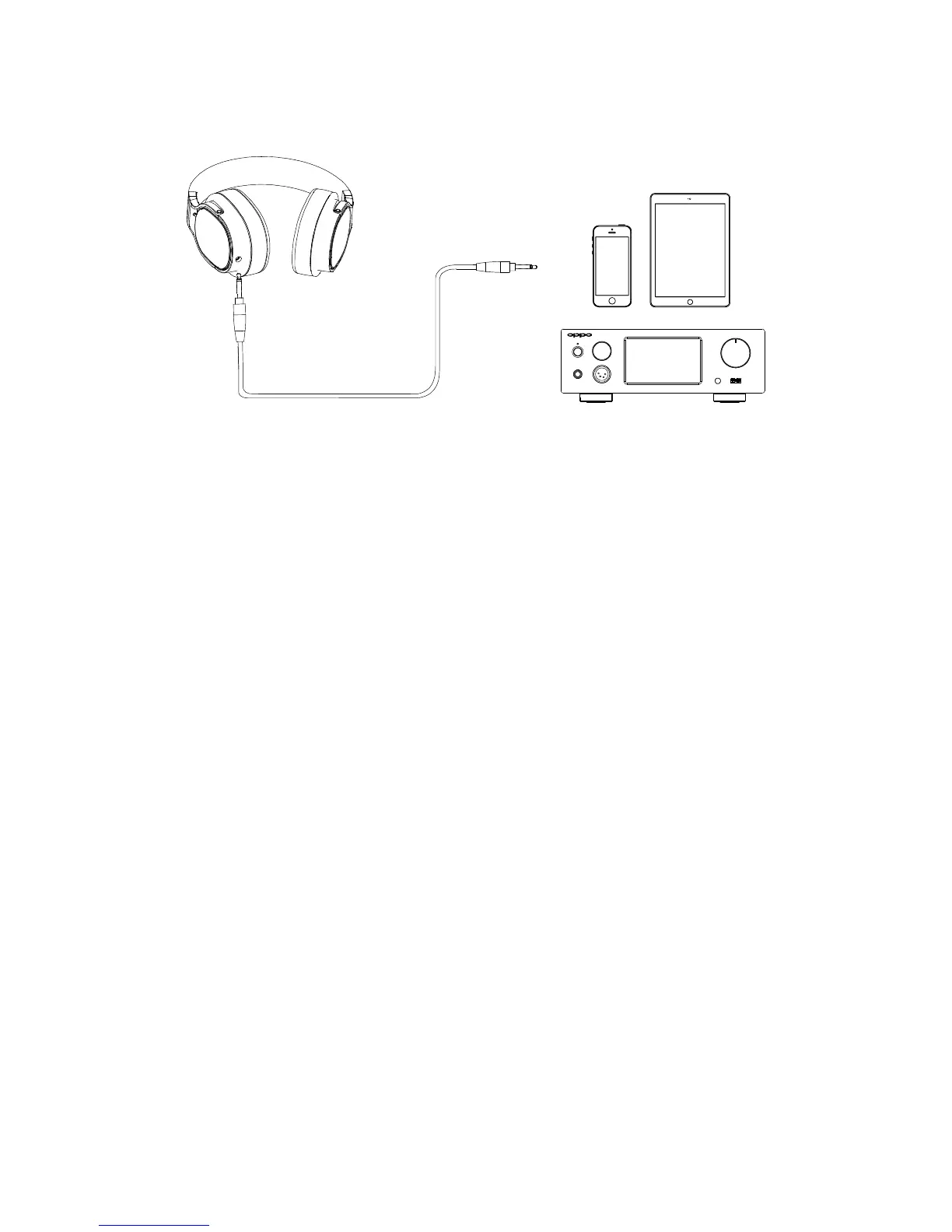
TwoheadphonecableshavebeenincludedwithyourOPPOPM‐3.
The3metermaincableterminateswitha3.5mmconnectorandascrew‐on6.35
mmadapter.ItissuitableforconnectingthePM‐3toaheadphoneamplifier,AV
receiver,orintegratedamplifier.Thescrew‐on6.35mm
adaptercanberemoved
ifnecessary.
The 1.2 meter portable cable terminates with a 3.5 mm plug. It can be used to
connectthePM‐3toaportablemediaplayer,cellphone,tablet,orothermobile
device.
Depending on the type of portable cable that you choose when you
order the
headphones,thecablemayhavenoinlinemicand remotecontrol,orhaveamic
and remote control for Apple devices, or have a mic and remote control for
Androiddevices.
For the portable cable with a mic and remote control for Apple devices, the
buttonsworkthesamewayasbuttonsontheoriginalAppleEarPods.Youcanuse
the buttons to answer phone calls, start or stop music playback, or skip music
tracks. Please refer to your Apple device’s user manual for details of these
functions.
For the portable cable with a mic and remote control for
Android devices, the
center button allows you toanswer or end a call. Additionaloperations, such as
double‐clickorpress‐and‐hold,maybepossibledependingonyourmobiledevice.
Pleaseconsulttheusermanualofyourmobiledevicefordetails.



 To Next Page