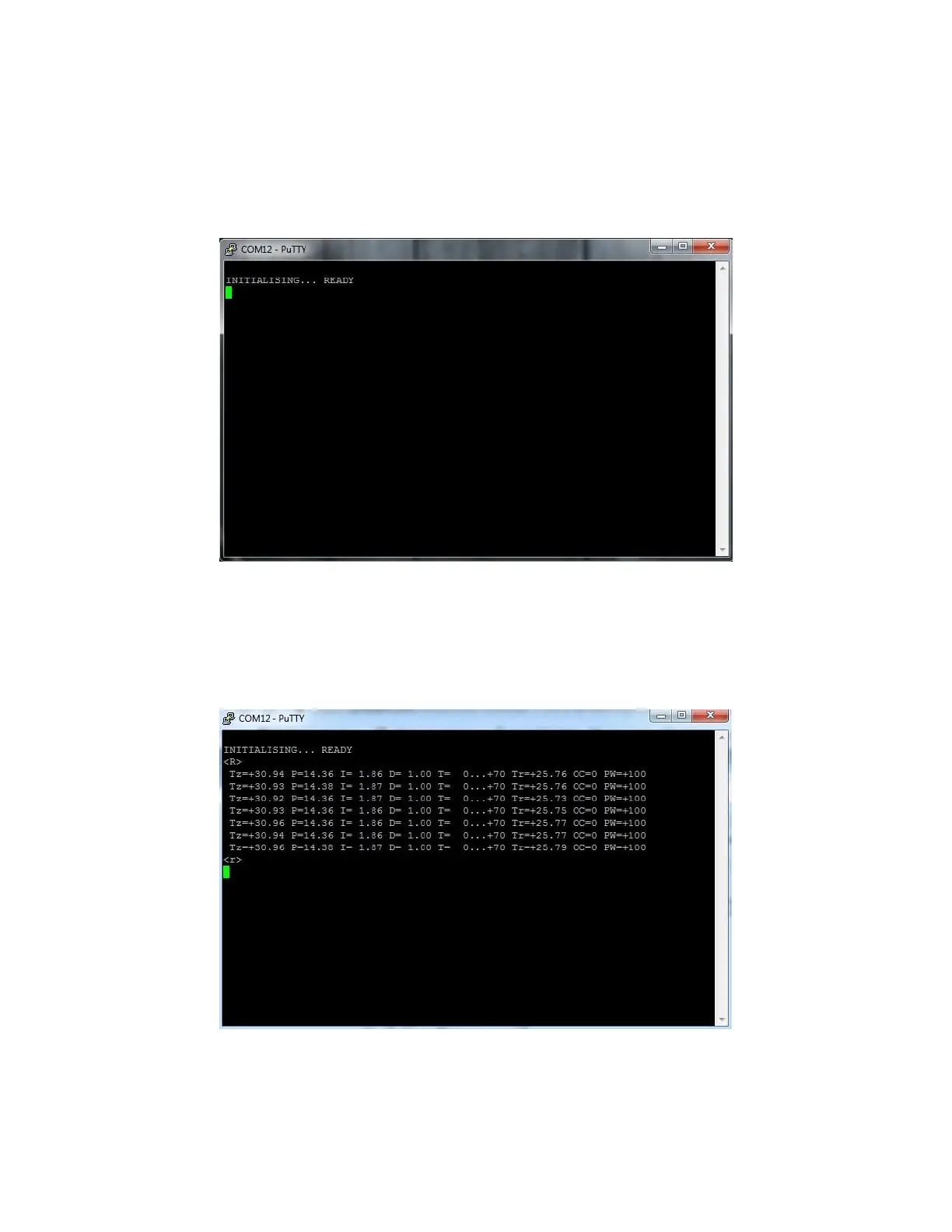
4. After setting up the session parameters click the Open button. The terminal
window will show up. If you want to make sure TEC 8A-24V-PID is connected
properly you can reset the device. Simply disconnect it from the power
supply and after couple seconds connect again. You will receive initialization
info from the device (shown below).
5. Now we are able to send commands to the device. Single byte commands
can be send by hand. Type R
and after couple of seconds type r
.
6. To send a configuration command you should write it first in any text editor,
copy it and press the right mouse button on the terminal window. This is an



 To Next Page