Optelec Compact
+
HD
Using the Compact
+
HD with or without the handle
The Compact
+
HD is ideal to quickly scan and view objects or documents and
has a collapsible, swing-out handgrip, giving you the feeling that you are using
a regular magnifying glass. Simply rotate the handle clockwise, located on the
underside, to release it and swing it out to snap in place. The collapsible handle
gives you additional support and control for optimal reading comfort.
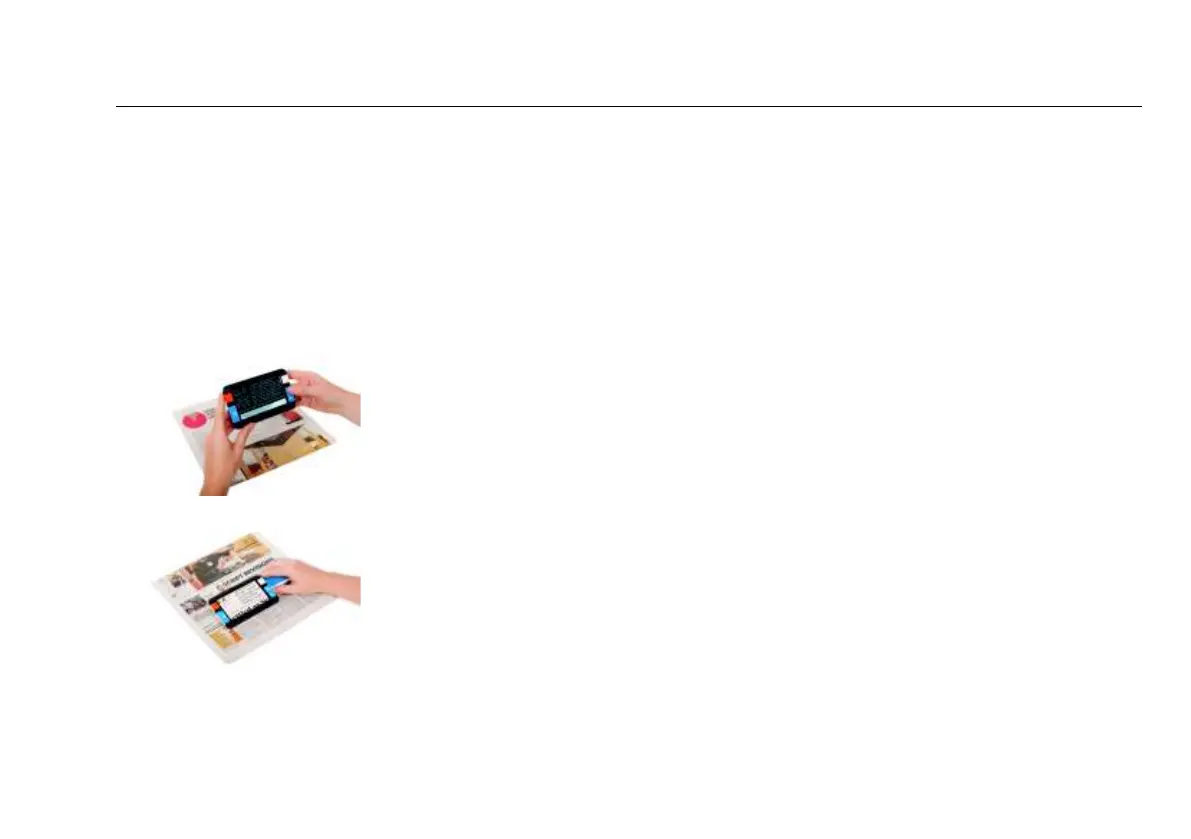
With the handle closed, you can use the Compact
+
HD to
quickly scan and view objects or documents.
With the handle opened, place the Compact
+
HD on the
object or text you wish to view or read, and grip the handle
to easily move the Compact
+
HD over the object or
document.
Cleaning the mirror
For an optimal quality image, it is recommended to ensure that the mirror is
kept clean. A dirty mirror will result in a fuzzy image. To clean the mirror, use
the included cleaning cloth or another soft cleaning cloth.















 To Next Page