EasyManua.ls Logo

opticis OP-HDWX-100-TR - User Manual

opticis OP-HDWX-100-TR
18 pages
Print Icon
To Next Page IconTo Next Page
Loading...
- 1 -
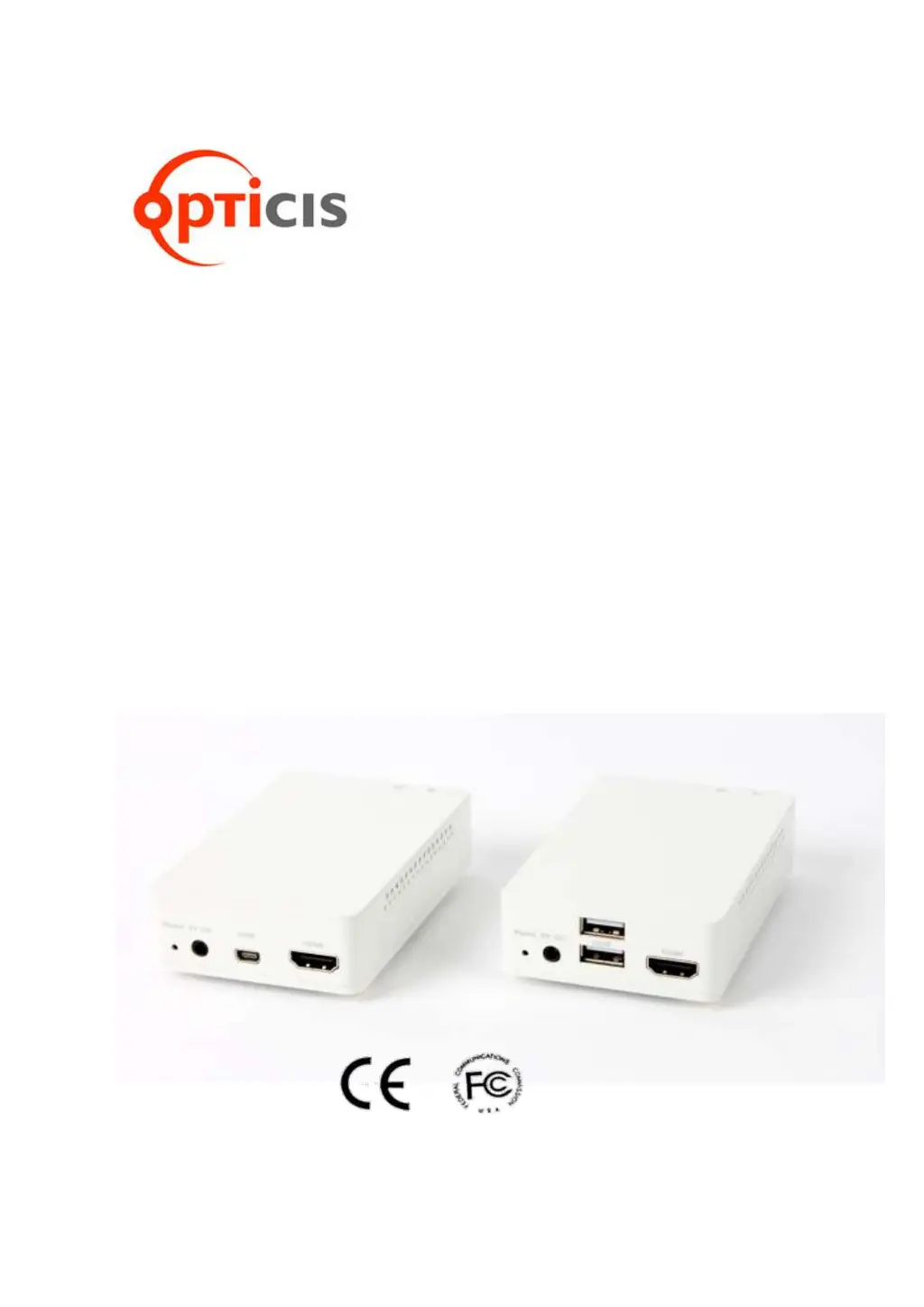
Wireless HDMI Extender, HDWX-100-TR
User’s Manual
Doc No. : OE-HW150102 / Rev2.0
WWW.OPTICIS.COM
Ver. 2.0

Questions and Answers

  • M
    michellefloresAug 11, 2025
    What to do if there is no video on the Opticis Extender display?
    • M
      Matthew MedinaAug 11, 2025
      If there is no video on the display, wait a few seconds for the system to boot. After applying power, the Power and Wireless status LEDs should turn blue. Check all cable connections and reset the power of all TX and RX units by re-plugging the power adapter.
  • R
    Robert HernandezAug 15, 2025
    Why does the Opticis Extender video freeze or collapse, showing a mosaic pattern or jitter?
    • R
      rturnerAug 15, 2025
      The video freezing, collapsing, showing a mosaic pattern, or jittering is caused by network connectivity issues. Check your network connectivity, verify the distance between the RX and TX units, and ensure there are no metallic obstacles. Try changing the position of the antennas or switching the wireless channel.
  • S
    Susan BeckAug 20, 2025
    What does "Wi-Fi time out" or "Off" message on opticis OP-HDWX-100-TR Extender display mean?
    • M
      Michael RodriguezAug 20, 2025
      A "Wi-Fi time out" or "Off" message on the display indicates a failure of the wireless network or the necessity of pairing between the TX and RX units. Check the environment of your room and re-plug the power adapter. Also, check the distance between the RX and TX, avoiding metallic obstacles. Check and retry connections in the GUI connectivity menu.
  • C
    Carmen WashingtonAug 26, 2025
    What to do if abnormal operation occurs in playing audio/video or USB KVM on Opticis Extender?
    • M
      Monica HubbardAug 26, 2025
      If abnormal operation occurs while playing audio/video or using USB KVM, reset the power of all TX and RX units by re-plugging the power adapter.
  • A
    Austin Anderson Jr.Aug 30, 2025
    What to do if after changing source resolution, no video on opticis OP-HDWX-100-TR Extender display?
    • D
      David FernandezAug 30, 2025
      If there is no video on the display after changing the source resolution, wait several seconds for the EDID negotiation to complete.
  • J
    Julie WilkinsSep 4, 2025
    What to do if the video clip does not play after changing the input source on opticis OP-HDWX-100-TR Extender?
    • M
      mcgeesandraSep 5, 2025
      If the video clip doesn't play after changing the input source, execute the window media player again.

opticis OP-HDWX-100-TR Specifications

General IconGeneral
CategoryExtender
ModelOP-HDWX-100-TR
TypeHDMI Extender
Resolution SupportUp to 4K@30Hz
Input ConnectorHDMI
Output ConnectorHDMI
Video Resolutions480i, 480p, 576i, 576p, 720p, 1080i, 1080p, 4K@30Hz
Connectors (Transmitter)HDMI
Connectors (Receiver)HDMI
HDRNot Supported
Power Supply5V

Related product manuals