EasyManua.ls Logo

Opticum Lion 2 - User Manual

Opticum Lion 2
20 pages
Print Icon
To Next Page IconTo Next Page
Loading...
English
Read this manual before installation and use.
OWNER'S MANUAL
SET TOP BOX
Digital receiver
Lion 2

Questions and Answers

Summary

SAFETY INFORMATION

IMPORTANT SAFEGUARDS

General safety advice for the user to ensure safe operation and enjoyment of the set-top box and its accessories.

INTRODUCTION

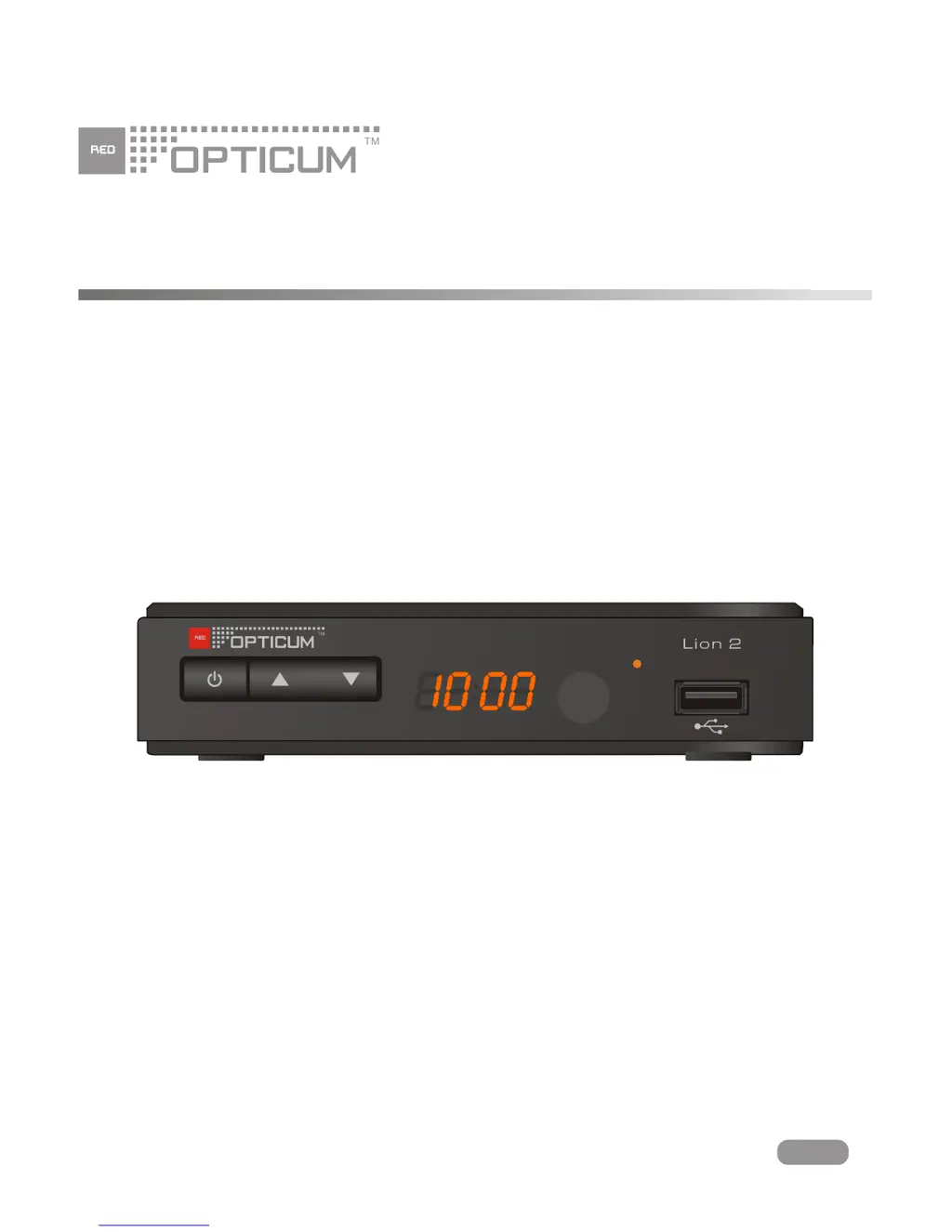
Front panel

Describes the various components and indicators located on the front of the set-top box.

Rear panel

Details the connectors and ports available on the back of the set-top box.

Remote control

SYSTEM CONNECTION

GETTING STARTED

Welcome

Guides the user through the initial setup screen and options for first-time use.

Main Menu

Explains how to navigate the main menu and enter sub-menus using the remote control.

Installation

Outlines the steps for installing the set-top box, including channel scanning.

OPERATION

EDIT CHANNEL

SYSTEM SETUP

TOOLS

Media Player

Media Playback

Instructions on how to play files from a USB device, including navigation and playback controls.

TIMESHIFT;RECORD

Timeshift

Explains how to pause and resume broadcast programs using the USB storage device.

Record

Instructions for recording broadcast programs instantaneously or with a specified duration.

TROUBLESHOOTING

SPECIFICATIONS

Opticum Lion 2 Specifications

General IconGeneral
BrandOpticum
ModelLion 2
CategoryReceiver
LanguageEnglish

Related product manuals