Radio Channel list
Edit Channel menu
TV Channel list
EDIT CHANNEL
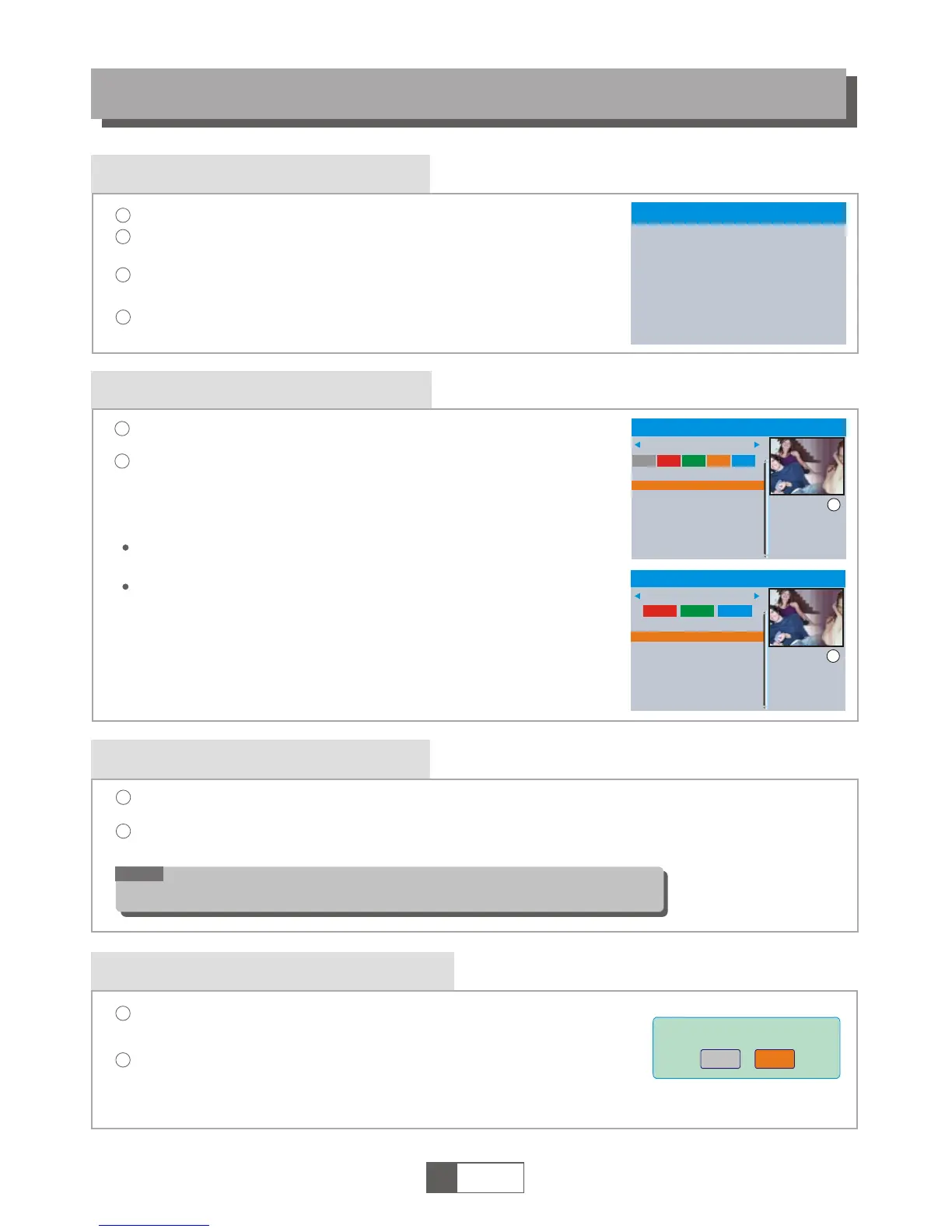
In the Edit Channel menu, select "TV Channel List"; Press "OK"
button to enter TV channel list menu.
1
2
Use this menu to favor, lock, skip, move, sort, delete and rename
channel.
Press "FAV" button, then press "OK" button to edit the FAV
function.
Press "UP" or "DOWN" button to highlight channel. Then press the
"OK" button to preview the desired TV channel.
1
English
6
4
1
2
3
Press the "MENU" button to enter main menu.
Press cursor button to highlight "Edit Channel", then press "OK"
button to enter the Edit Channel menu.
Press "UP" or "DOWN" cursor button to highlight the desired item
and press "OK" button to enter the sub-menu .
Press "EXIT" button to exit.
Sort
YooPlay Ga
xxxxxxxx
xxxxxx
xxxx
xxx
TV Channel List
FAV
Lock
Skip
Move
Edit
All TV
0001 No Name
0002 YooPlay Ga
0003 E4+1
0004 UKTV Histor
0005 SKY THREE
0006 Sky Spts Ne
0007 Sky News
0001 No Name
0002 YooPlay Ga
0003 E4+1
0004 UKTV Histor
0005 SKY THREE
0006 Sky Spts Ne
0007 Sky News
i
In the Edit Channel menu, select "Radio Channel List". Then press "OK" button to enter the Radio
Channel list menu.
Press "UP" or "DOWN" button to highlight channel. Then press the "OK" button to listen the desired Radio
channel.
1
2
NOTE:
Basically, the operation of "Radio Channel List" is the same as "TV Channel List",
but there is one point different: In "Radio Channel List" mode, there is no video
information, so it will always display Radio's logo in the right side preview window.
Press "color" button, then press "OK" button to edit the
corresponding function.
Rename
Delete
YooPlay Ga
xxxxxxxx
xxxxxx
xxxx
xxx
Edit Channel
All TV
i
TV Channel List
Radio Channel List
Delete All
Edit Channel
Delete All
1
2
Warning! Do you really want to delete
all channels?
Yes
No
A warning window appears.
Select "Yes", and press "OK" button to delete all channels.
Select "No", and Press "OK" button to cancel deleting.
In the Edit Channel menu, select "Delete All", then press "OK" button.
Please input the default password "0000" or "1234" as requested.



 To Next Page