| 1514 | Optima® ORANGETOP™ User ManualOptima® ORANGETOP™ User Manual
OPTIMA® ORANGETOP™ User Manual
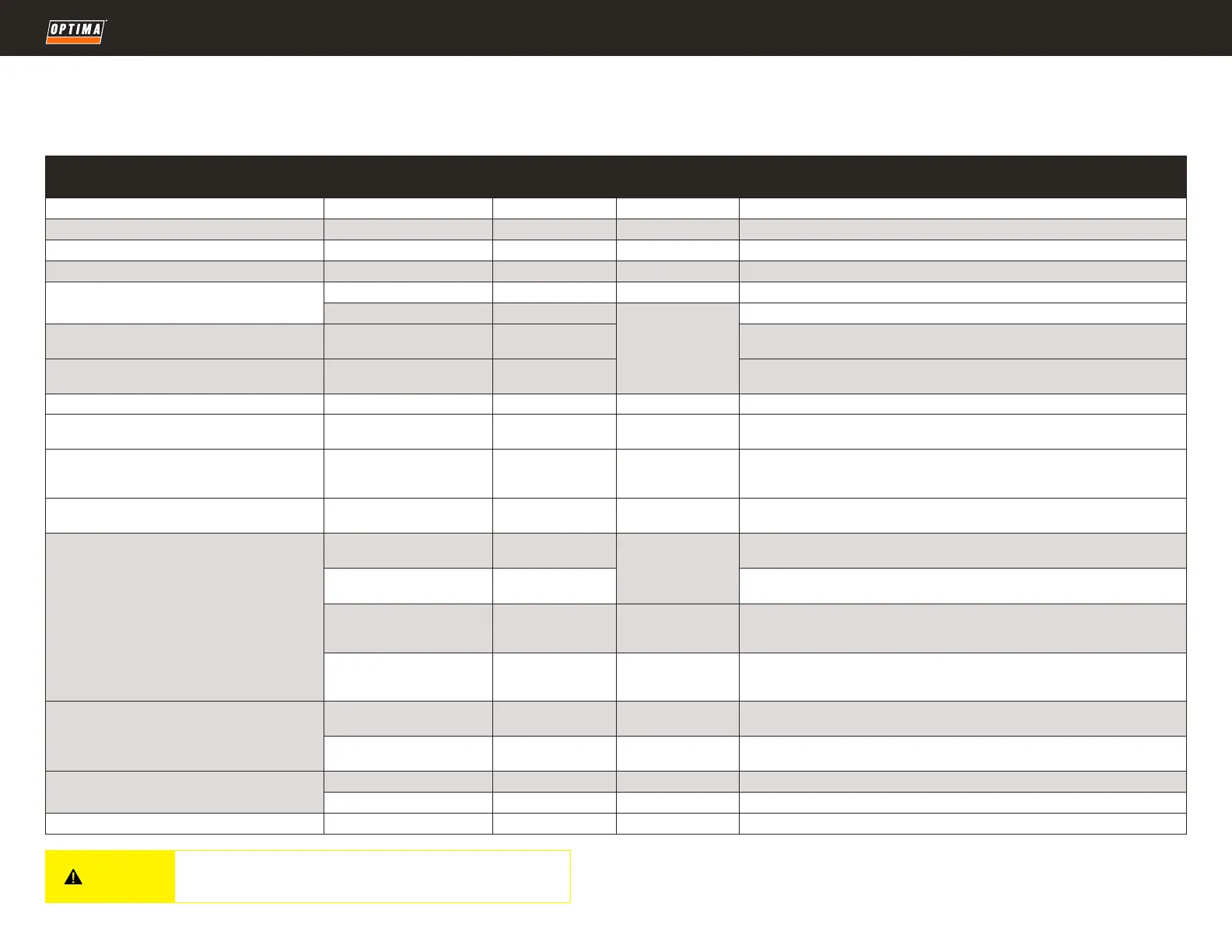
Interpreting POWERLINK™ Indicator
As shown in the table below, OPTIMA® Lithium Batteries are designed to automatically shut down
under various excessive conditions to prevent damage to the battery and connected equipment. This will
You must take precautions to ensure that sudden loss of electrical power from
the battery does not result in hazardous system behavior of your vehicle.
POWERLINK Indication MEANING
SHUTDOWN LIMIT/
CONDITION
REACTIVATION
CONDITION
ADDITIONAL NOTE
Green constant Fully Charged n/a n/a Battery is fully charged via connected charger or currently active vehicle charging system.
Green - 5 seconds repeating >80% charge n/a n/a Battery is near fully charged or vehicle charging system is charging battery.
Amber - 5 seconds repeating 35% < Charge < 80% n/a n/a Battery needs to be charged or vehicle charging system is not charging battery.
Red - 15 seconds repeating 10% < Charge < 35% n/a n/a Charge Battery – urgent
No LED
Over Discharged V < 8V V > 10V Charge Battery. Voltage under 6V will permanently disable all functions.
Currently in Sleep/Storage Mode n/a
Hold POWERLINK™
button 3 sec to enter
Battery Active Mode
or Sleep/Storage
Mode
Green - 3x rapidly after holding POWERLINK™ button
three (3) seconds
Entering Active Mode n/a
Immediately after entering/communicating Active Mode, LEDs will communicate battery charge
percentage as noted above.
Amber & green - 3x rapidly, after holding POWERLINK™
button three (3) seconds
Entering Sleep/Storage Mode n/a No further LED illumination after the battery has entered Sleep/Storage Mode.
Amber/Green alternating Charger Connected and Charging n/a n/a Charger connected, currently charging battery.
Amber - 1 sec on/o
Charger Connected,
Charging Error
n/a See Note
Charger connected, charging error. Disconnect charger, wait 30 seconds, try again. Recurring errors
indicate incompatible or defective charger.
Red - 1 fast, 1 slow Multiple Errors See Note See Note
See over temperature and over voltage notes. If charging, may be caused by using an improper
charger or a charger with unsuitable temperature compensation. If charging, confirm charger
compatibility and/or allow battery to cool down (hot temperatures) or warm up (cold temperatures).
Red - 2 fast, 1 slow Over Voltage Input V > 15.6V V < 13.8V *
Disconnect charger or stop engine. Check charger voltage (see Section “charging”) or vehicle
charging system voltage regulation (see section “Check Your Vehicle Charging System”).
Red - 3 fast, 1 slow
Over Current (Discharging) I > cranking rating
I <= rating *.
Wait 3 seconds.
Hold POWERLINK™
button 3 sec
Confirm battery is adequately sized for application, current/amps requirement exceeds battery
rating. See section “Technical Specifications.”
Over Current Charging,
via Battery Terminals
I > charging rating
Confirm battery is adequately sized for application, charging system output exceeds battery
capability. See section “Technical Specifications”
Over Current
Charging, via POWERLINK™
I > 3.5A
I <= 3.5A
Hold POWERLINK™
button 3 sec
Incompatible charger/charge mode, exceeds current limits for charging via POWERLINK™.
Check the charger.
Short Circuit
I > 1.3x cranking
rating
Correct electrical
short circuit Hold
button 3 sec
Take care in connecting cables to battery, ensure wiring to battery is not damaged.
Red - 4 fast, 1 slow
Over Temperature - Discharge T > 140°F (60°C) T < 122°F (50°C)
Excessive ambient temperature and/or multiple starting attempts have overheated battery, allow to
cool down. See “Installation” section.
Over Temperature - Charge T > 140°F (60°C) T < 122°F (50°C)
Excessive ambient temperature has overheated battery, allow to cool down. See “Installation”
section.
Red - 5 fast, 1 slow
Under Temperature - Discharge T < -4°F (-20°C) T > 14°F (-10°C) Extreme cold, allow battery to warm up or move battery to warmer location.
Under Temperature - Charge T < 14°F (-10°C) T > 23°F (-5°C) Extreme cold, allow battery to warm up or move battery to warmer location.
Red - Constant Self-Test Failure See Note See Note Internal self-test error. Contact OPTIMA® support.
generally result in total loss of electrical power to equipment from the battery. In most applications this
will only result in not being able to start the vehicle without first holding the POWERLINK™ button.
LITHIUM
CAUTION


 To Next Page
 Loading...