16
RECORDING
Note:
For the best performance, use only regular length (60- or
90-minute) cassette tapes. We do not recommend long-playing
cassette tapes, such as C-120s, because they are extremely
thin and can tangle easily.
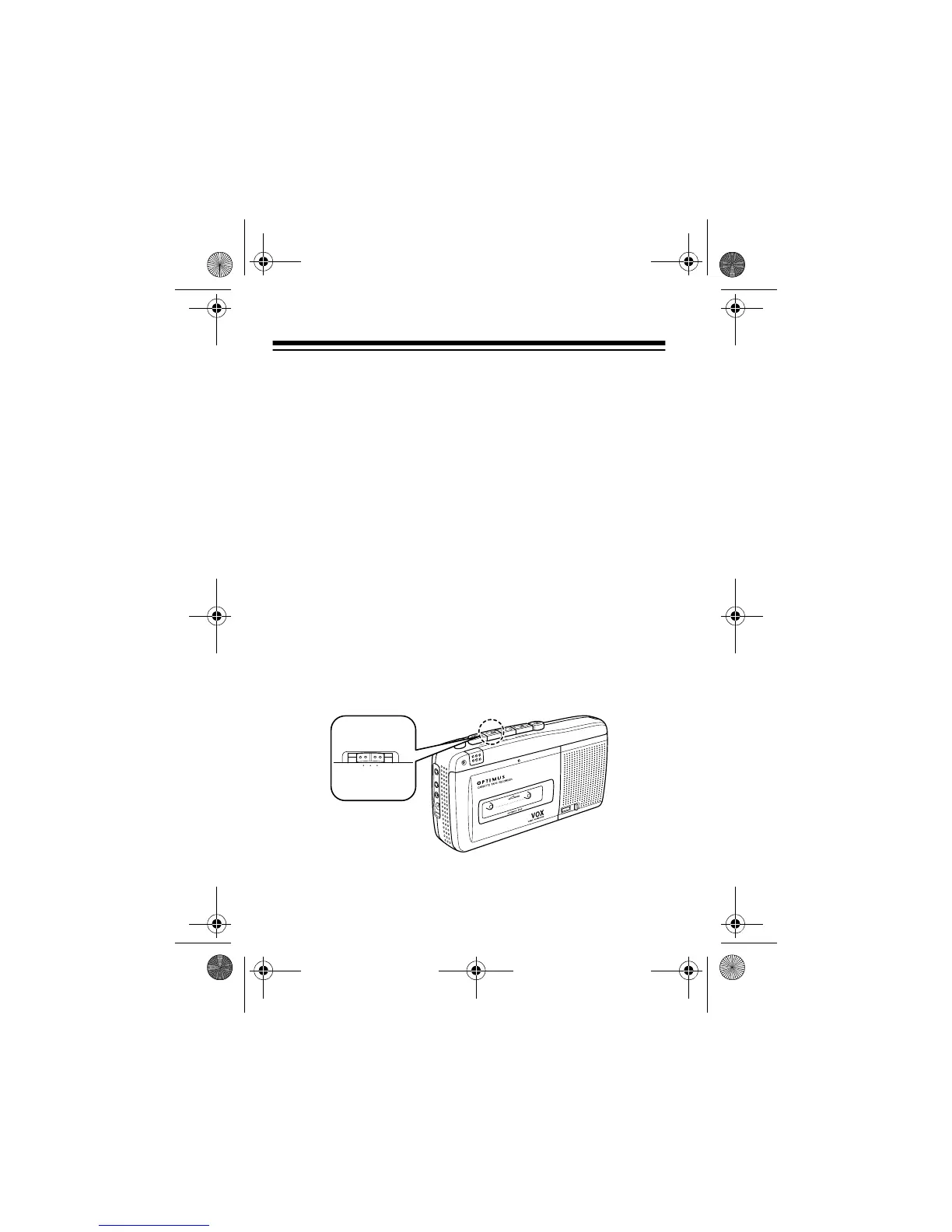
VOX RECORDING
When you select
VOX
recording, the CTR-116 automatically be-
gins recording when it senses a voice or other sound, and auto-
matically stops when the sound stops.
For the best recording quality, place the recorder about 1 foot
from the sound source. Because the microphone is so sensi-
tive, it will also pick up a voice or group of voices (such as an
audience) from several feet away.
1. Load a cassette into the tape compartment.
2. Set
VOX
to
HIGH
or
LOW
.
M
IC
R
E
C
/B
A
TT
P
A
U
S
E
S
T
O
P
E
J
E
C
T
F
A
S
T
-F
C
U
E
R
E
W
I
N
D
R
E
V
I
E
W
P
L
A
Y
RECORD
E
A
R
P
H
M
I
C
R
E
M
O
T
D
C
6
LOWHIGH OFF
VOX
14-1122.fm Page 16 Wednesday, May 17, 2000 9:55 AM



 To Next Page