17
At
HIGH
, a soft sound turns on the recorder. At
LOW
, it
takes a louder sound to start recording. Experiment to find
the best setting for
VOX
in your recording environment.
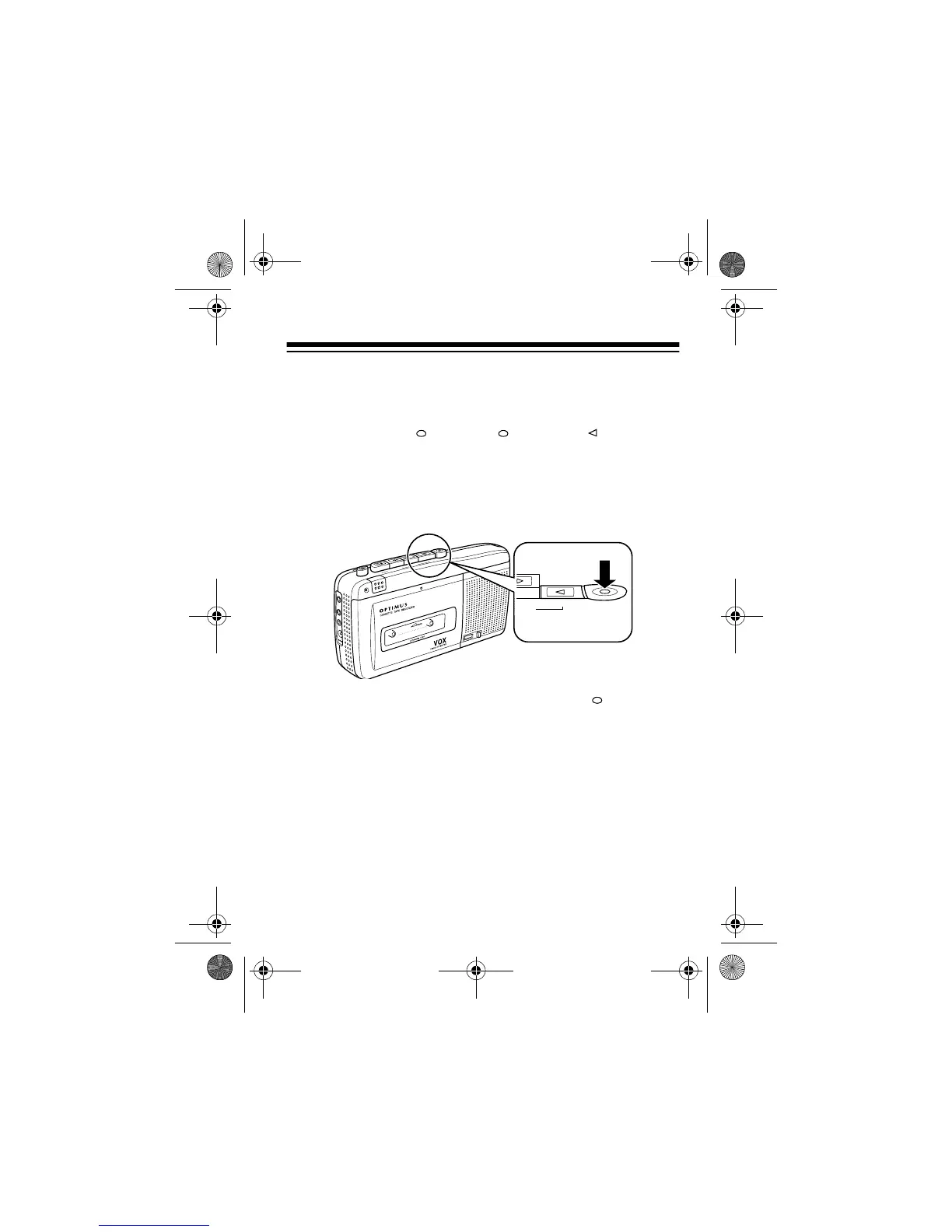
3. Press
RECORD
.
RECORD
and
PLAY
lock down.
Recording starts and the
REC/BATT
indicator lights when
the microphone receives a loud enough signal (voice or
other sound). Recording stops and the
REC/BATT
indicator
fades when the signal ceases. This continues throughout
recording.
Caution:
Never try to force down
RECORD
if you have
removed the erase protection tab (see “Preventing Acci-
dental Erasure” on Page 21). This can damage the record/
play mechanism.
Note:
If the audio input is too strong, the indicator lights
steadily. Either move the microphone away from the sound
source or lower the volume of the sound source.
M
IC
R
EC
/B
A
T
T
P
A
U
S
E
S
T
O
P
E
J
E
C
T
F
A
S
T
-F
C
U
E
R
E
W
I
N
D
R
E
V
I
E
W
P
LA
Y
RECORD
E
A
R
P
H
M
I
C
R
E
M
O
T
D
C
6
14-1122.fm Page 17 Wednesday, May 17, 2000 9:55 AM



 To Next Page