18
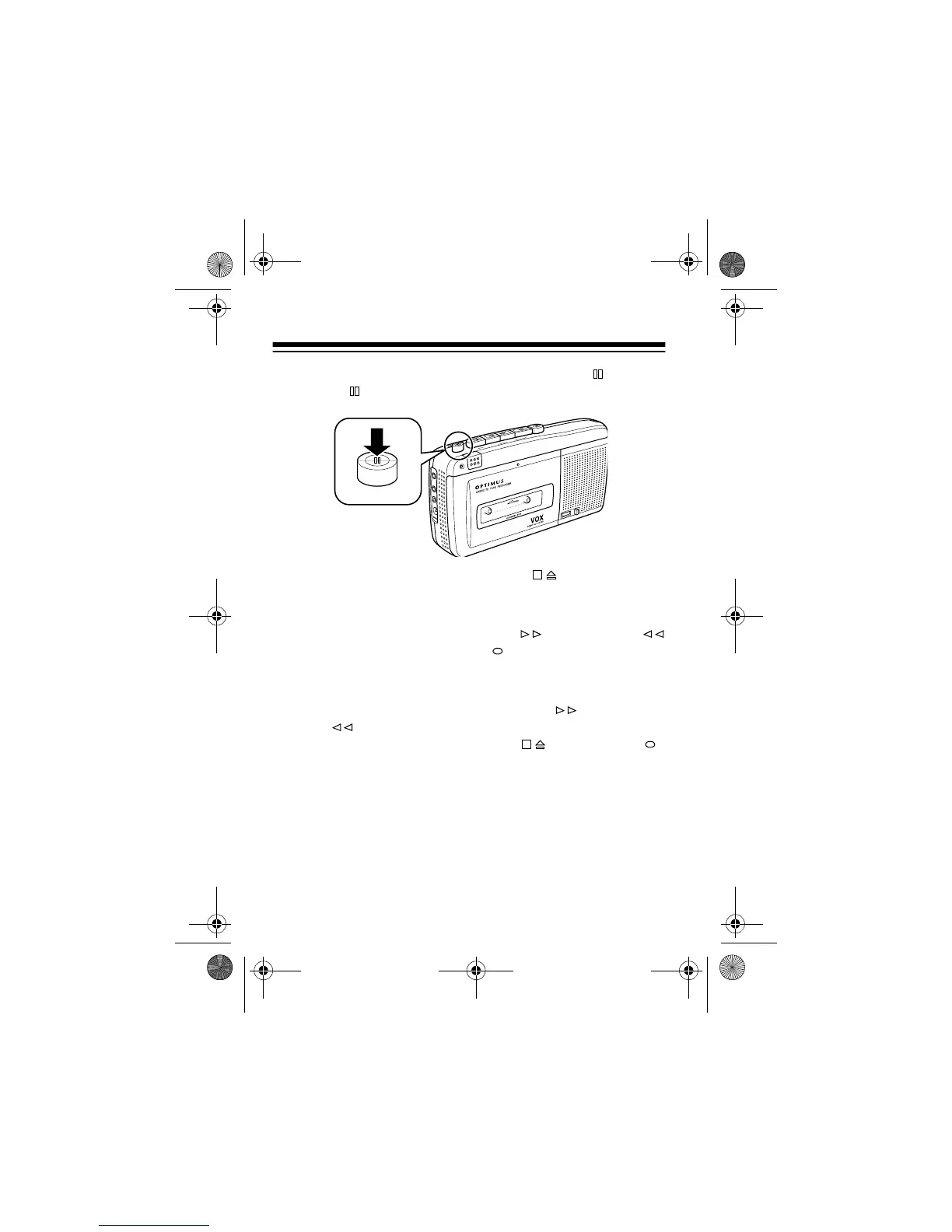
4. To momentarily stop recording, press
PAUSE
. Release
PAUSE
to resume recording.
5. To stop recording press
STOP/EJECT
.
Notes:
• If you hold down
REWIND/REVIEW
or
FAST-F/CUE
while recording, the
RECORD
button releases and the
tape rewinds or advances. You hear the sound at high
speed so you can locate the desired segment.
• When you release
REWIND/REVIEW
or
FAST-F/
CUE
, the recorder begins playing the cassette. To con-
tinue recording, press
STOP/EJECT
then
RECORD
.
MIC
R
E
C
/
B
A
T
T
P
A
U
S
E
S
T
O
P
E
J
E
C
T
F
A
S
T
-
F
C
U
E
R
E
W
IN
D
R
E
V
I
E
W
P
L
A
Y
REC
OR
D
EARP
H
MIC
R
E
M
O
T
D
C 6
PAUSE
14-1122.fm Page 18 Wednesday, May 17, 2000 9:55 AM



 To Next Page