5. Legionella Control Method
–
Provide Details of Control Strategy
Compressor opens automatically at 1:00am-7:00am every Monday (constant temperature
shutdownand standby status can be opened).
Disinfect once a week.
The default is 61
◦
C for 35 minutes.
User parameter query
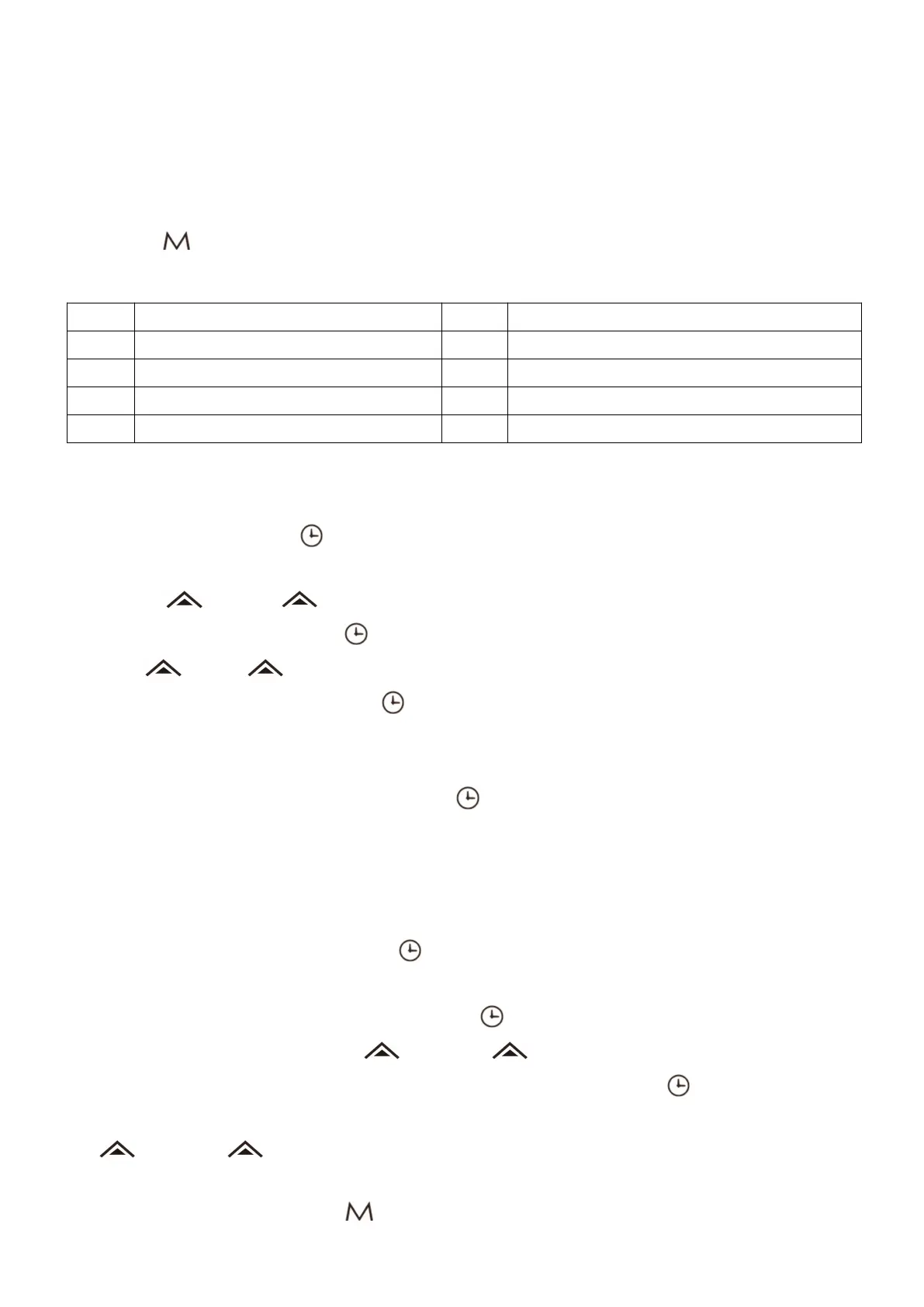
Short press “ ” Key to enter user parameter query status, can query A1-A7 parameters, query
parameters for after-sales fault judgment assistance.
Real-time clock settings
1. In the main interface, press “ ” key and enter the real-time clock setting interface. Digital flickers in the
hour part.
2. Press the “ ” and the “ ” key at this time can set the hours of the real-time clock.
3. When the hour parts is set, press “ ” key, and then the number of the minute part flickers. at this time
press the “ ” or the “ ” to set the minutes of the real-time clock.
4. When the minute part is set, press the “ ” key again to confirm the real-time clock settings and return
to the main interface. If there is no key operation for 30 seconds, the current real-time clock setting value is
confirmed and returned to the main interface.
5. In the real-time clock setting interface, press the “ ” key to confirm the current real-time clock setting
value. If there is no key operation for 30 seconds, confirm the current real-time clock setting value and
return to the main interface.
Timer opening or timer closing
1. On the main interface, after pressing the “ ” key for 4 seconds, it can enter the setting interface of the
timer group one.
2. After entering the timer group 1 interface, press the “ ” key again, which represents the hour part of the
timer start-up time, and then press the “ ”key or the “ ” key, which can set the hour of the timer
group 1 start-up time. After setting the hour part of the timer start-up, press the “ ” key again, which
represents the minute part of the timer start-up time. Flicker of the number of points, at this time bypressing
the “ ”key or the “ ” key, you can set a start-up minutes.
3. Timer is invalid when the time of timer opening and timer closing is the same or parameter 1 is set to 0.
When the time is fixed, pressing the “ ” key can cancel the current timer opening or timer closing.
Down side water tank Temp
Electronic expansion valve opening


 To Next Page