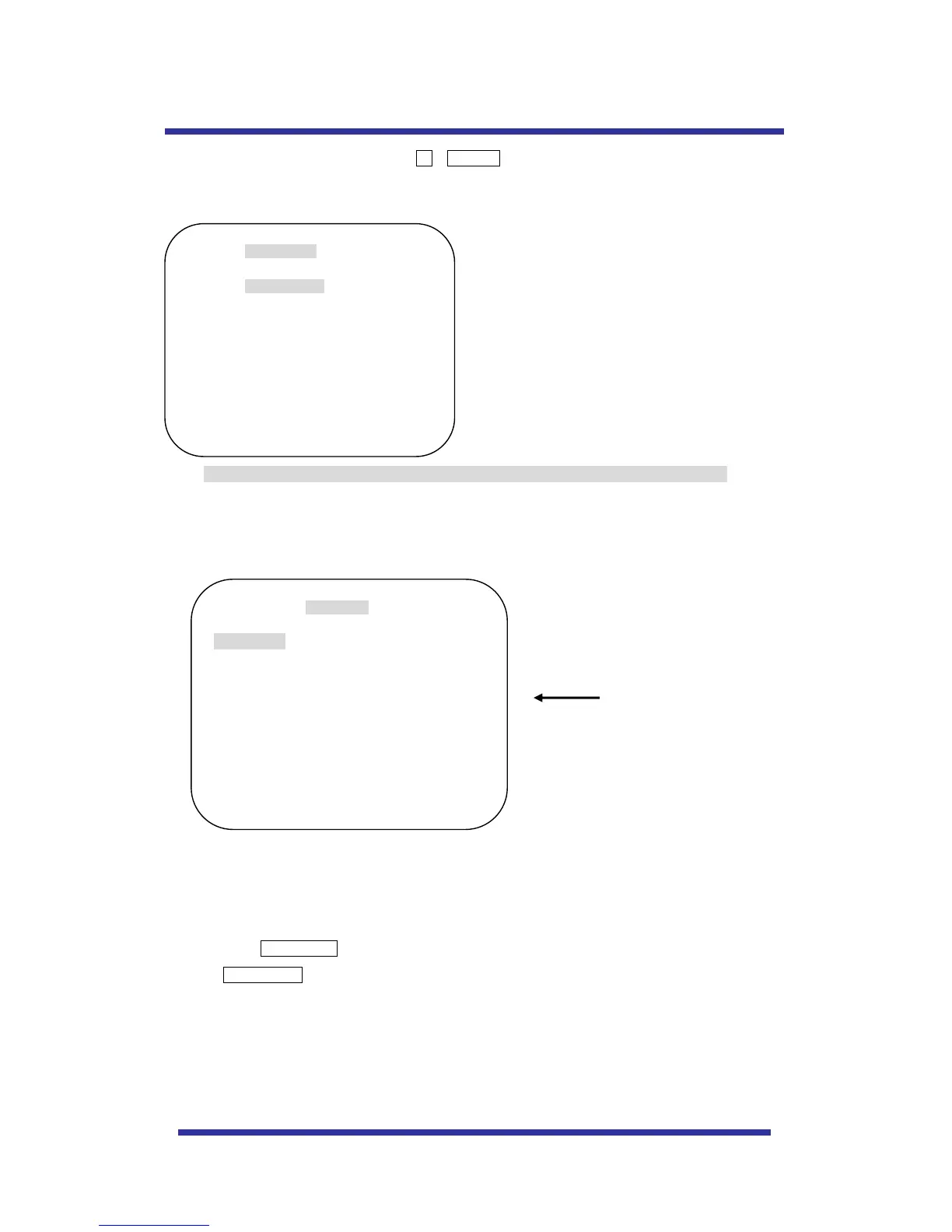
To enter OSD Menu, press the button 95 + PRESET.
* Use the joystick “up down” to move the position and “left right” to make selection
B. Dome Setup
In order to enter Dome setup, the joystick move to right direction when cursor on dome setup.
B-1. DOME SET - CAMERA ID
To set camera ID, select up to 16 characters using Joystick to the left or right.
Press ZOOM TELE button to move to the next character from left to right direction and
ZOOM WIDE button to move to the next character from right to left direction
(Space displays when appears)



 To Next Page