16
English ...
User Controls
Using the Remote Control
Power
4
Refer to the “Power On/Off the Projector” section on pages
11-12.
Sync
4
Automatically synchronizes the projector to the input source.
Keystone
4
Adjusts image distortion caused by tilting the projector (±16
degrees).
Display Format
4
Display the “Display Format” section of the onscreen display
menu to select the desired aspect ratio.
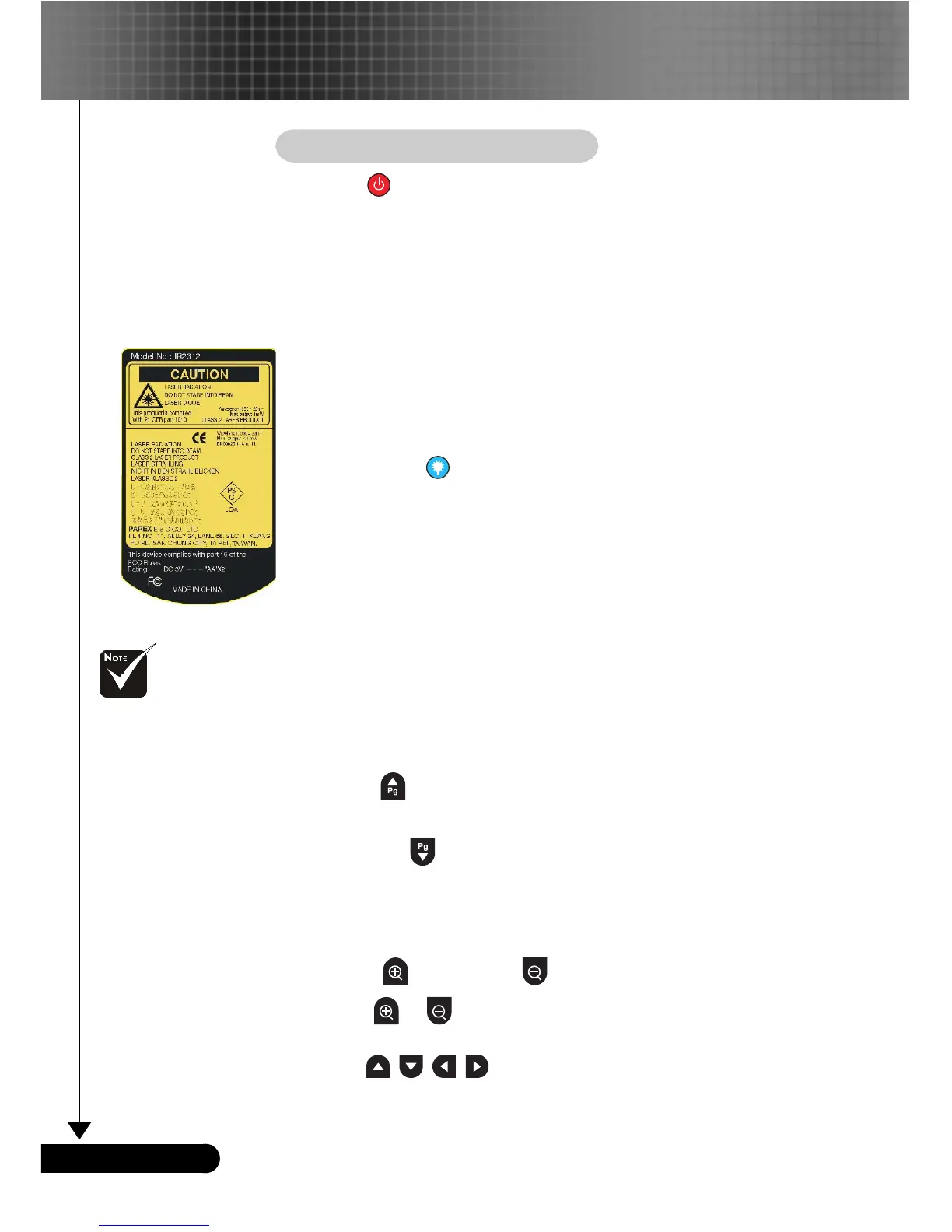
Laser Button
4
Aim the remote at the viewing screen, press and hold this
button to activate the laser pointer.
A/V Mute
4
Momentarily turns off the audio and video.
Freeze
4
Press “Freeze” to pause the screen image.
Display Mode
4
Select the display mode from PC, Movie, Game, sRGB, Dynamic
and User.
Mouse/Mouse Right Click/Mouse Left Click (*)
4
These functions are the same as a mouse of PC or Mac.
Page Up (*)
4
Use this button to page up.
Page Down (*)
4
Use this button to page down.
Page Scrolling (*)
4
Control the scroll bar to move the screen up or down.
Zoom In /Zoom Out
4
Press or button to zoom the lens in or zoom out.
Four Directional Select Keys
4
Use to select items or make adjustments to
your selection.
Remark : “
*
” this is
computer mode only.
And these functions
are only available
when the projector is
connected to a
computer via an USB
cable.



 To Next Page