22
English ...
Image-II
User Controls
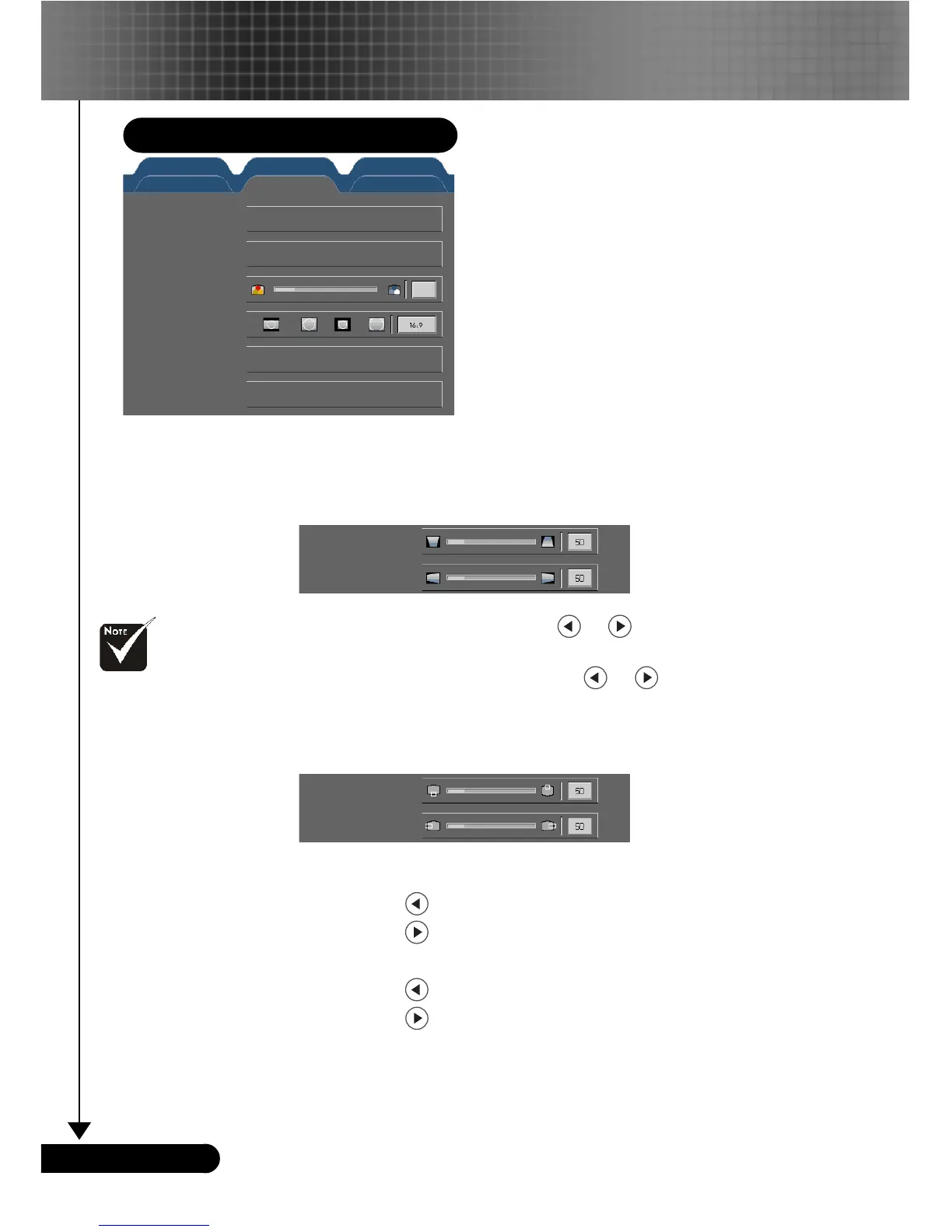
Keystone (Keystone Correction)
Adjust image distortion caused by tilting projection. (±16 degrees)
Press OK to adjust
4
Vertical keystone: Press the or to adjust image distortion
vertically and makes a squarer image.
4
Horizontal keystone: Press the or to adjust image
distortion horizontally and makes a squarer image.
Position
Adjust the image position. Press OK to adjust
4
Vertical Position
Press the
to move the image down.
Press the
to move the image up.
4
Horizontal Position
Press the
to move the image left.
Press the
to move the image right.
Color Temp.
Adjust the color temperature. At higher temperature, the screen
looks colder; at lower temperature, the screen looks warmer.
Display Format
Use this function to choose your desired aspect ratio.
“Position” function
is not supported
under DVI-I source.
Keystone
Position
Color temp.
Display format
Advance
Reset
Computer/Video Mode
Press OK to adjust
Press OK to adjust
High
Press OK to adjust
Press OK to reset
Vertical position
Horizontal position
Image - I Image - II Audio
Language Management PIP
Vertical keystone
Horizontal keystone



 To Next Page