EX540/EX542/EX612/EX615/EX762/EX540I/EX542I/ES523ST/EW533ST
Condential
5-19
5. Finish
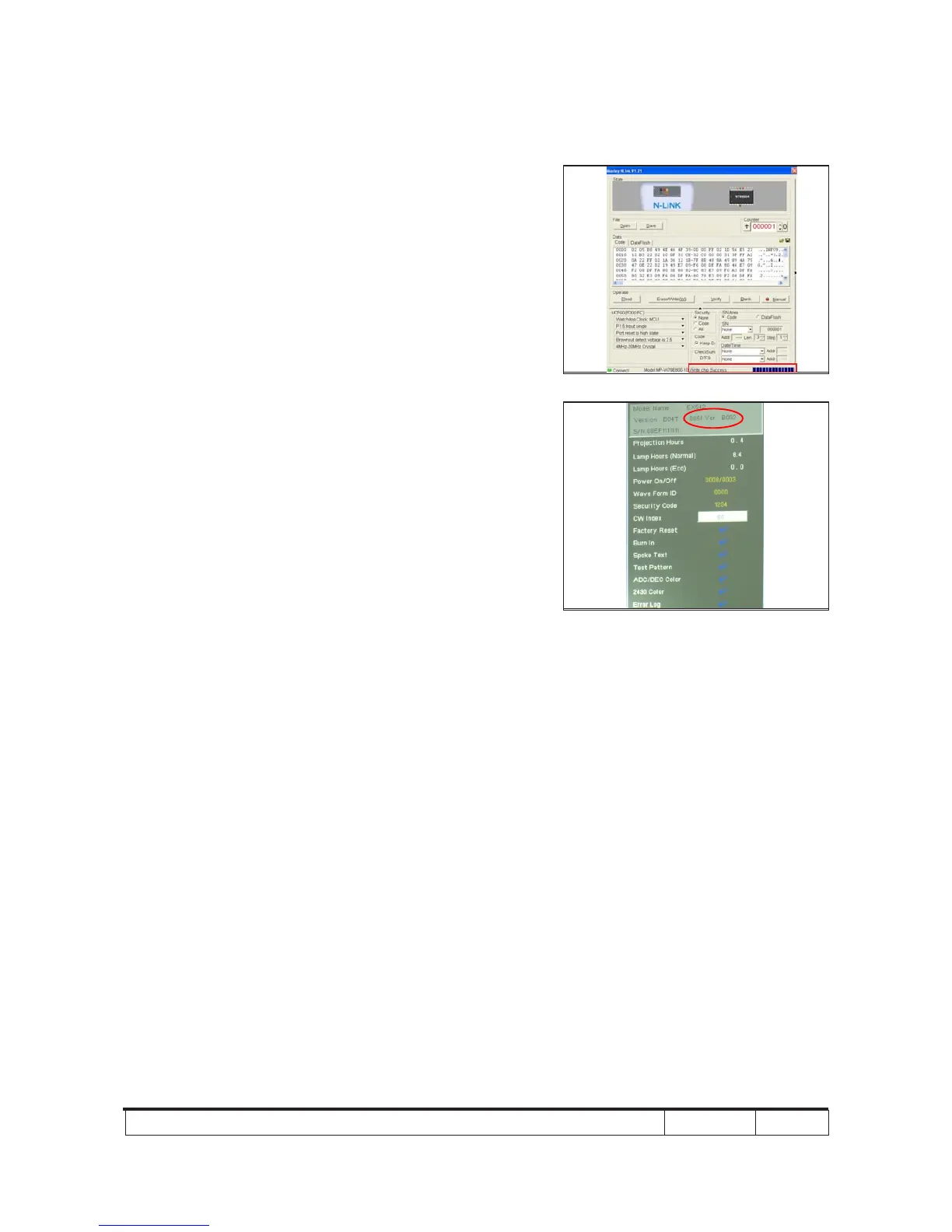
- When 8051 FW upgrade process is
nished, "Write Chip success" will be
shown.
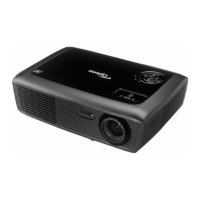
6. Check 8051 FW version
- Turn on the unit and get into the service
mode to check the 8051 FW version.
(To get into service mode, please press
"Power", "Left", "Left" and "Menu" buttons
sequentially.)



 To Next Page