Condential
4-5
EX762/EW762
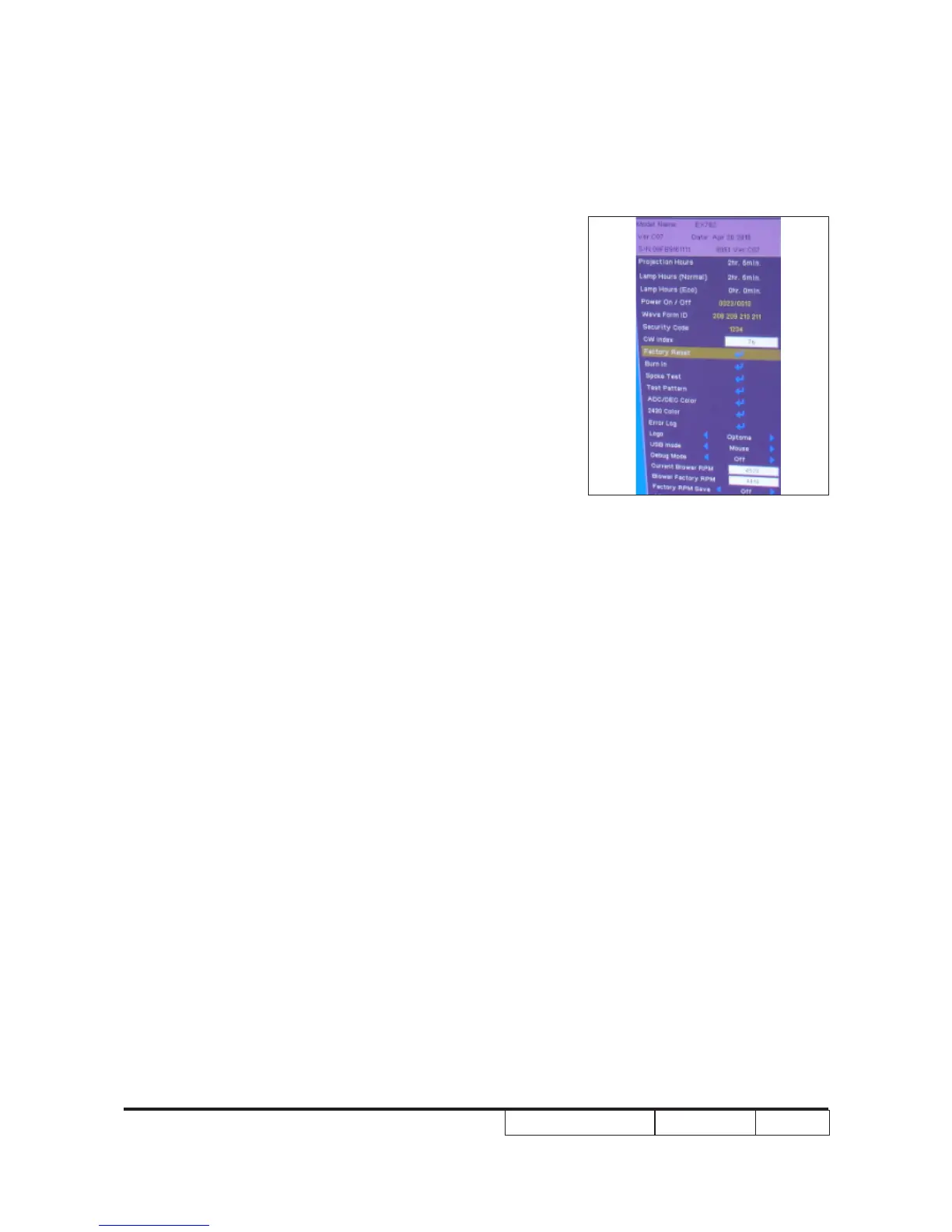
4-6 Factory Fan RPM Reset
After replace main board, blower or upgrade FW, you need to
do as below:
1.Turn on the projector, after about 30 seconds, press
“Power”, “Left”, “Left” and “Menu” button sequentially to
get into service mode1, press right key to change
the “Factory RPM Save” status to “On”.The “Current
Blower RPM” will be saved after 3 seconds and “Factory
RPM Save”status change to “Off” automatically.
Note:
If the Blower Factory RPM is not between 3799~4827 ,
please change blower or main board.



 To Next Page