EX540/EX542/EX612/EX615/EX762/EX540I/EX542I/ES523ST/EW533ST
Condential
5-8
Section 2: System Firmware Upgrade
(For ES523ST/EW533ST)
5-2-1 Equipment Needed
Software: DDP 2431-RS232
- DLP Composer Lite 9.2
- Firmware (*.img)
- Library le (library le has to put in PC and set right path in 5-1-5 step 3)
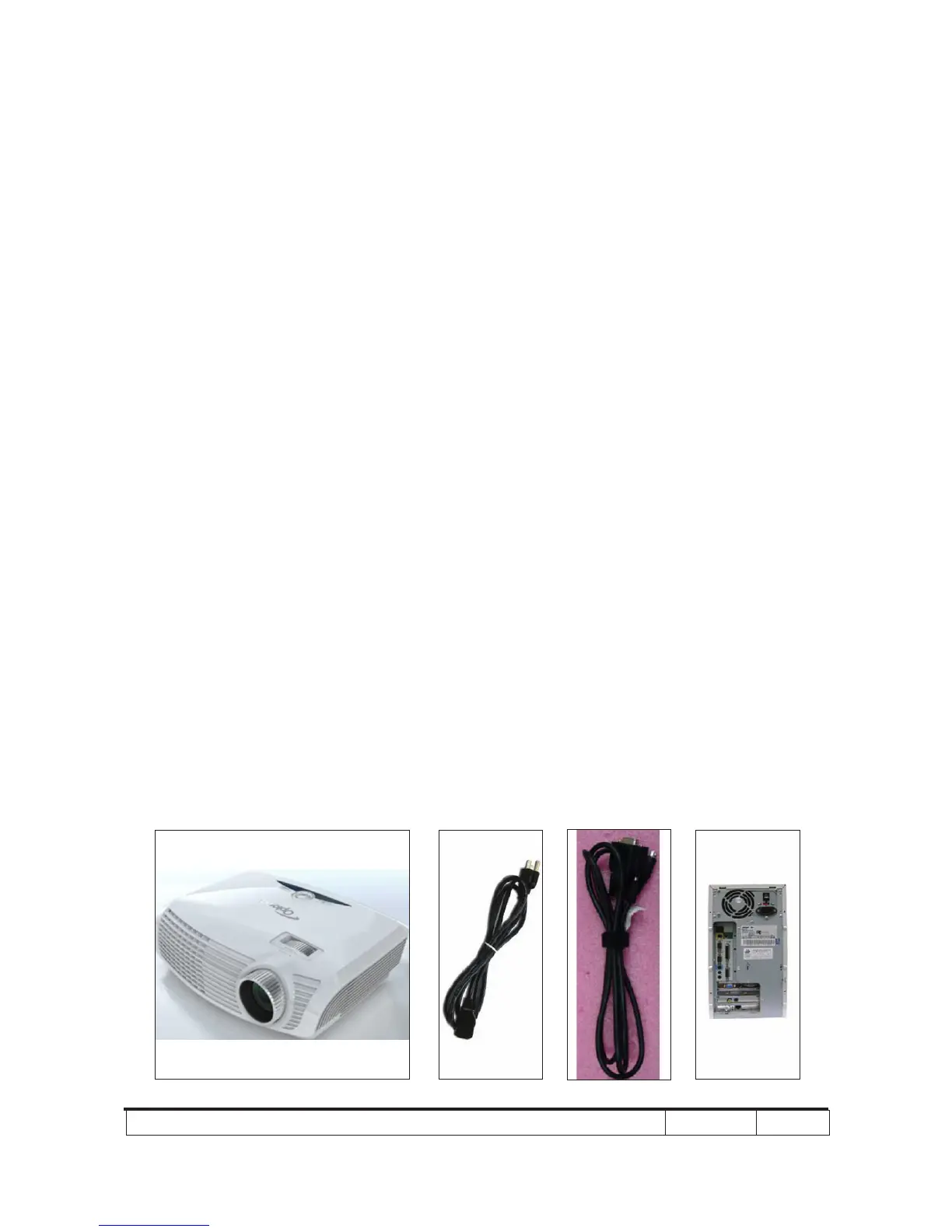
Hardware:
- Projector
- Power Cord: 42.50115G001
- RS232 Cable: 42.00272G002
- PC or Laptop
Note: The FW upgrade procedure for EW533ST is the same ,we take ES523ST as an example
here.



 To Next Page