English
9
INTRODUCTION
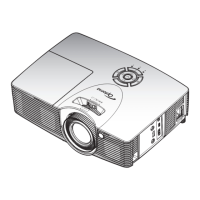
Product Overview
RG2
5 63 721 4
4 8
12 1315
10
14
9
10
11
Note:
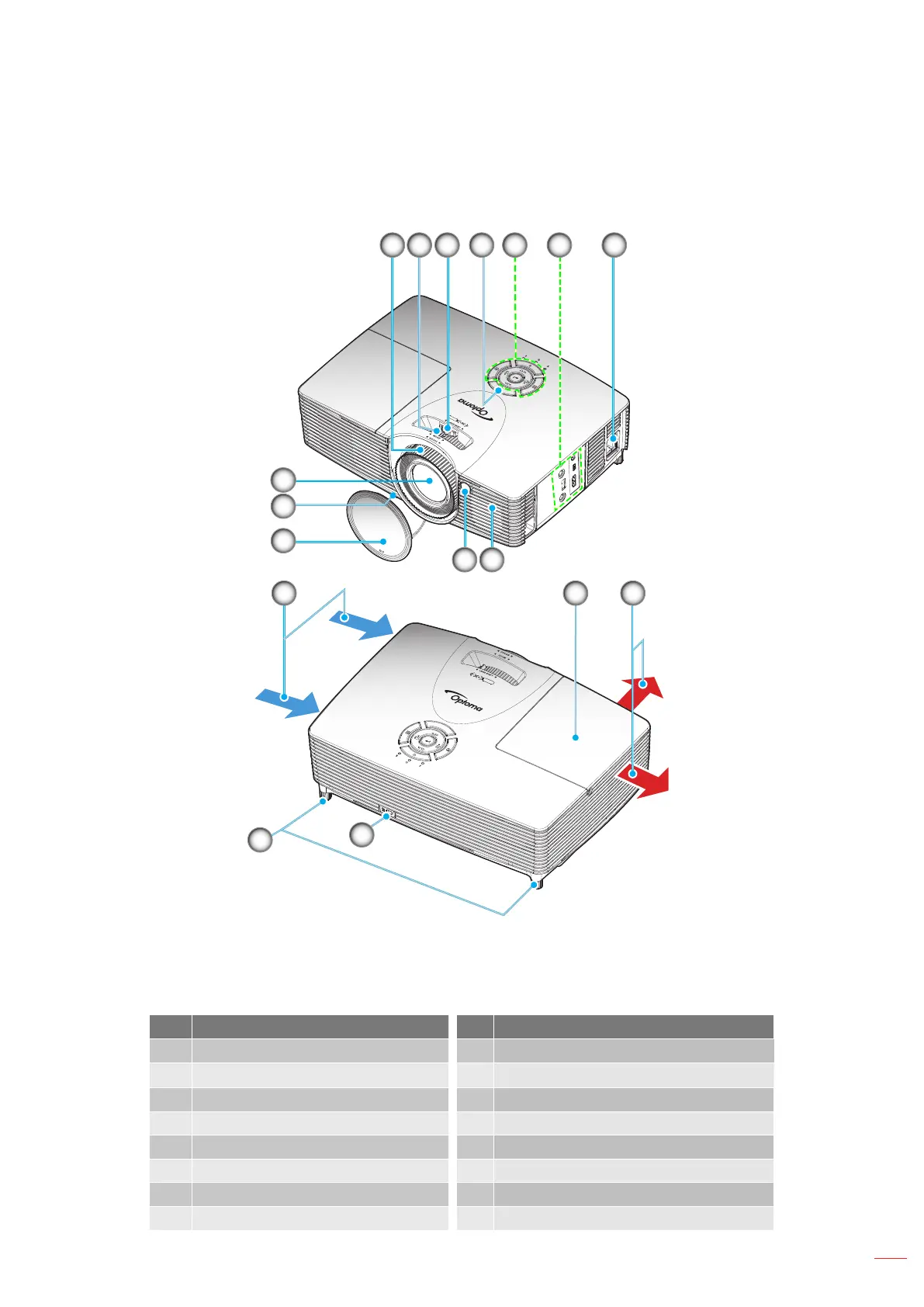
Do not block projector inlet or outlet air vents.
Keep a minimum distance of 20 cm between the “inlet” and “outlet” labels.
No Item No Item
1. Focus Ring 9 Lens Cap
2.
Zoom Ring
10.
Tilt-Adjustment Feet
3. Lens Shift Ring 11. Lens
4. IR Receiver 12. Lamp Cover
5. Keypad 13. Ventilation (outlet)
6. Input / Output 14. Kensington
TM
Lock Port
7. Power Socket 15. Ventilation (inlet)
8. Speaker


 To Next Page