User Controls
50
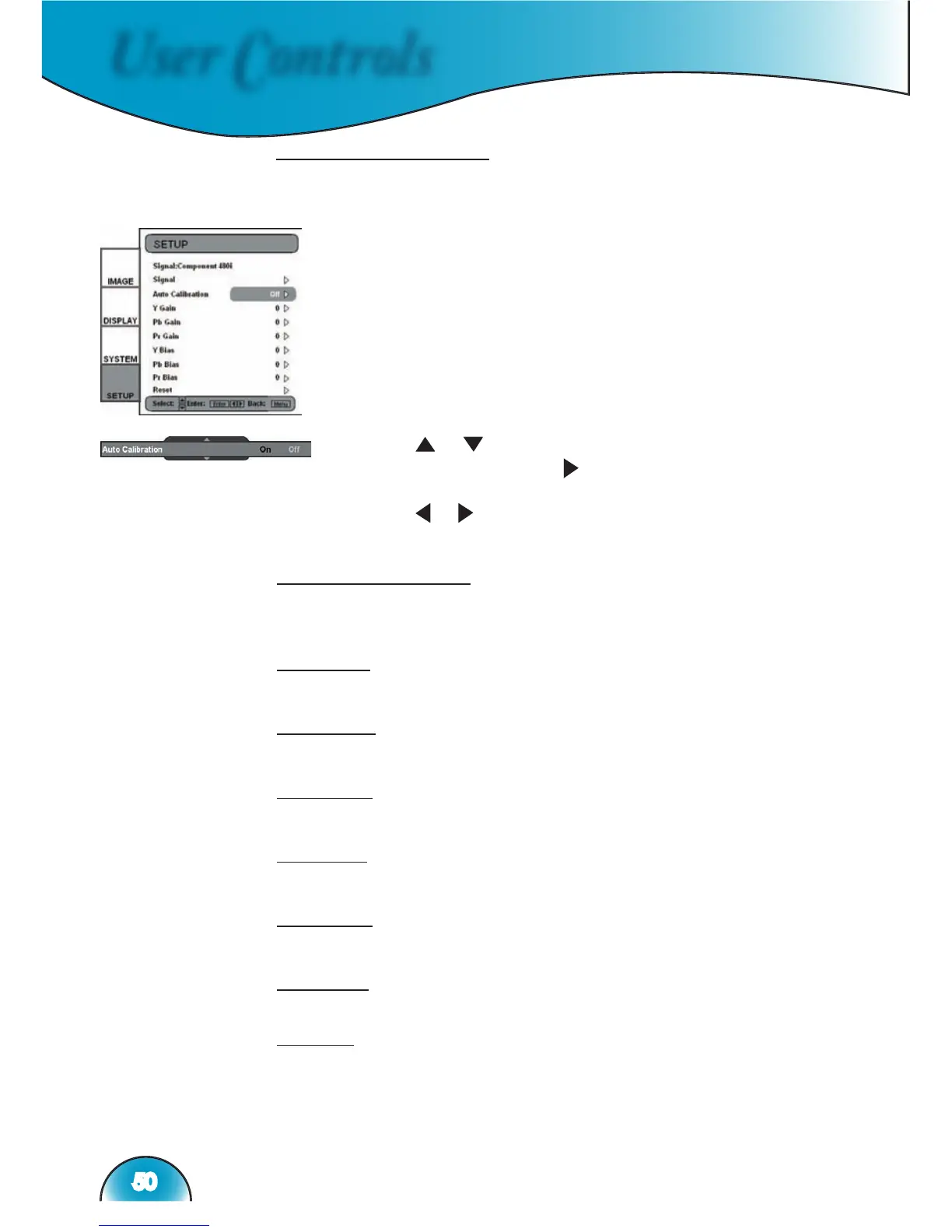
Component YPbPr
This section explains the operation of SETUP when inputting Com-
ponent YPbPr signals.
1) Enters SETUP as described in previous section.
Auto Calibration
Refer to “Auto Calibration” function on page 48 for more informa-
tion.
Y gain
Adjust the gain of Y.
Pb gain
Adjust the gain of Pb.
Pr gain
Adjust the gain of Pr.
Y bias
Adjust the bias of Y.
Pb bias
Adjust the bias of Pb.
Pr bias
Adjust the bias of Pr.
Reset
Returns the current menu’s settings to factory default.
2) Use “ ”, “ ” arrow keys to select the adjustment
item, press “Enter” or “ ” to enter this item. The Menu
disappears and a small bar appears as shown.
3) Use
“ ”, “ arrow keys to calibrate.



 To Next Page