User Controls
English
51
Analog RGB
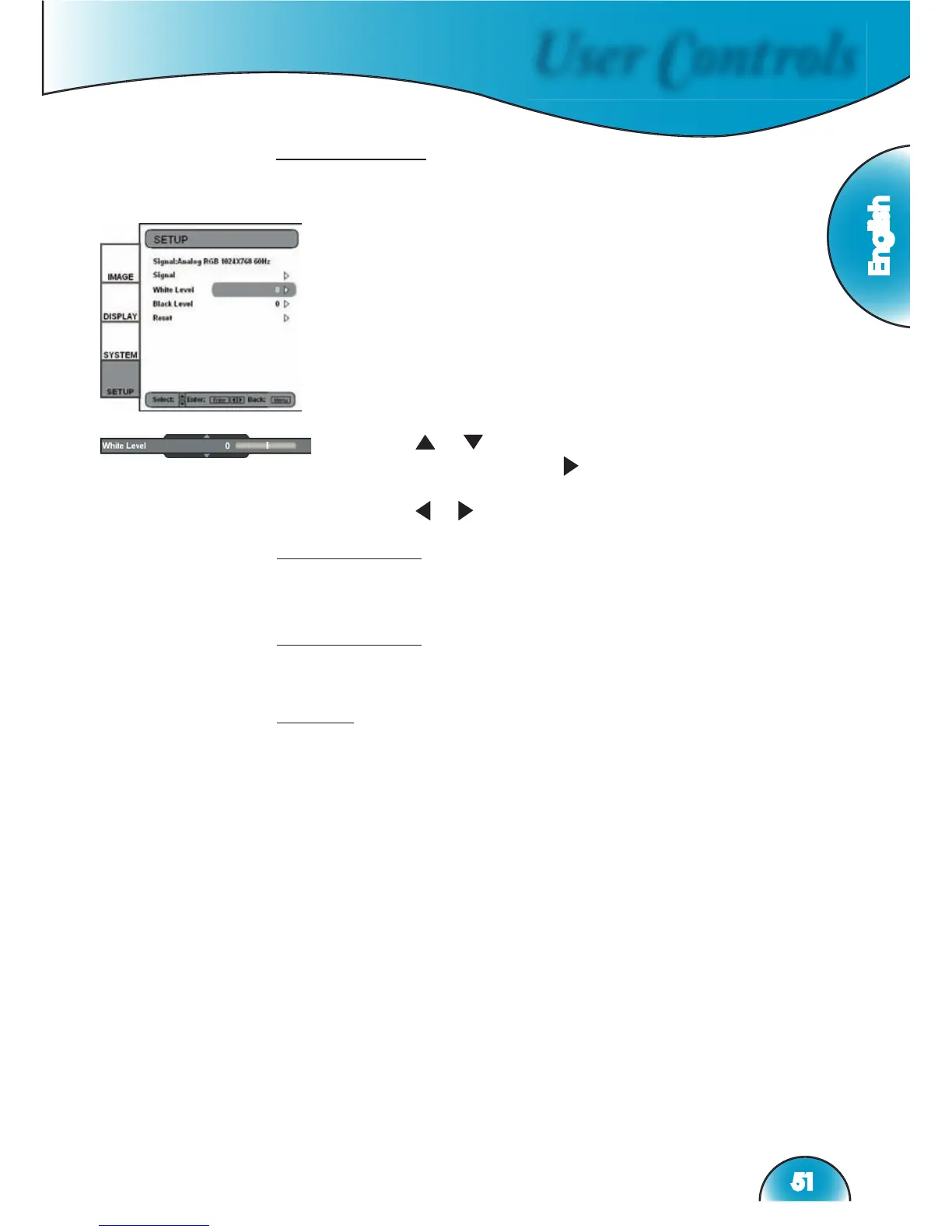
This section explains the operation of SETUP when inputting
Analog RGB signals (PC).
1) Enters SETUP as described in previous section.
White Level
Allow user adjust White Level when inputting S-Video or Video/
CVBS signals.
Black Level
Allow user adjust Black Level when inputting S-Video or Video/
CVBS signals.
Reset
Returns the current menu’s settings to factory default.
2) Use
“ ”, “ ” arrow keys to select the adjustment
item, press “Enter” or “ ” to enter this item. The Menu
disappears and a small bar appears as shown.
3) Use
“ ”, “ ” arrow keys to calibrate.



 To Next Page