Adjusting the Projector’s Focus
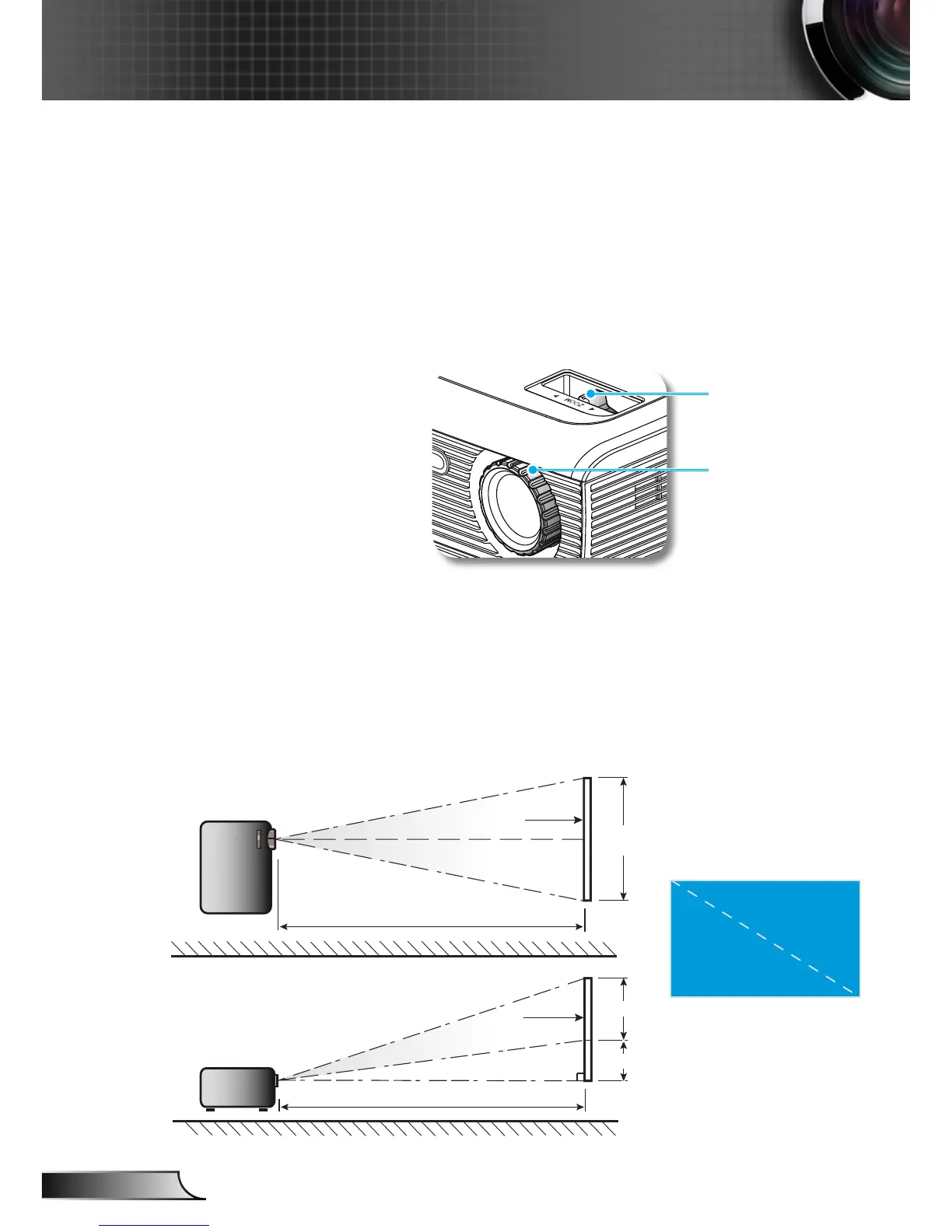
To focus the image, rotate the focus ring until the image is clear.
SVGA/XGA series: The projector will focus at distances from
3.28 to 39.4 feet (1.0 to 12.0 meters).
WXGA series: The projector will focus at distances from 3.28
to 39.4 feet (1.0 to 12.0 meters).
Adjusting Projection Image Size
SVGA/XGA series: Projection Image Size from 22.9” to
300.0” (0.58 to 7.62 meters).
WXGA series: Projection Image Size from 27.2” to 301”
(0.69 to 7.65 meters).



 To Next Page