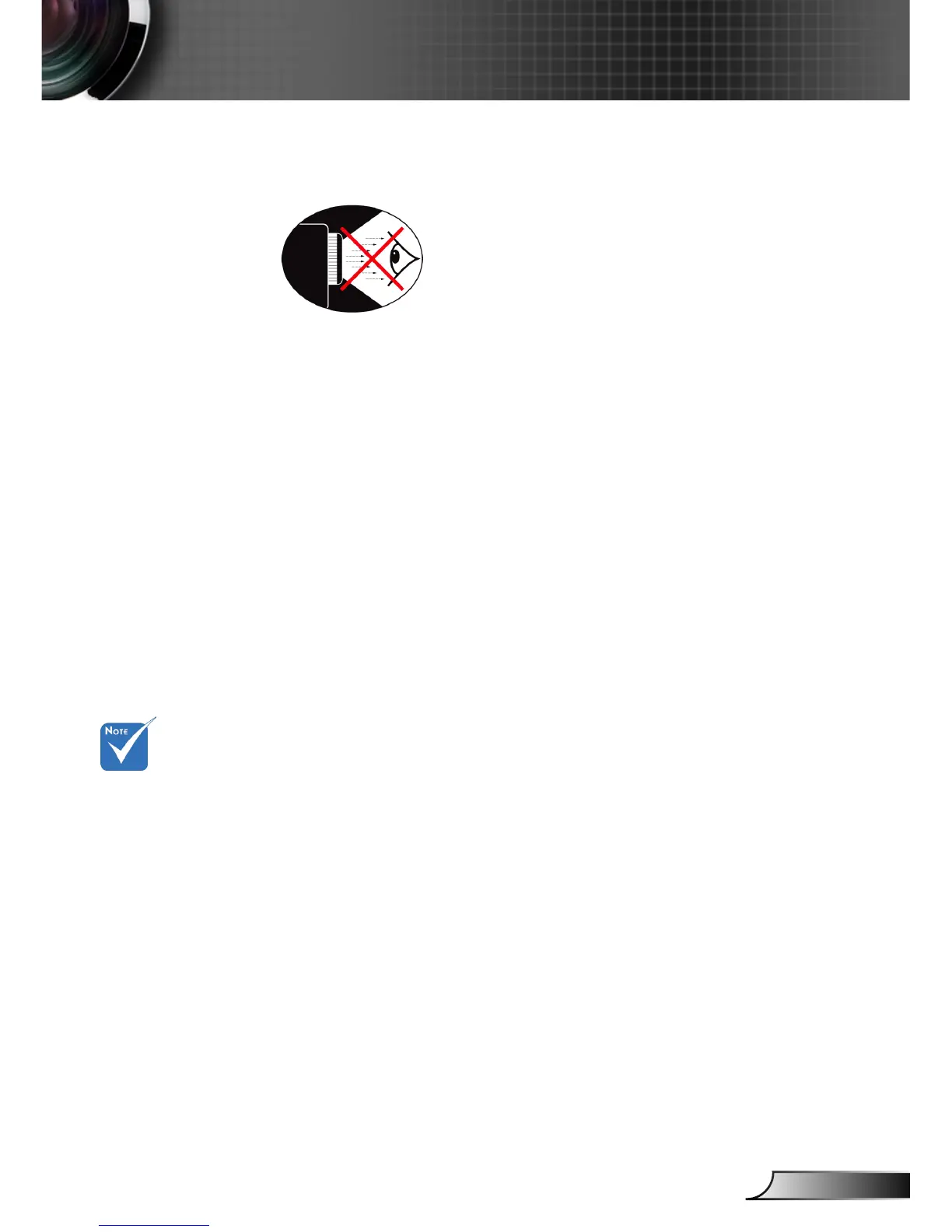
Eye Safety Warnings
▀■ Avoid staring/facing directly into the projector beam at all
times. Keep your back to the beam as much as possible.
▀■ When projector is used in a classroom, adequately supervise
students when they are asked to point out something on the
screen.
▀■ In order to minimize the lamp power, use room blinds to
reduce ambient light levels.
Product Features
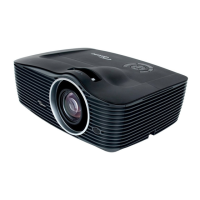
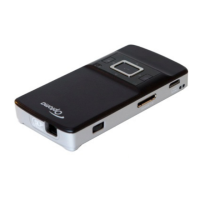
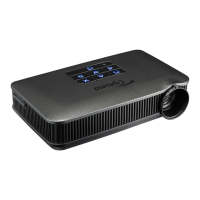
▀■ SVGA (800x600) Native resolution /
XGA (1024x768) Native resolution /
WXGA (1280x800) Native resolution
▀■ HD compatible – 1080p supported
▀■ VGA monitor loop through
(works on standby mode > 1W)
▀■ BrilliantColor
TM
Technology
▀■ Kensington Lock
▀■ RS232 control
▀■ Rapid shutdown
▀■ Built in speaker with 2 Watt amplier
▀■ HDMI interface
▀■ Increase “3D Ready”
Monitor loop
through only sup-
port in VGA-In/
SCART/YPbPr.


 To Next Page