EasyManua.ls Logo

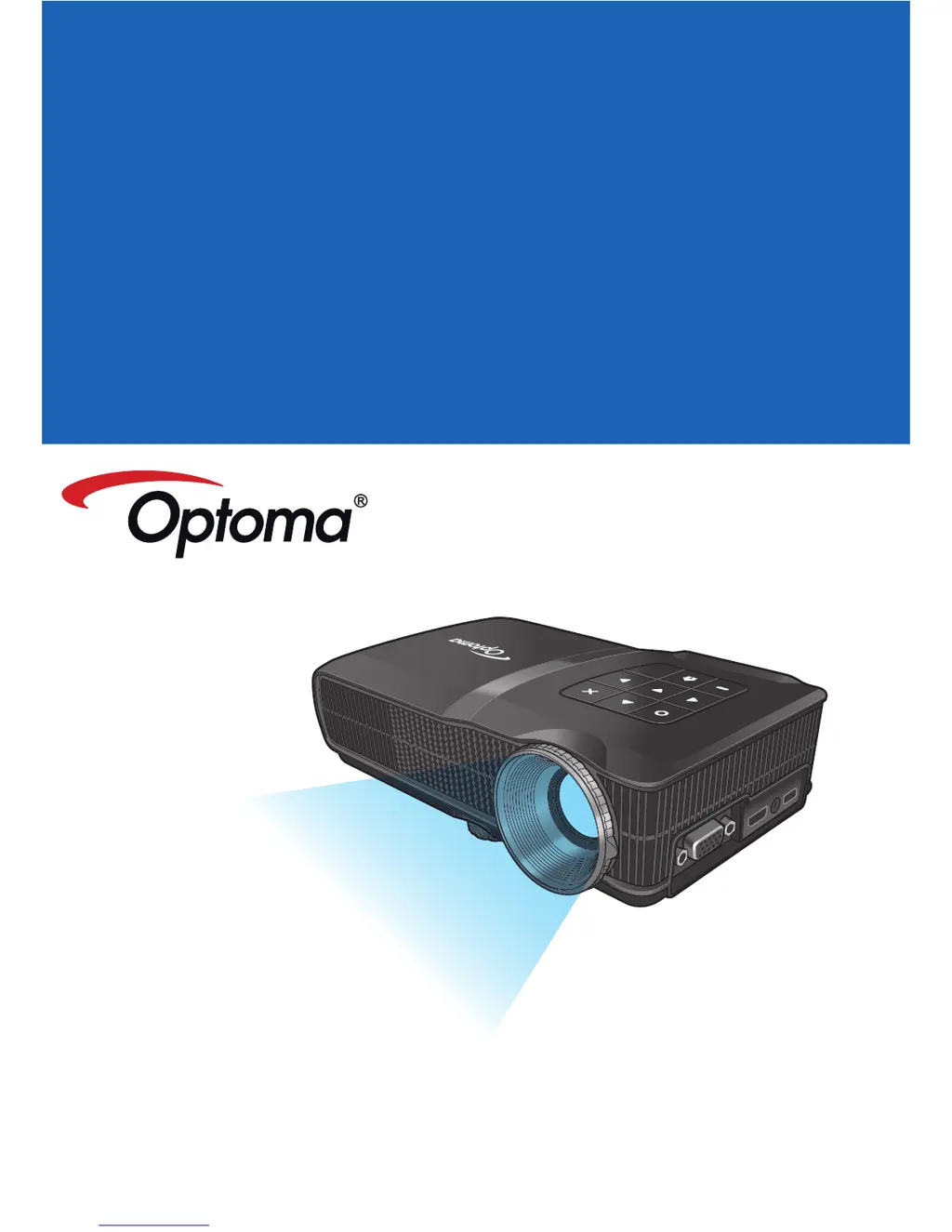
Optoma TL30W - User Manual

Optoma TL30W
28 pages
Print Icon
To Next Page IconTo Next Page
Loading...
mini HDMI
micro USB
AV
in
Mo b i l e leD Pr o j e c t o r
Us e r s Ma n U a l

Other manuals for Optoma TL30W

Questions and Answers

  • J
    Jacqueline WoodsAug 11, 2025
    Why no image appears on screen Optoma TL30W?
    • C
      campbellrobertAug 11, 2025
      If no image appears on the screen when using your Optoma Projector, first, ensure the power cord is correctly and securely connected. Next, check that the pins of the connectors are not crooked or broken. Finally, make sure the projector is switched on.
  • J
    Jasmine WilliamsAug 19, 2025
    How to fix out of focus image Optoma TL30W?
    • R
      Rebecca MckeeSep 12, 2025
      If the image from your Optoma Projector is out of focus, try adjusting the Focus Dial. Also, ensure that the projection screen is positioned between 21.62 and 228.96 inches (0.5 to 5.8 meters) from the projector.
  • D
    Deborah PerezAug 27, 2025
    How to fix reversed image on Optoma Projector?
    • M
      Michelle SmithAug 27, 2025
      If the image from your Optoma Projector is reversed, access the On-Screen Display (OSD) and navigate to “Setup --> Display --> Projection”. From there, you can set the correct projection direction.
  • D
    Dawn SerranoSep 2, 2025
    What to do if image is too small on Optoma Projector?
    • M
      Matthew PaulSep 2, 2025
      If the image from your Optoma Projector is either too small or too large, simply move the projector closer to or further from the screen until you achieve the desired size.

Optoma TL30W Specifications

General IconGeneral
BrandOptoma
ModelTL30W
CategoryProjector
LanguageEnglish

Related product manuals