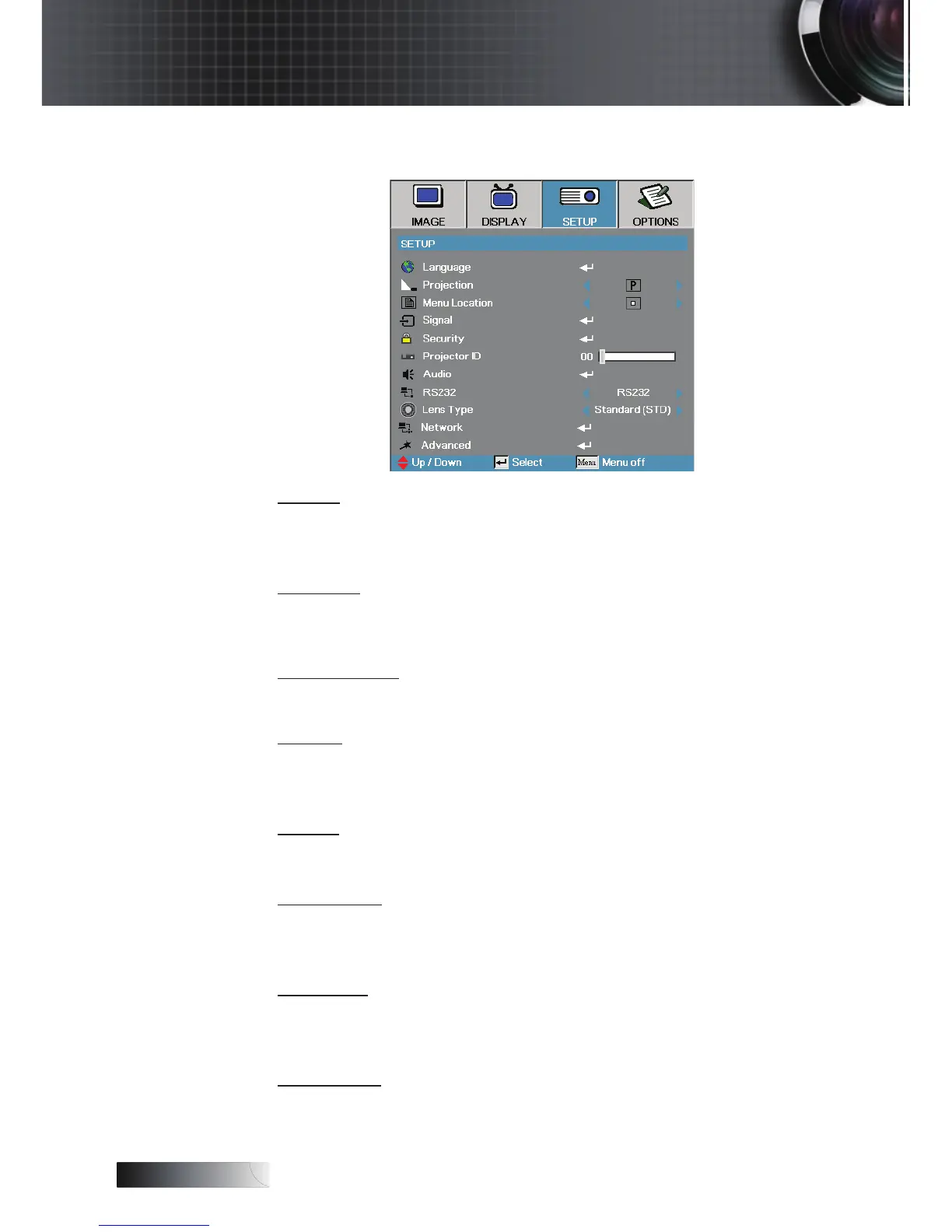
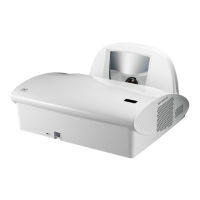
Setup
Signal
Enter the Signal menu. Set projector signal properties.
See page 42 for more information.
Security
Enter the Security menu. Access the projector’s security features.
See page 43 for more information.
Projector ID
Select a two digit projector ID from 0 through 99.
Audio
Enter the Audio menu. Set audio level properties. See page 46 for more
information.
RS232
Allows RS232 control of an individual projector.
Lens Type
Used to set the lens type that has been tted. This is to ensure
correct operation of the lens iris.
Network
Allows LAN via web browser (Internet Explore) to control of projector. See
pages 49 for more information.
Advanced
Enter the Advanced menu. Select the screen display during startup.
See page 47 for more information.
User Controls


 To Next Page