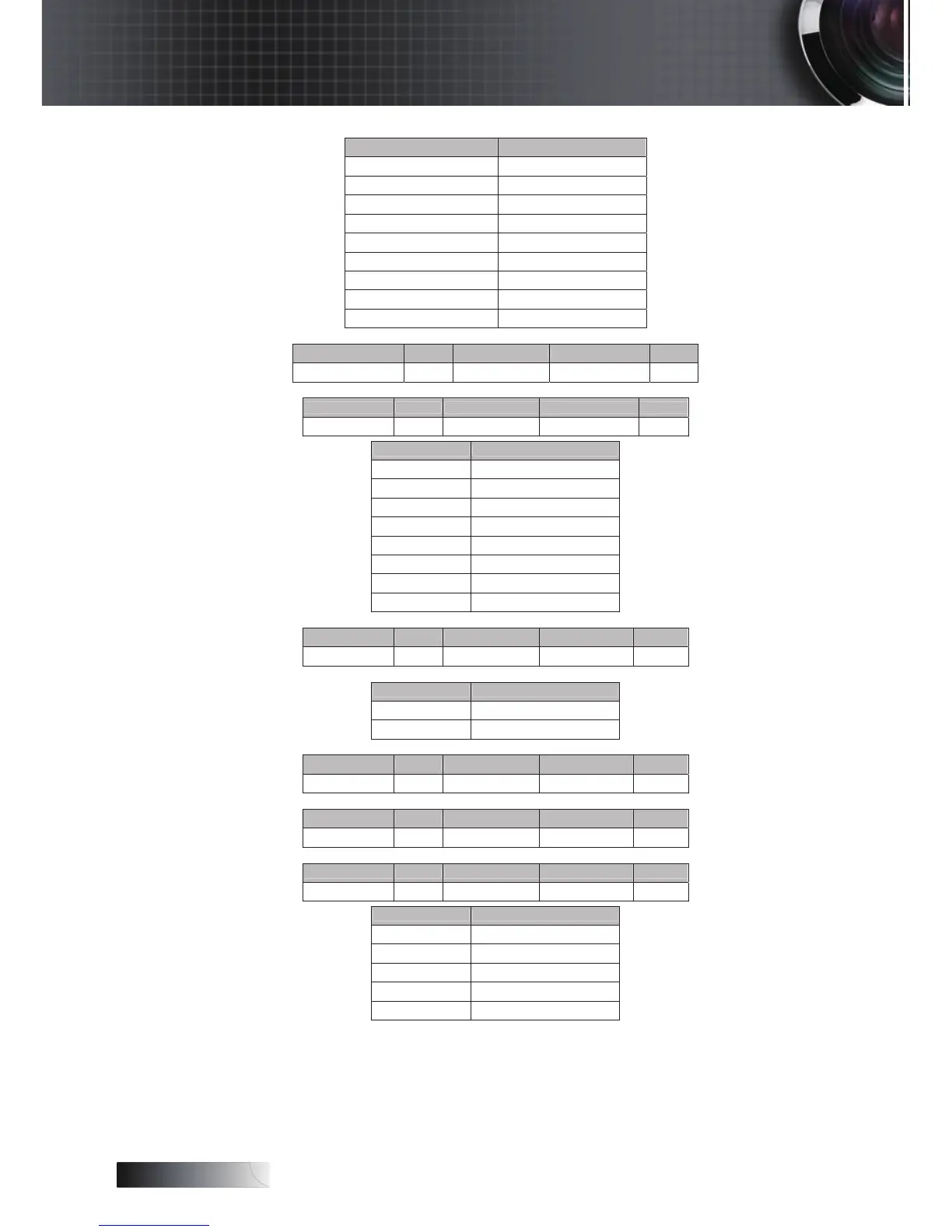
Status Code Definition
None c=0
HDMI c=1
DVI-D c=2
BNC c=3
VGA 1 c=4
VGA 2 c=5
Component RCA c=6
S-Video c=7
Video c=8
Software Version
Function ACCII Display Fail
Software Version n=1 ~XX122 n Okdddd F
Display Mode
Function ACCII Display Fail
Display Mode n=1 ~XX123 n Oka F
Status Code Definition
Presentation a=0
Bright a=1
Movie a=2
sRGB a=3
User 1 a=4
User 2 a=5
Classroom a=6
Blackboard a=7
Power State
Function ACCII Display Fail
Power State n=1 ~XX124 n Oka F
Note: The command ~XX124 n MUST work when projector is in standby mode
Status Code Definition
On a=1
Off a=0
Brightness
Function ACCII Display Fail
Brightness n=1 ~XX125 n Oka F
Contrast
Function ACCII Display Fail
Contrast n=1 ~XX126 n Oka F
Aspect Ratio
Function ACCII Display Fail
Aspect Ratio n=1 ~XX127 n Oka F
Status Code Definition
4:3 a=0
16:9 I a=1
16:9 II / 16:10 a=2
Native a=3
Auto a=4


 To Next Page