EasyManua.ls Logo

Optoma UHD35 - Page 44

Optoma UHD35
57 pages
Print Icon
To Next Page IconTo Next Page
To Previous Page IconTo Previous Page
Loading...
English
44
ADDITIONAL INFORMATION

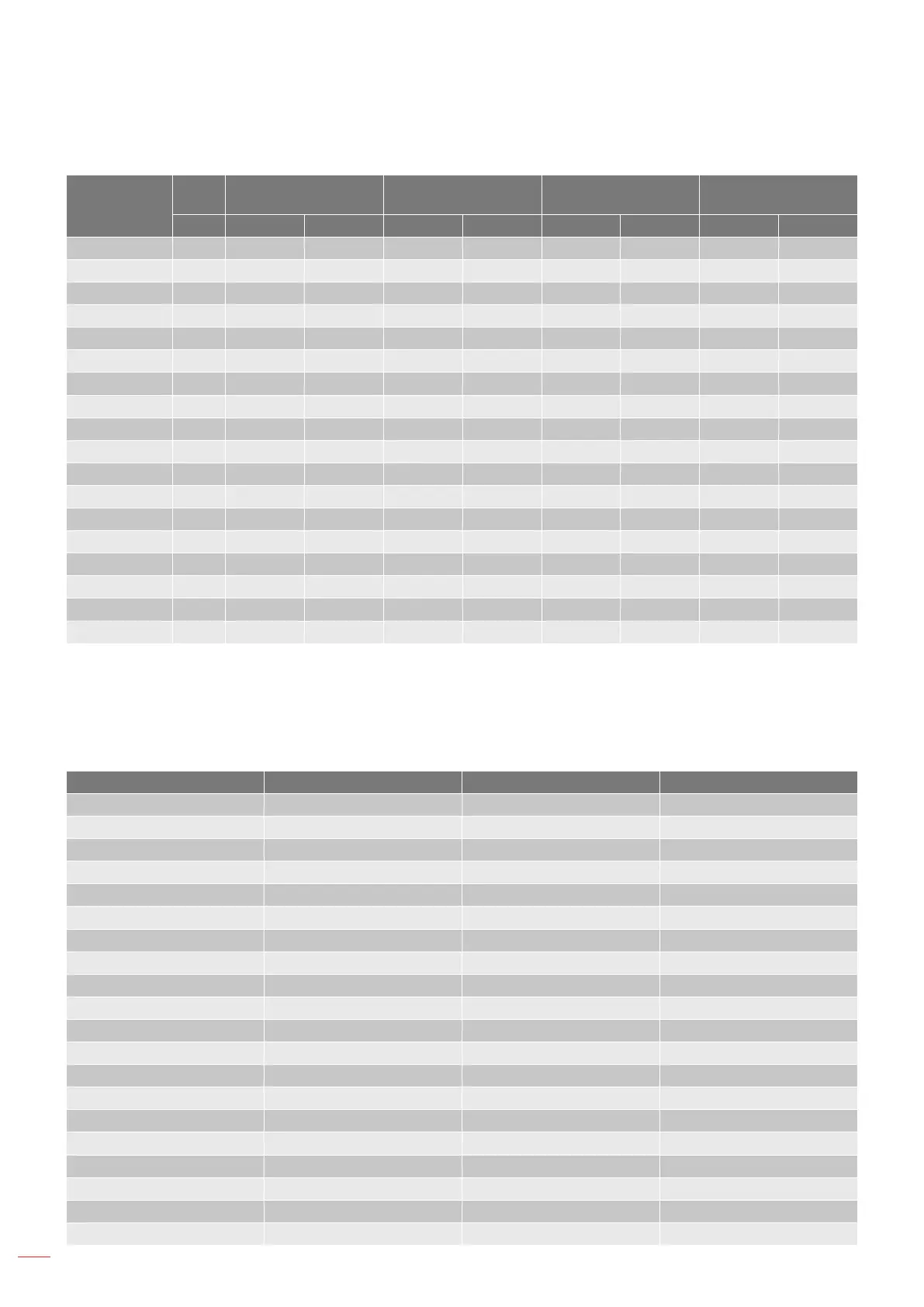
Resolution
Macbook
Compatibility
Macbook Pro (Intel)
Compatibility
Power Mac G5
Compatibility
Power Mac G4
Compatibility
Hz Digital Analog Digital Analog Digital Analog Digital Analog
    
  
  
   
  
  
  
  
  
    
    
      
    
    
     
    


   
 
Note:
“ means the resolution is supportred, “N/A” means the resolution is not supported.
(*1) 1920 x 1200 @ 60Hz only support RB (reduced blanking).
Input signal for HDMI
Signal Resolution Refresh Rate (Hz) Notes for Mac
   
   
   
   
   
   
   
   
   
   
   
   
   
   
   
   
   
WQHD   
   
   

Related product manuals