Setup Guide 11
Alexa Smart Home Skills
●
"Alexa, turn on living room"
●
"Alexa, turn off living room"
●
"Alexa, raise volume on living room"
●
"Alexa, change input to HDMI 2 on living room"
●
"Alexa, change input to HDMI 1 on living room"
●
"Alexa, change input to multimedia on "living room" (takes you to home screen).
●
"Alexa, change input to VGA on living room"
●
"Alexa, play on living room" (playback will begin with FIRST file on the USB disk/drive).
●
"Alexa, pause on living room"
●
"Alexa, stop on living room"
●
"Alexa, next on living room"
●
"Alexa, previous on living room"
●
"Alexa, fast forward on living room"
●
"Alexa, rewind on living room"
●
"Alexa, start over on living room" (playback current file from the beginning).
4K UHD/1080p USB Media Player commands
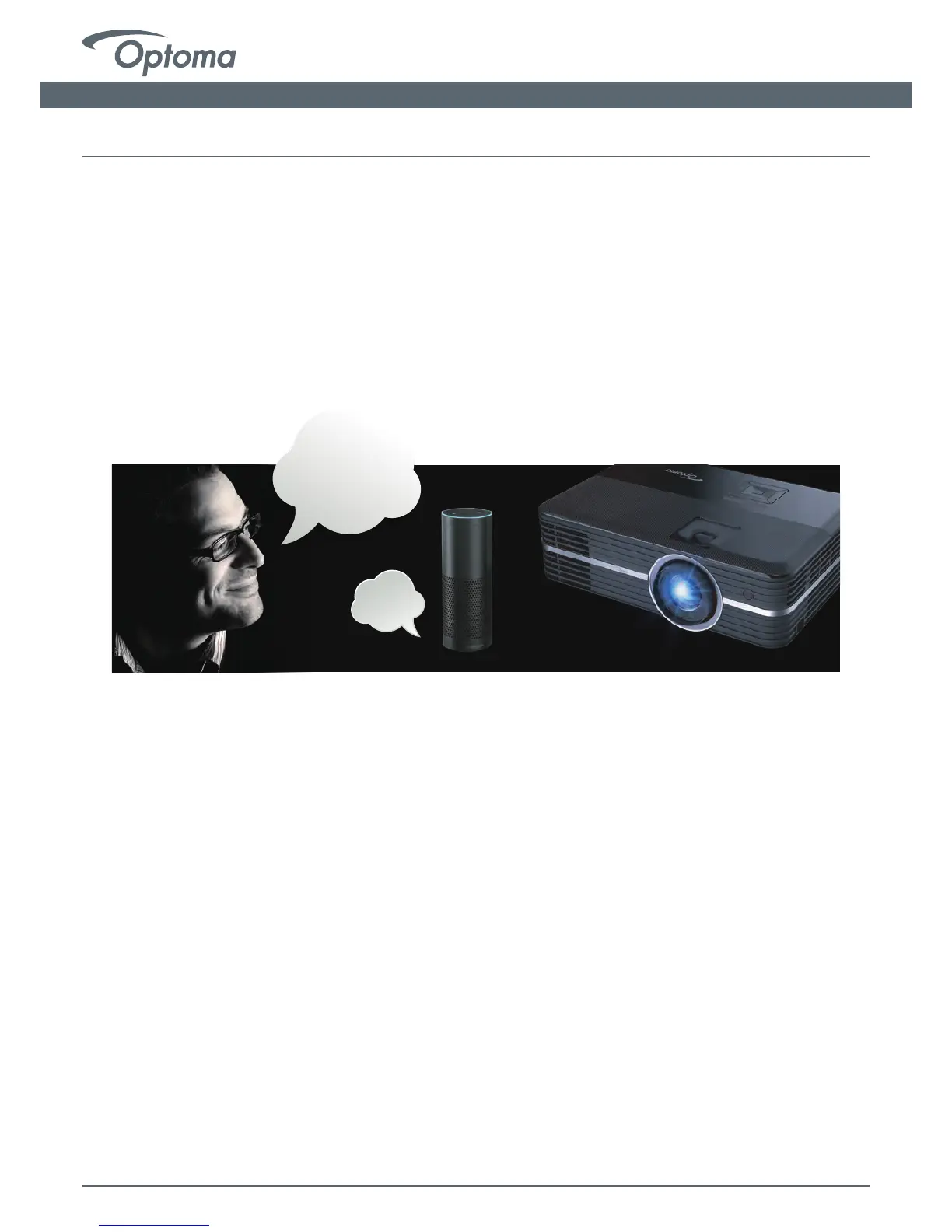
Alexa,
turn on
living room
OK
Alexa Setup Guide
*The "play" command is the only command that can be used from the Home Screen or while
using another input. Using the play command while using HDMI 2 (for example) will result in
a change of input - playback will begin.
**Next, Previous, FF, REW, Stop, Pause and Start Over commands can only be used during
playback of media content and or while the 4K UHD HDR Media Player is open.
●
"Alexa, lower volume on living room"
●
"Alexa, change volume to 8 on living room"
(volume range is 1-10)


 To Previous Page
 Loading...