27
In order to run hot water to your shower you must ensure the propane hose is properly connected to the yellow quick
connect in the rear shower storage.
1. Black Hose: Propane hose
2. Red hose: Hot water connect
3. Blue Hose: Water connect
4. Grey boxes: Under the
Eccotemp you will find 2
batteries
5. Power switch: Under the
Eccotemp in front of the
connections, there is an on/
off switch.
Connect the black propane hose
to the yellow quick connect as
shown.
Ensure the blue and red hoses
are connected to the Eccotemp
and running through to the water
pump.
SETTING UP YOUR SHOWER TENT
RUNNING HOT WATER TO YOUR SHOWER
components:
STEP 1
STEP 2
BUILT-IN SHOWER
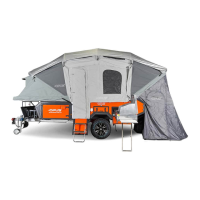
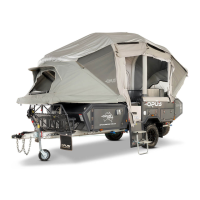
The OP2 comes with a built-in shower tent with a connecting hot water shower. Using the Eccotemp and Seago water
pump, the OP2 is able to pump both cold and hot water to the kitchen and shower. Following the below steps secure your
shower tent to the main tent.


 To Next Page