Orange Pi PC User Manual Shenzhen Xunlong Software CO., Limited
www.orangepi.org www.xunlong.tv
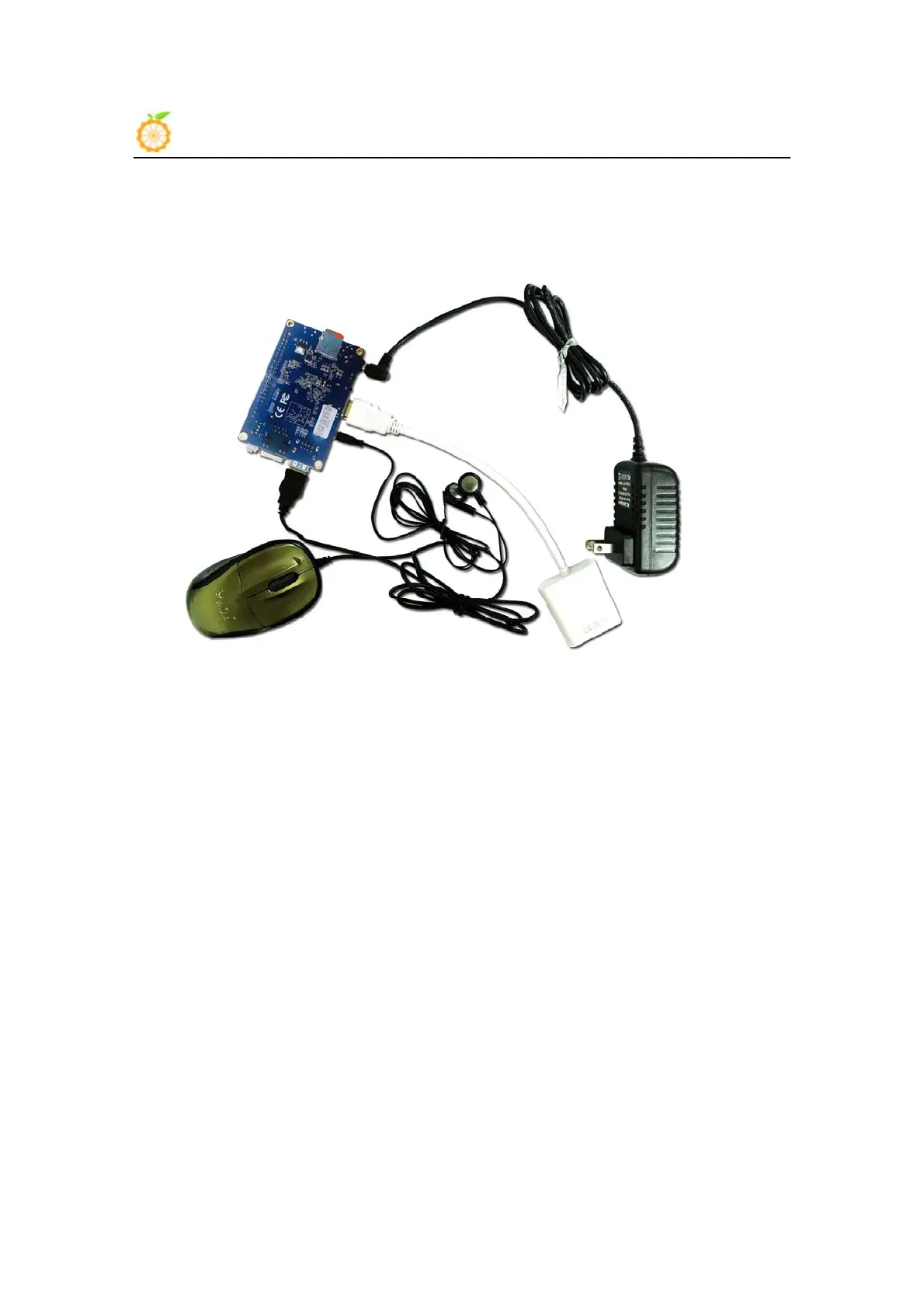
Hardware real objects picture-bottom view
1. Insert the TF card with written-image into the TF card slot on the left edge of
the board.
2. In the middle of lower edge of the board is the HDMI Type A (Full sized) port
which is used to your Orange Pi PC, HDMI TV or monitor.
If you don’t have a monitor with HDMI or DVI port, you can output audio and
video to stimulated TV or monitor with the help of Yellow AV port in the
middle of the upper part of the board and audio port on the right side of the
board
3. Plug the USB port of the keyboard and mouse into the USB port on the right
edge of the board.
4. Ethernet connector is in the middle of the three USB ports, you can link your
Orange Pi PC with cable network



 To Next Page