Orange Pi PC User Manual Shenzhen Xunlong Software CO., Limited
www.orangepi.org www.xunlong.tv
5.
On the right side of the Lower part of the board is the power input port, 5V 2A
min. power adapter is applicable. Please do not use low-powered GSM cellphone
charger, even though it is marked”5V 2A”.
Note : Micro USB OTG cannot be used as a power supply, which will freeze
the board. Only a DC power port can be used to supply power.
If everything in the above-mentioned steps goes very well, the Orange PC will
booted in a few minutes. The screen will display the OS GUI(Graphical User
Interface). The first boot of a new OS will take a long time. So be patient!
Subsequent boots will be much quicker.
Step 4
Turn off your Orange Pi PC
You can turn off your Orange Pi PC safely with the help of “OFF” button on the screen.
Also you can input command
sudo halt
or
sudo shutdown –h.
in the shell to turn off the system.
In this case, your Orange Pi PC will be turned off safely, I you just turn off the power
supply, it will damage the system of TF card. You’d better press the Power button for 5
seconds at least to cut off the power.
. If everything goes very well, you can use orange pi pc now.
GPIO specification
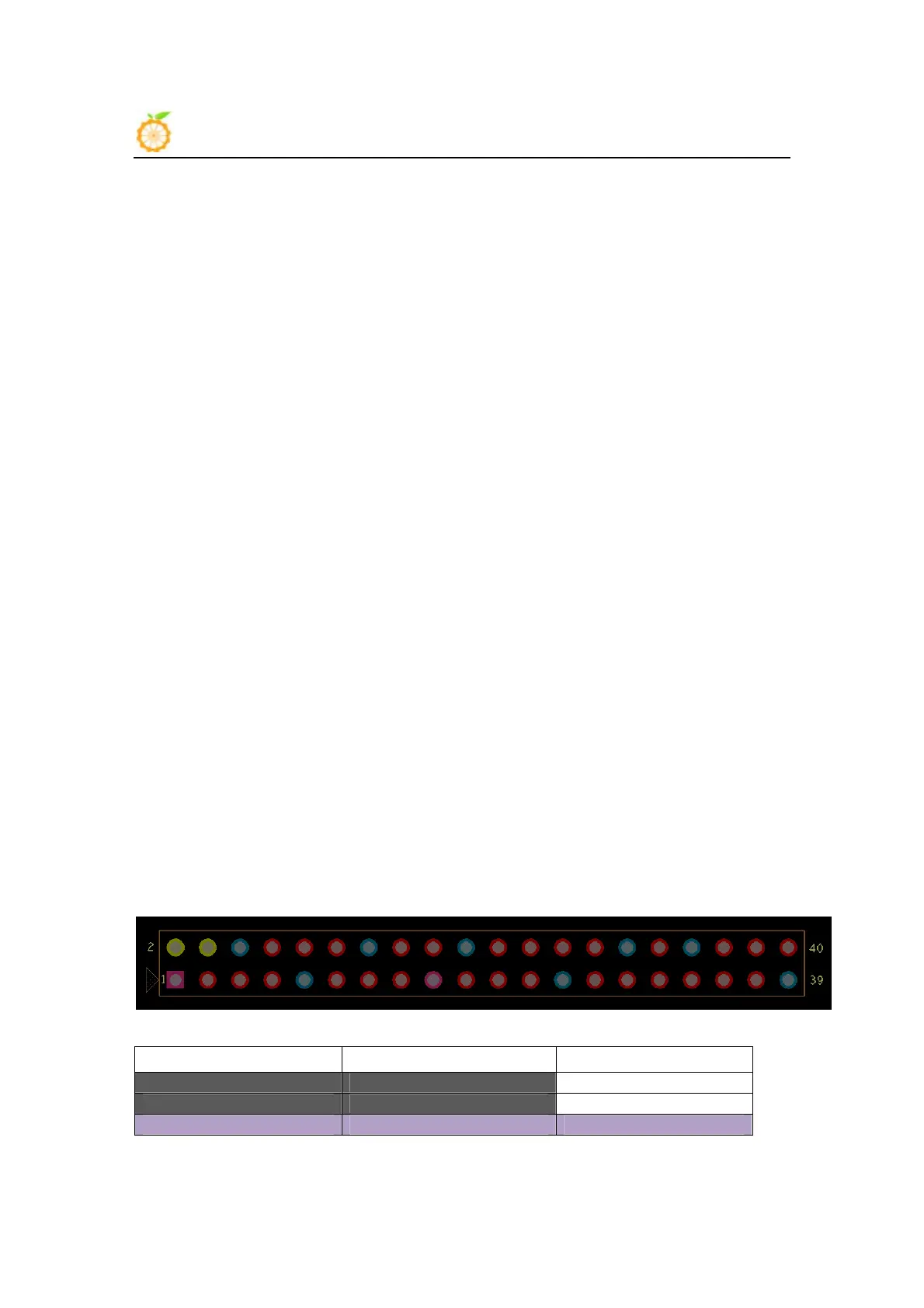
Orange Pi PC 40-pin GPIO
A 40-pin GPIO interface on the Orange Pi PC is the same as Model A and Model B of Raspberry Pi.
The picture below is GPIO pin define of Orange Pi PC.
Orange_Pi-PC(H3)
CON3-P01 VCC-3V3
CON3-P02 VCC-5V
CON3-P03 TWI0-SDA PA12



 To Next Page