Orange Pi PC User Manual Shenzhen Xunlong Software CO., Limited
www.orangepi.org www.xunlong.tv
iv. Make sure the inserted TF card codes are in accordance with the chosen codes.
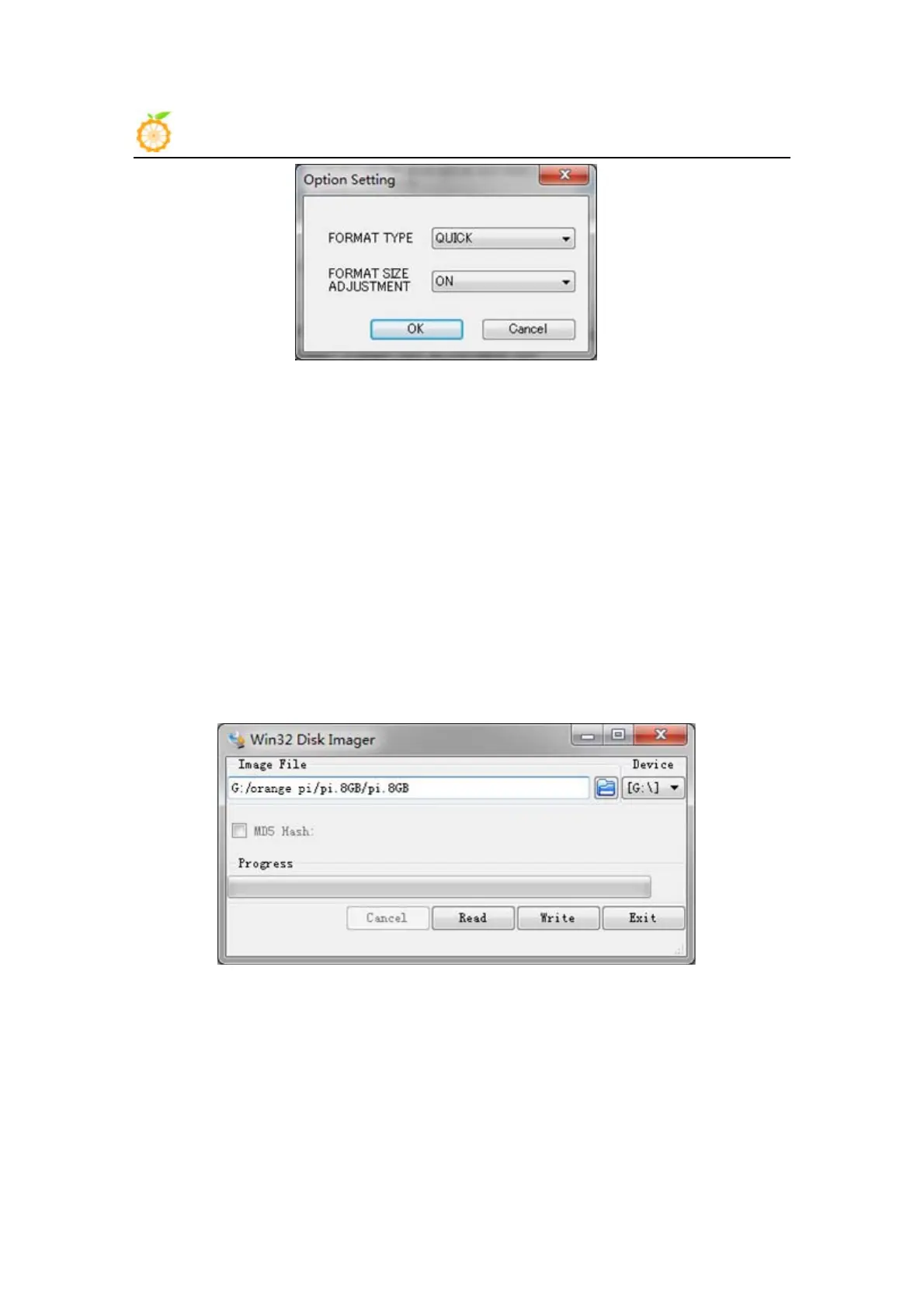
v. Click the “Format” button.
3. Download the OS image from the website, the Website is
http://www.orangepi.org/downloadresour the ces/
4. Unzip the downloaded file to get the OS image (except android os
image).
5. Program the image file into the TF card.
i. Download a tool,such as Win32 Diskimager, the website is
http://sourceforge.net/projects/win32diskimager/files/Archive/
ii. Open the unzipped image file.
iii. Click “Write” button. Please wait a moment until the image is written.
IV. Click “Exit” button after image is written.
Linux:
1. Insert your TF card into your computer. The capacity of TF should be
larger than the OS image, generally 4GB min..



 To Next Page