Multi-copter
20
6 CHANNEL TRANSMITTER
DIGITAL PROPORTIONAL RADIO
CONTROL SYSTEMPROGRAMABLE SYSTEM
Model setup
Swashplate mix
Adjust the motion range of these three functions to achieve the desired maneuverability. Refer to
your models manual to ensure best results.
This function is used to edit the pre-programmed mix control of the helicopter’s aileron, elevator
and pitch.
Use the wheel to change the aileron, elevator and pitch values.
Setup:
1. Use the wheel to change the aileron value, then press the wheel.
2. Use the wheel to change the elevator value, then press the wheel.
3. Use the wheel to change the pitch value.
4. Press and hold the wheel to save an exit, or press the cancel key to exit without saving.
Gyroscope
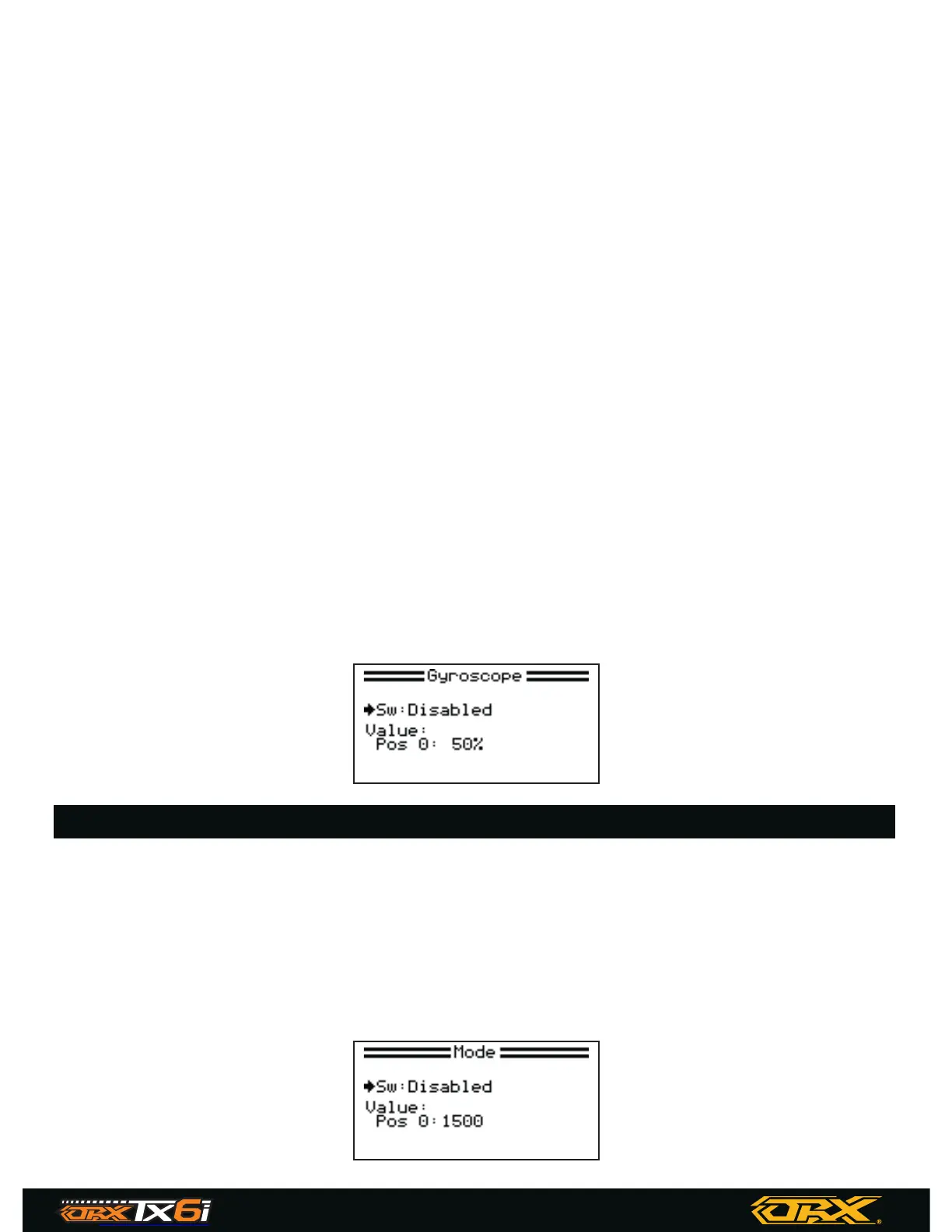
This function is used for adjusting the gyro sensitivity.
If the sensitivity is too high the helicopter will oscillate (Tail moving from side to side) and if the
sensitivity is too low the helicopter will be sluggish and unresponsive.
Setup:
1. Use the wheel to select a switch or on, then press the wheel.
2. Use the wheel to change the position value.
3. Press and hold the wheel to save an exit, or press the cancel key to exit without saving.
Mode
The function can store up to 3 different modes which can activated using a switch.
Setup:
1. Use the wheel to select a switch or on, then press and the wheel.
2. If needed use the wheel to change the position value.
3. Press and hold the wheel to save an exit, or press the cancel key to exit without saving.


 To Next Page