10
EN
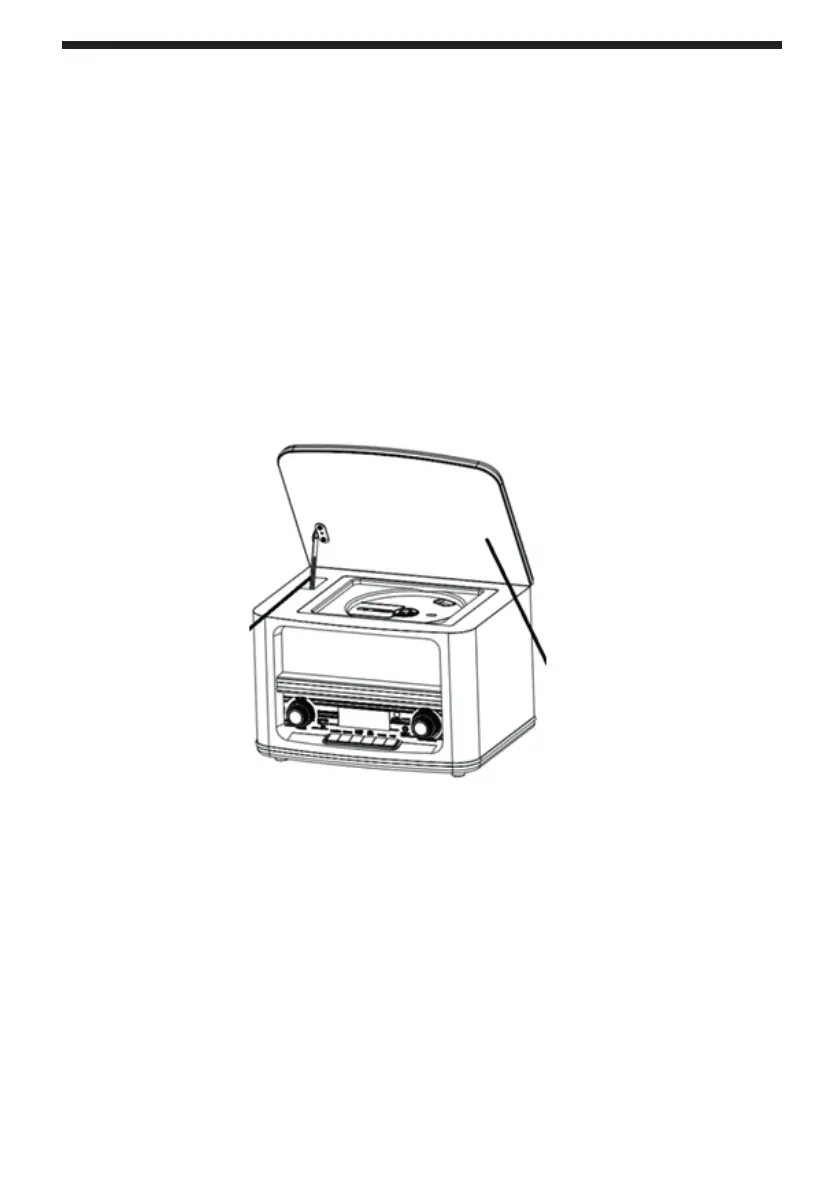
Opening and closing the disc cover
Opening
Open the cover by lifting it all the way up to secure the cover support.
Closing
To close the cover, fi rst gently lift it up and gently pull the cover support towards you with
your fi nger so that it comes loose. Only then slowly fold the cover down and close it.
Warning
Never forcibly close the cover by fl ipping it down immediately. If you do not release the
support fi rst by gently lifting the cover up and pulling it, both the support and the cover
may be damaged.
Cover support
Hold the cover at
this point when
lifting it



 To Next Page