17
ENGLISH
16
2. Push the “Manual Override” button – “Sensor Override” will illuminate
and “Active Sensor” LED will turn off.
3. To restore Rain/Freeze sensor function Push “Manual Override” again –
“Sensor Override” LED will no longer illuminate.
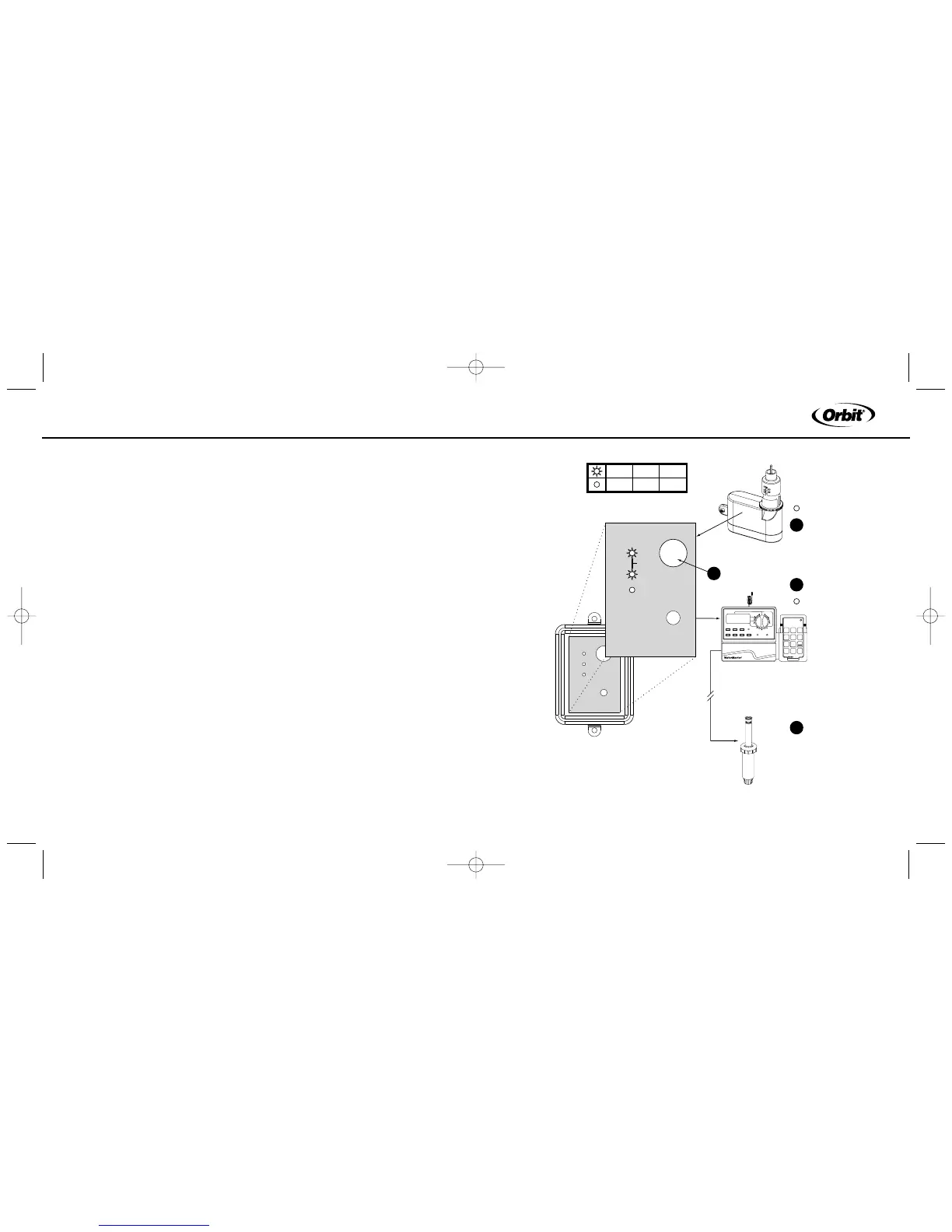
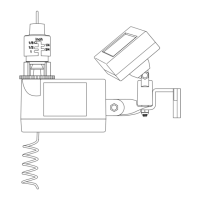
Stop Sprinkler Timer from Watering (see figure 11)
1. Make sure “Active Sensor” and/or “Sensor Override” is/are not illuminated
(on the Rain/Freeze receiver)
Important: If “Active Sensor” is illuminated, do not push “Manual
Override” (this will engage the function above). If you need to shut
your irrigation system down, turn your timer to the off position.
2. Push the “Manual Override” button - Both “Sensor Override and “Active
Sensor” will illuminate (on the Rain/Freeze receiver).
3. To restore sprinkler timer function, push “Manual Override” again. –
“Sensor Override” will no longer illuminate.
Figure 11: To stop timer from watering


 To Next Page