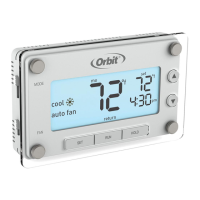
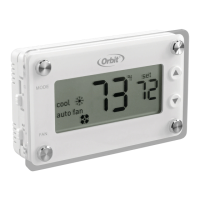
22 23
SETTIMEANDDAY
Set the time and day
1. With the thermostat in off mode, press SET.
2. Press p or q to adjust the time.
3. Press SET to accept the time and continue.
Note: Press and hold p or q to advance
the time faster.
4. Press p or q to select the day of the
week.
5. Press SET to accept the day of the
week and exit.
SELECTMODEANDFANSETTINGS
Slide the mode switch to whether you
want to heat or cool to achieve the set
temperature.
• heat—System will activate heating to reach the
set temperature.
• off—Systems are off.
• cool—System will activate cooling to reach the
set temperature.
Slide the fan switch to the appropriate
seing to operate fan.
• auto fan—Fan will run automatically when
heating or cooling is activated.
• fan on—Fan will run continuously.
Note: Auto fan is the most commonly used seing.
heat
off
cool
auto fan
fan on


 To Next Page