30 31
Press HOLD for five seconds until the
manual indicator “man.” appears on the
screen.
Your thermostat now functions as a non-
programmable device with no scheduled
program. SET, RUN, and HOLD will not work
while in this seing. If it is too hot or too
cold, you will have to manually change the
temperature. Press p or q to raise or lower
the temperature.
You can exit the manual seing at any time by
pressing RUN for five seconds, the system will
return to your previous programmed schedule.
TURNINGOFFSCHEDULES
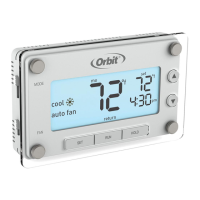
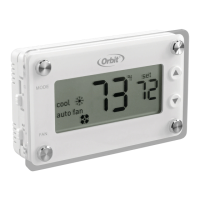
“Man.” will appear on the display.
BUILTINCOMPRESSORPROTECTION
This function helps protect against damage
to the compressor in your air conditioning
or heat pump system. The compressor is
forced to wait five minutes aer turning off
before it can turn on again. The appropriate
MODE indicator icon will flash on the display
whenever this feature is running.
/ flashes while minimum off time
is being enforced.


 To Next Page