Reviewing and Changing Your Program
The Orbit timer lets you easily review a complete watering schedule.
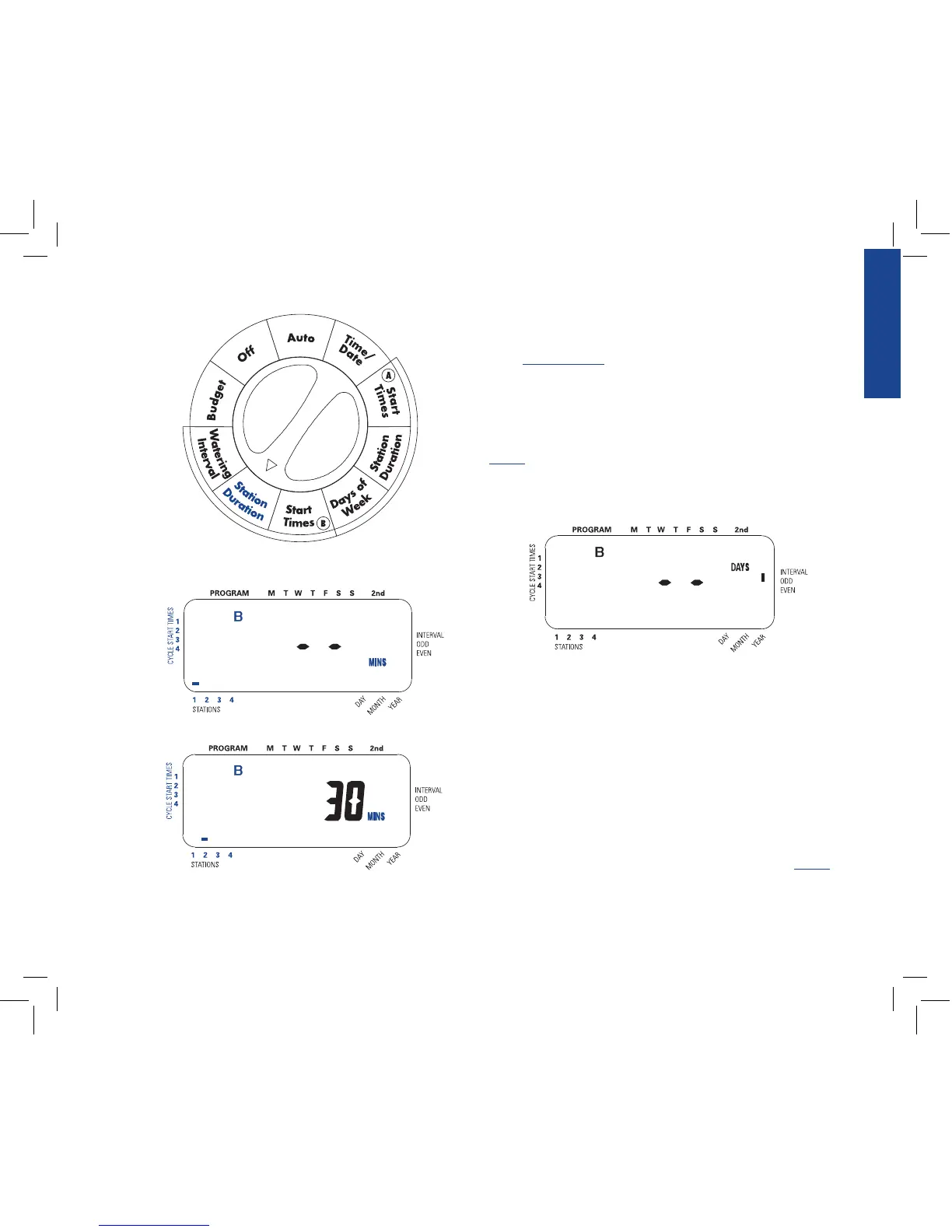
To review Program A watering start times, simply turn the rotary dial
to the START TIMES position in Program A and check the times
that have been entered. Using the NEXT key, you may advance
through the schedule without fear of disturbing any programming.
If you want to change the start times, watering days, or interval, sim-
ply follow the directions for that program. After reviewing or chang-
ing a watering schedule, remember to turn the rotary dial back to
AUTO if you want the timer to automatically follow the program.
Section 4: Automatic Operation and
Commonly Used Features
Caution: This appliance is not intended for use by young children or
infirm persons without supervision. Young children should be supervised to
ensure that they do not play with the appliance.
Ready for Automatic Operation
After programming is complete, turn the rotary selector to AUTO.
The sprinkler timer is now fully programmed and ready to use in
the automatic mode. In automatic mode, each station will operate
sequentially, starting with “Program A”.
ENGLISH
9



 To Next Page