4 5
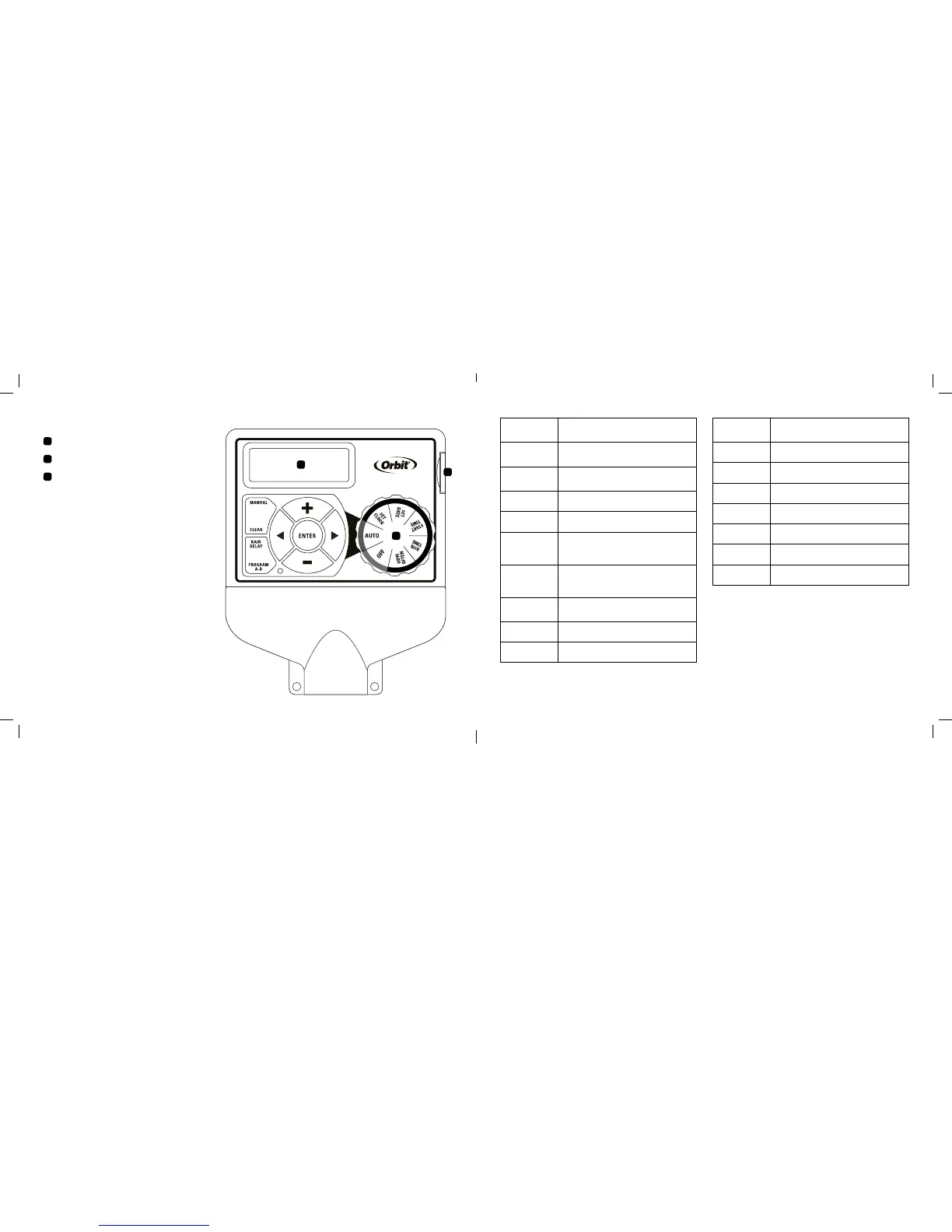
A
B
C
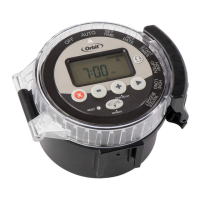
Dial
Digital Display
Battery Compartment
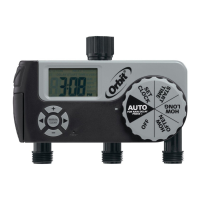
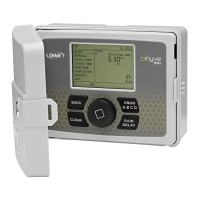
Section 1: Get to know your timer
Buttons Function
ENTER To confirm a new setting
MANUAL To water manually
CLEAR To clear a setting
PROGRAM To move between programs: A and B
ARROW [ ]
To advance to the next setting/watering
station or move to other programs/
settings
ARROW [ ]
To go back to the previous setting/
watering station or move to other
programs/settings
RAIN DELAY
To pause operation for 24-72 hours
due to rain or other factors
+
To increase a numeric setting
–
To decrease a numeric setting
Dial Position Function
AUTO Set program is running automatically
SET CLOCK Set clock time
SET DATE Year, Month, and Day
START TIME Set time to begin watering
RUN TIME Set watering duration for each station
HOW OFTEN Set frequency of watering days
OFF Turn all stations/functions off
A
B
C



 To Next Page