Page 11 / 16
Aux 2: Passenger side sliding door (if installed).
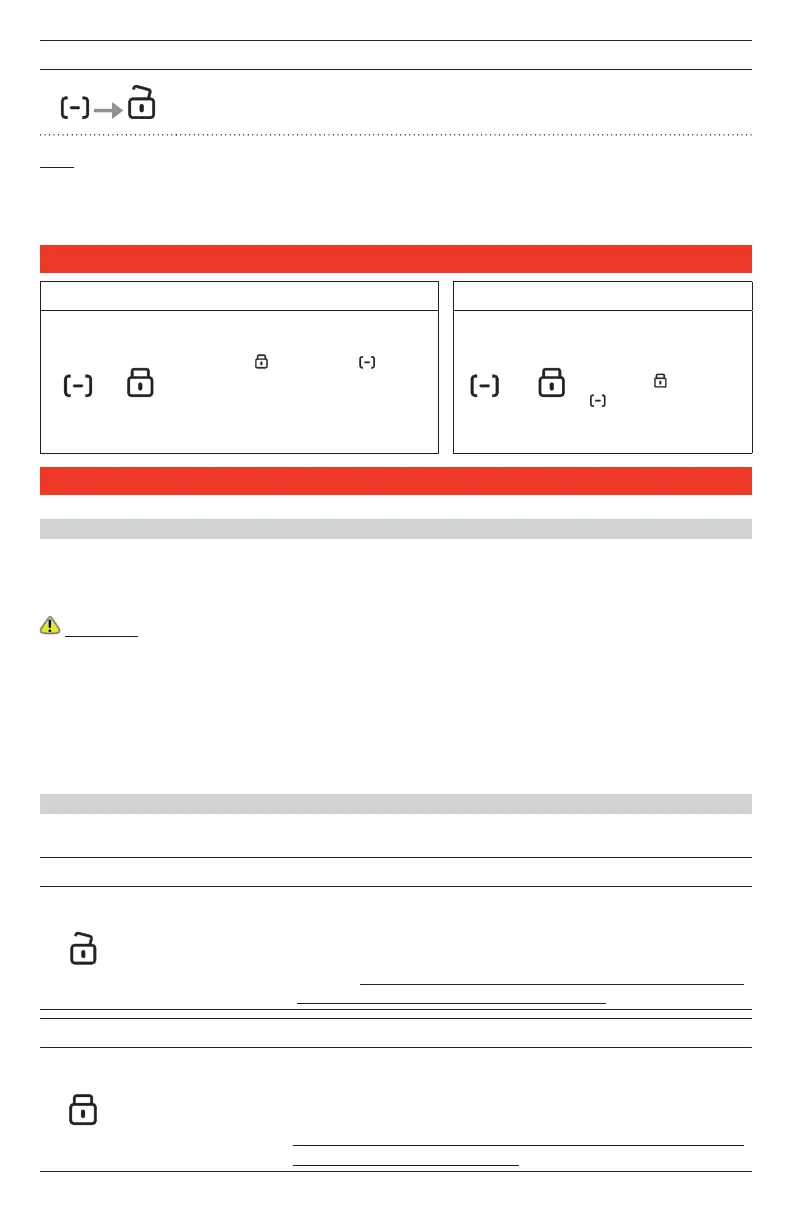
Press and relase the FUNCTION button (the remote LED ashes slowly white)
within 12 seconds press the UNLOCK button.The remote’s Green Led ash and
beep once to con rm.
Note: The function of the auxiliary outputs may vary depending on the vehicle and the installation. In
most cases these outputs are not used, and in some cases they may be used to control other features
such as the power windows, sunroof, or heated seats. Check with the installer to nd out what AUX
outputs have been installed, and what they control.
REMOTE LOCKING AND UNLOCKING
LOCK THE REMOTE UNLOCK THE REMOTE
+
To disable all the buttons on the
remote: simultaneously press and
hold the LOCK and FUNC-
TION buttons until the RED LED
comes on. The RED LED will come
on Whenever a button is pressed
when the remote is LOCKED.
+
To enable the buttons
on the remote: simul-
taneously press and
hold the LOCK and
FUNCTION but-
tons until the GREEN
LED comes on
REMOTE STARTING OPTIONS
CONFIGURABLE FONCTIONALITY DURING INSTALLATION
This Remote-Starter is designed to be highly exible when integrating into original equipment (OEM).
With the following programmable options the Remote-Starter/Alarm can control most electronic sys-
tems within the vehicle.
WARNING: This Remote-Starter must be installed by a trained professional. Improper modi cations
to any of the following settings could adversely affect the reliability of the Remote-Starter and/or the
vehicle’s operation.
Con gurable Options:
- Remote Door Locks - Active or Passive Arming - Ignition Door Locks
- Security Lock - Trunk/Hatch Release - Runtime
- Runtime Reset - Secure Transmitter Mode
REMOTE DOOR LOCKS
If the Remote-Starter is installed with door locks, you will be able to lock and unlock the vehicle without
using the key or OEM key fob.
To UNLOCK the doors and DISARM the Alarm:
Press the UNLOCK
button for 0.5 sec-
ond. The remote
Green Led ash and
beep once to con-
rm.
The parking lights will ash twice and the LED will turn OFF to
con rm the signal. The Starter-Kill will also deactivate allowing
the vehicle to be started with the key. If UNLOCK is pressed
again (consecutively) the horn will honk twice (if installed) to
con rm. Note: The system can be con gured during installation so
the horn con rms UNLOCK on the rst attempt.
To LOCK the doors and ARM the Alarm:
Press the LOCK but-
ton for 0.5 second.
The remote Green
Led ash and beep
once to con rm.
The parking light will ash once and the LED will turn ON to
con rm the signal. The Starter-Kill will activate preventing the
vehicle from being started with the key. If LOCK is pressed again
(consecutively) the horn will honk once (if installed) to con rm.
Note: The system can be con gured during installation so the horn
con rms LOCK on the rst attempt.



 To Next Page