Increase Quality Through Interaction with the Field
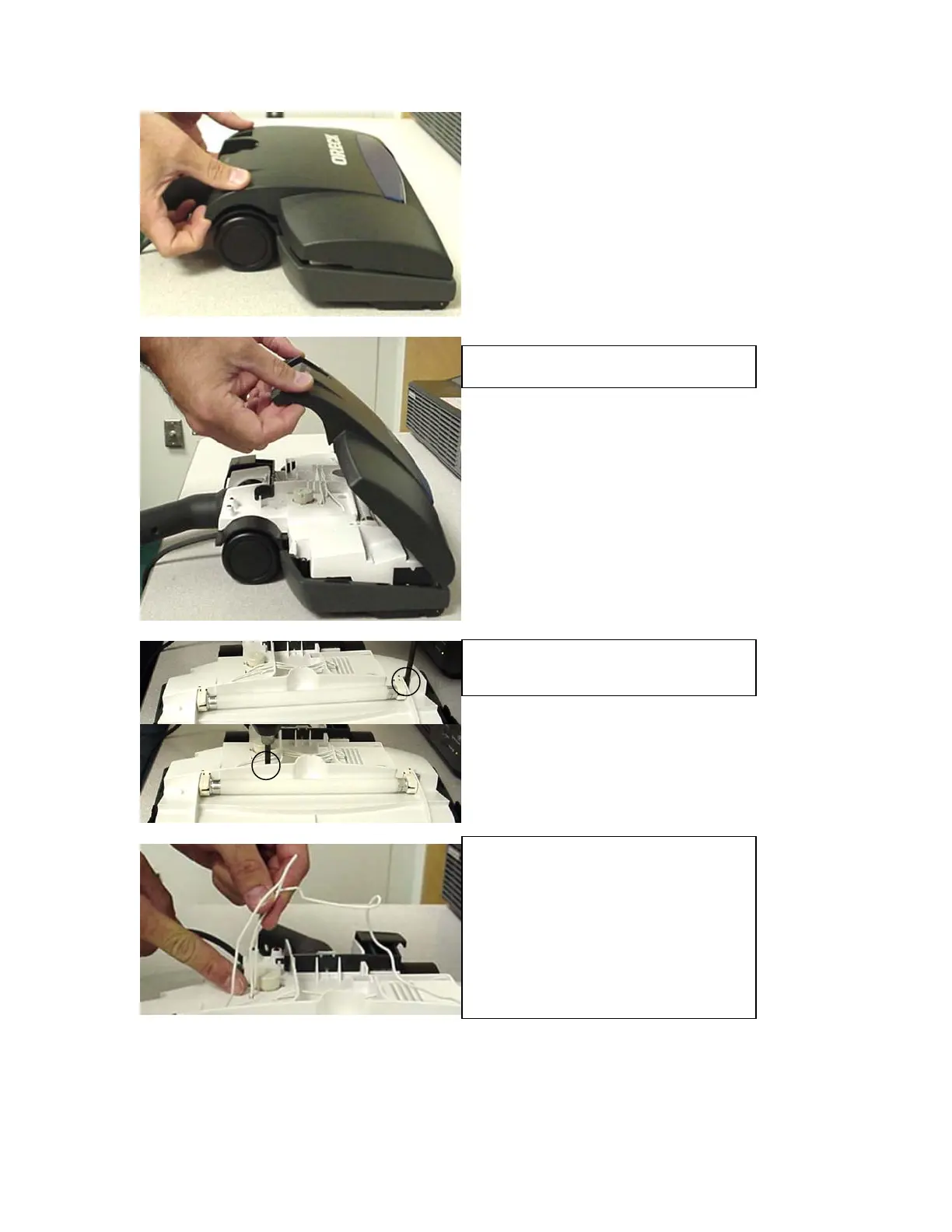
Remove the top cover.
Remove the 2 service cover screws.
Loosen the wire leads from their
resting slots. Straighten the wire
leads where they go through the
service cover, otherwise they may
break loose from the terminal
connections on the other side when
the service cover is removed.
Increase Quality Through Interaction with the Field
29




 To Next Page