Mathematics
In the following mathematics activities, your answer is submitted from the left
to the right (tens, ones). If you want to change the direction of entry, use the
or arrow keys.
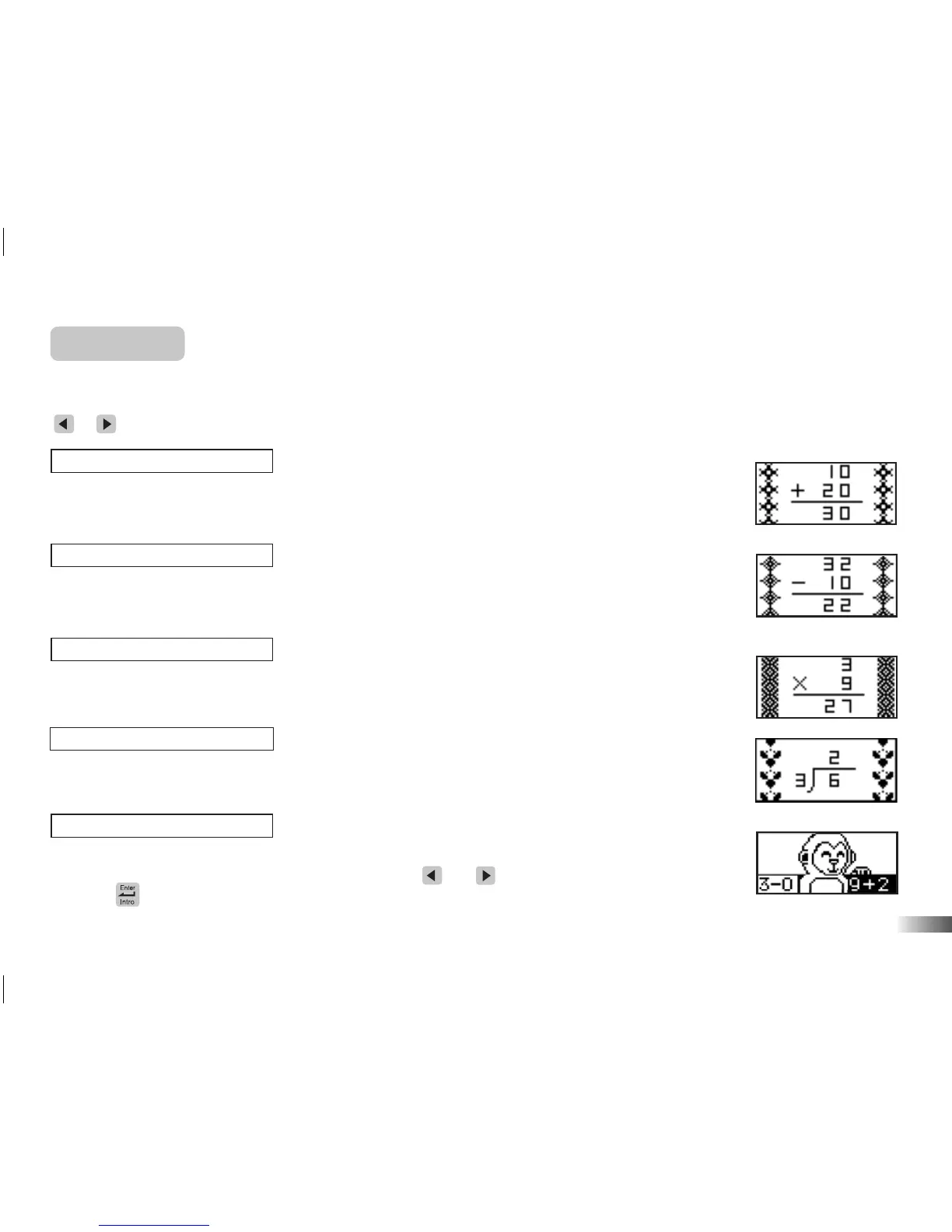
(16) Addition
Work out the answer to the addition equation. Type in the answer with the
number keys.
(17) Subtraction
Work out the answer to the subtraction equation. Type in the answer with the
number keys.
(18) Multiplication
Work out the answer to the multiplication equation. Type in the answer with the
number keys.
(19) Division
Work out the answer to the division equation. Type in the answer with the
number keys.
(20) Power Balance
Listen to the instruction prompt and find the equation with either the larger
or the smaller value. Select the equation with the and arrow keys and select it
with the button.
13
(20)
(19)
(18)
(17)
(16)


 To Next Page