3
EN
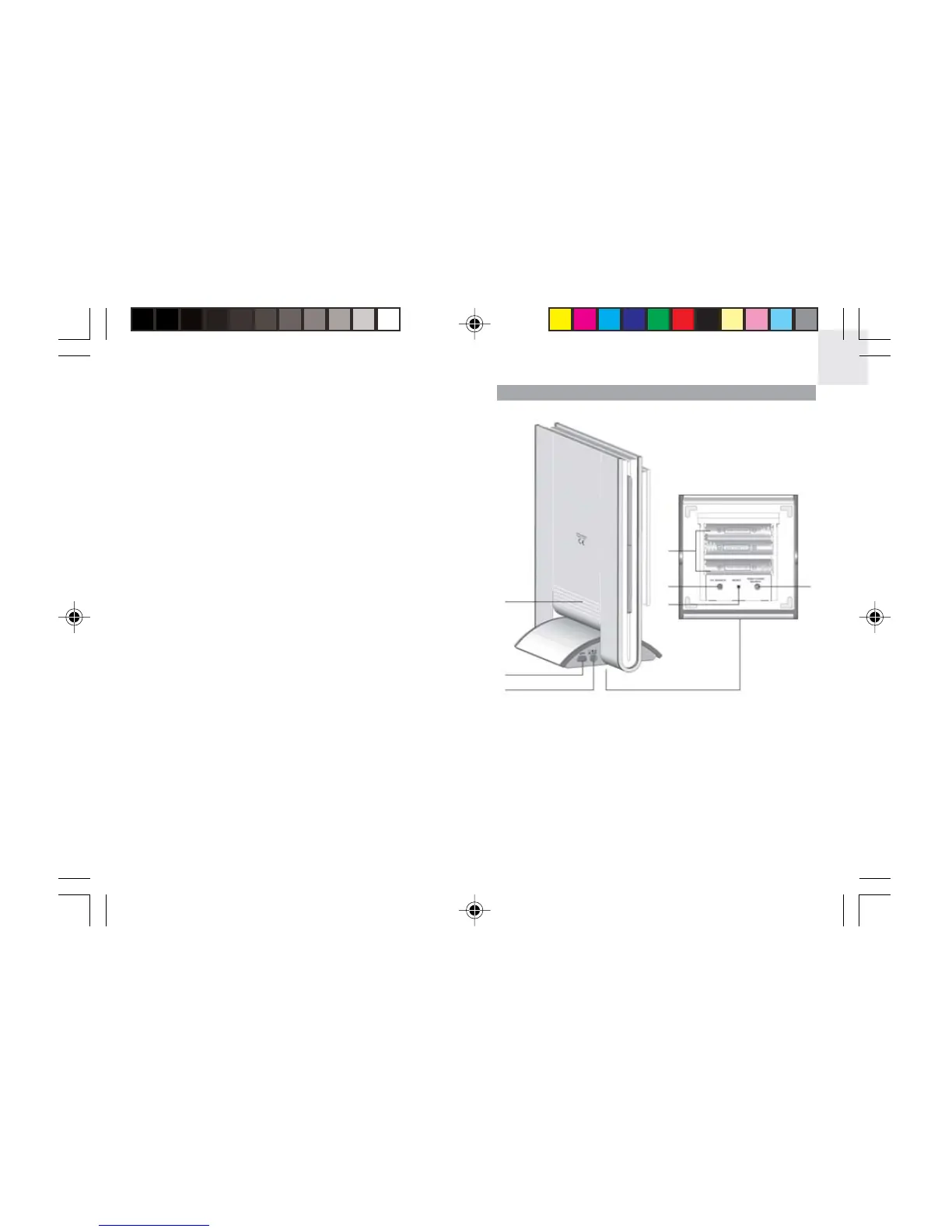
BACK VIEW
1. Speaker
2. USB cable socket
3. AC / DC 5V adaptor socket
4. Battery compartment (open)
5. UV SEARCH: Press and hold to search for UV
sensor
6. RESET hole
7. TEMP / HYGRO SEARCH: Press and hold to search
for thermo / hygro sensor
1. UP / DOWN: Press to disable alarm sound; press to
scroll through menu options
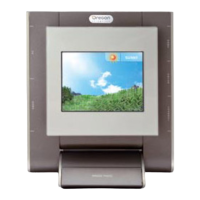
2. LCD display
3. SNOOZE / PHOTO: Press to stop the daily alarm
and activate the 8-minute snooze function when the
alarm goes off; press to enter MY PHOTO Display
immediately
4. HOME: Press to return to Main Menu; press again
to exit and go back to the previous display mode
5. ENTER: Press to select an option / disable alarm
sound
6. CHANNEL: In the TEMP & HUMIDITY Display -
press to toggle among channels; press and hold to
activate channel auto-scan. In PRESSURE & UV
INDEX Display - press to toggle between the UV
and barometric pressure display
7
4
5
6
1
2
3
AWS899_EN_R13 3/7/05, 5:36 PM3




 To Next Page